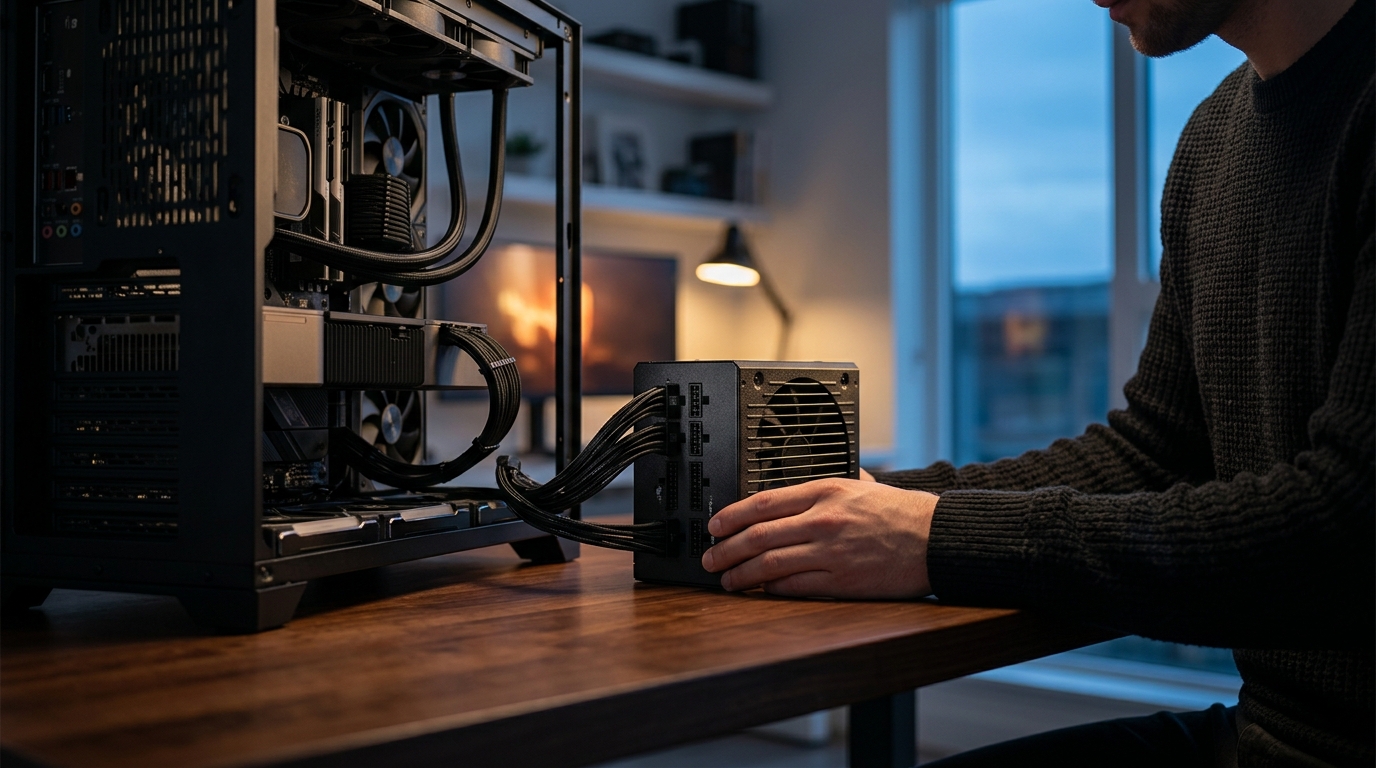
Your graphics card gets the glory and your CPU gets the benchmarks, but the power supply unit (PSU) is the component that keeps everything alive. A poorly chosen PSU doesn't just underperform—it can crash your system during a competitive match, shorten the lifespan of a $2,000 GPU, or in worst-case scenarios cause irreversible hardware damage. This guide walks you through every factor that matters when selecting a PSU for a high-end gaming build in 2026, from wattage math to connector standards to the brands that consistently deliver.
Why the PSU Is the Most Underrated Component in Your Build
Most builders obsess over clock speeds and frame rates but treat power supply selection as an afterthought. That's a costly mistake. A quality PSU converts volatile high-voltage AC from your wall outlet into the stable DC your components need. When it does that job well, you get consistent performance, low noise, and hardware that lasts. When it doesn't, you get coil whine, random reboots, and potentially fried motherboards.
Modern GPUs don't draw power in a smooth, predictable way. They experience transient spikes—micro-bursts of energy demand that can briefly exceed their rated TDP by a significant margin. An older or low-quality PSU that can't absorb those spikes will trigger shutdowns or, worse, damage the GPU connector itself. This is exactly why modern PSU standards exist.
Step 1: Calculate Your Actual Wattage Needs
The single biggest mistake builders make is guessing at wattage. Here's a practical method:
- Add your CPU and GPU TDP. For example, an Intel Core Ultra 9 285K draws up to 250W, and an NVIDIA RTX 5090 has a 575W TDP. That's 825W combined.
- Add 150–200W for motherboard, RAM, storage, fans, and peripherals.
- Apply a 20–25% headroom buffer. You never want your PSU running at 100% sustained load. Keeping utilization around 60–80% maximizes efficiency and extends the unit's lifespan.
For most high-end single-GPU builds in 2026, 850W is the practical minimum, and 1000W provides comfortable headroom for overclocking and future GPU upgrades. If you're running a flagship GPU paired with a power-hungry CPU and pushing both hard simultaneously, 850W starts cutting it close on spikes—1000W or 1200W is the safer choice.
Quick Wattage Reference Table
| Build Tier | Typical Load | Recommended PSU |
|---|---|---|
| Mid-range (RTX 4070 class) | 400–550W | 750W |
| High-end (RTX 4080/5080 class) | 550–700W | 850W |
| Flagship (RTX 4090/5090 class) | 700–900W | 1000–1200W |
| Extreme (overclocked + multi-drive) | 900W+ | 1200–1600W |
Step 2: Understand 80 Plus Efficiency Ratings
The 80 Plus certification system, launched in 2004, rates how efficiently a PSU converts AC wall power to DC. Higher ratings mean less energy wasted as heat, quieter operation, and typically better internal components.
- 80 Plus Bronze: ~82–85% efficiency. Acceptable for budget builds only.
- 80 Plus Gold: ~87–90% efficiency. The consensus sweet spot for gaming PCs in 2026. It reduces heat output, minimizes energy loss during extended sessions, and keeps fan noise manageable.
- 80 Plus Platinum: ~90–92% efficiency. About 2–4% better than Gold—worth it for high-end builds that see heavy daily use.
- 80 Plus Titanium: ~92–96% efficiency at 50% load. The premium tier, ideal for extreme builds and workstations where the energy savings can offset the higher upfront cost within 18–24 months.
For most gamers, 80 Plus Gold remains the most cost-effective choice. The improved efficiency translates directly to less heat generation, which means quieter fans and potentially longer component lifespans. If budget allows and your rig will see heavy daily use, stepping up to Platinum is one of the best value upgrades you can make.
Step 3: Demand ATX 3.1 and the 12V-2x6 Connector
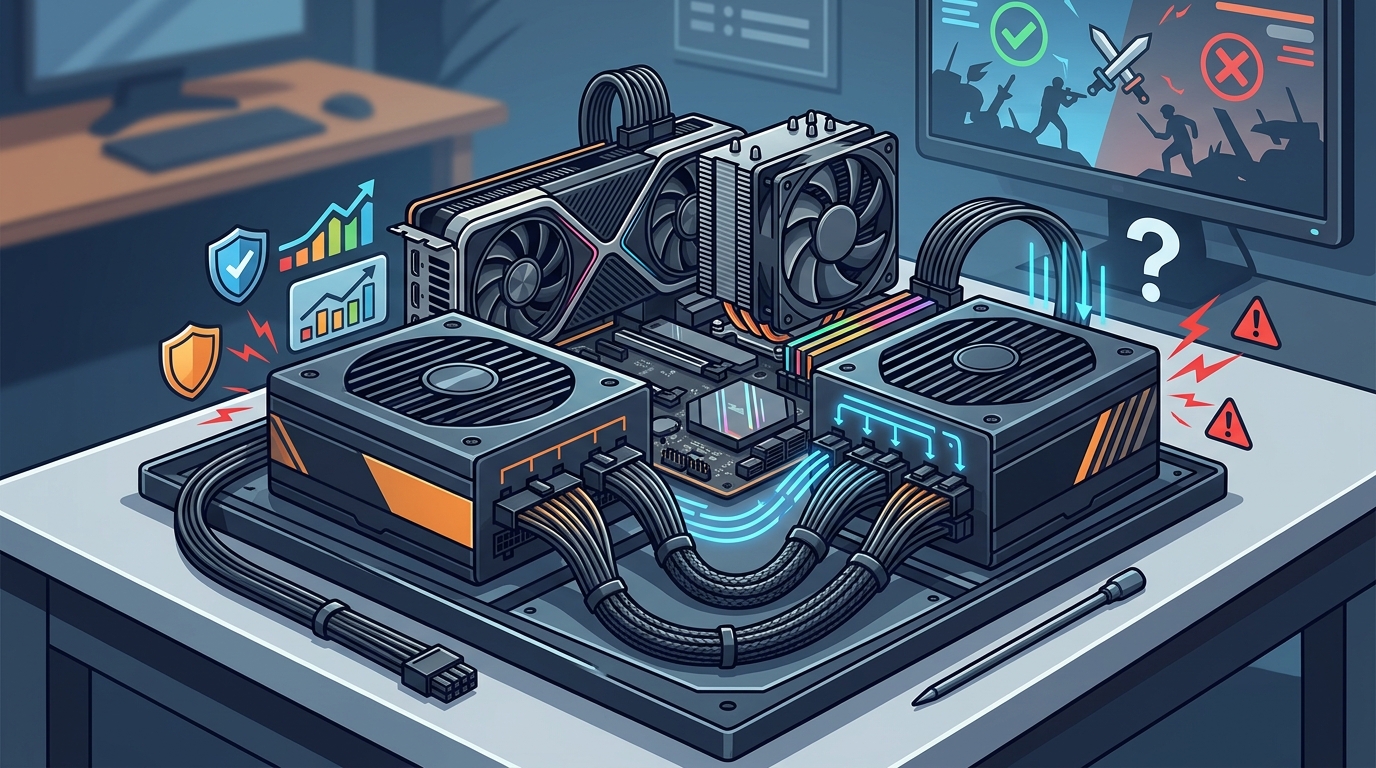
PSU standards have evolved significantly. ATX 3.0, introduced in February 2022, added support for PCIe 5.0 graphics cards and the ability to handle power excursions up to three times the PSU's rated power for brief microsecond bursts. ATX 3.1, released in September 2023, refined those specs and—critically—replaced the problematic 12VHPWR connector with the improved 12V-2x6 design.
Why does this matter? The original 12VHPWR connector was linked to melted connectors and safety incidents. The 12V-2x6 version increases safety by reducing overheating risk and providing more reliable contact. If your GPU uses a 12VHPWR or 12V-2x6 connector, your PSU should ship with that cable natively from the factory. Adapters have caused enough melted connectors that no responsible builder should recommend them.
Bottom line: For any new high-end build in 2026, look for ATX 3.0 minimum, ATX 3.1 preferred. A native 12V-2x6 connector is non-negotiable for current-gen and next-gen GPUs.
Step 4: Choose Fully Modular for High-End Builds
Cable modularity directly affects build quality, airflow, and maintenance:
- Non-modular: All cables are permanently attached. Cheapest option but creates cable clutter and restricts airflow.
- Semi-modular: Essential cables (24-pin ATX, CPU power) are fixed; peripheral cables are removable. A solid mid-range choice.
- Fully modular: Every cable detaches. Gives you the cleanest build, best airflow, and easiest maintenance. Strongly recommended for any high-end gaming PC.
With fully modular PSUs, you connect only the cables your build actually needs. This reduces clutter, improves thermal performance inside the case, and makes future upgrades simpler. One critical warning: never mix modular cables between different PSU brands or even different models from the same brand. Pin configurations differ, and using the wrong cable can destroy components instantly.
Step 5: Verify Protection Features and Warranty Length
A quality gaming PSU should include comprehensive electrical protections:
- OVP (Over Voltage Protection)
- OCP (Over Current Protection)
- OPP (Over Power Protection)
- SCP (Short Circuit Protection)
- OTP (Over Temperature Protection)
- UVP (Under Voltage Protection)
Warranty length is a reliable proxy for manufacturer confidence. Premium units from established brands typically carry 7–12 year warranties. A PSU with only a 1–2 year warranty signals that the manufacturer has low expectations for the unit's longevity. For a high-end build where you're investing thousands of dollars in components, skimping on PSU warranty coverage is false economy.
Step 6: Factor in Noise and Cooling Design
PSU noise matters more than many builders realize, especially for streamers and gamers who use open microphones. Key features to look for:
- Zero RPM / semi-passive fan mode: The fan stays off entirely at low-to-medium loads, making the PSU completely silent during web browsing, light gaming, or idle. The fan only spins up under heavy load.
- Fluid Dynamic Bearing (FDB) fans: Quieter and longer-lasting than sleeve bearing alternatives.
- Large fan diameter (135mm–140mm): Moves more air at lower RPMs, reducing noise under load.
Many premium 1000W units can keep their fans off at up to 50% load, meaning your PSU produces zero noise during the vast majority of daily use—only spinning up during intensive gaming sessions.
Step 7: Stick with Proven Brands and Verified Reviews
The PSU market includes many units from lesser-known brands that look good on paper but lack independent testing verification. Before purchasing any unit, check for:
- Consistent independent reviews showing real electrical measurements (voltage regulation, ripple suppression, efficiency curves)
- Cybenetics certification in addition to 80 Plus—Cybenetics tests noise levels as well as efficiency
- Japanese capacitors rated at 105°C, which maintain roughly 92% of their rated capacity even after 1,000 hours of continuous high-temperature operation
Established manufacturers like Seasonic, Corsair, be quiet!, MSI, and Cooler Master have long track records of delivering reliable units backed by substantial warranties. If a brand doesn't have consistent third-party reviews showing real measurements, don't put it next to an expensive GPU regardless of what the box claims.
Recommended PSUs Available at AAAwave
AAAwave carries a curated selection of top-brand power supplies with 80 Plus Bronze, Gold, and Platinum certifications, all tested for safety, stability, and energy efficiency. Here are standout options for high-end gaming builds:
Corsair HX1000i — 1000W, 80 Plus Platinum
The Corsair HX1000i delivers 1000W of continuous power with 80 Plus Platinum efficiency (up to 92%), a 140mm Fluid Dynamic Bearing fan with Zero RPM mode, and full modularity. It supports ATX 3.x and PCIe 5.x standards and offers digital monitoring through Corsair iCUE software. This is an excellent choice for flagship GPU builds where efficiency and silence are top priorities.
MSI MAG-A1000L — 1000W, 80 Plus Gold, ATX 3.1
The MSI PCIe 5 Gaming Power Supply offers 1000W with ATX 3.1 and PCIe 5.1 readiness, full modular cabling, and comprehensive protections including over-voltage, over-current, and short-circuit protection. It's a strong option for builders who want future-proof connectivity without jumping to Platinum pricing.
be quiet! Dark Power Pro 13 — 1600W, 80 Plus Titanium
For extreme builds, the Dark Power Pro 13 provides 1600W with 80 Plus Titanium efficiency, digital full-bridge LLC technology, and native 12VHPWR connectors. It handles power excursions up to double its rated power, making it ready for anything current or next-gen hardware can throw at it.
Cooler Master MWE Gold 850 V2 — 850W, 80 Plus Gold
A dependable 850W option with full modularity, an HDB fan for quiet cooling, and two EPS connectors for broad motherboard compatibility. Ideal for high-end single-GPU builds that don't need 1000W+ headroom.
Browse the full selection of gaming power supplies at aaawave.com/power-supplies.
Pre-Installation Checklist
Before clicking the order button, run through these final checks:
- Case clearance: Some 1000W+ units are physically longer than standard. Measure your case's PSU bay before purchasing.
- Cable type: Confirm the PSU includes the correct native 12V-2x6 or 12VHPWR cable for your GPU. No adapters.
- No sharp bends: The GPU power cable should never be kinked at the plug. Give it space to make a gentle curve.
- Count connectors: Ensure enough PCIe power plugs for your GPU and any planned future upgrades.
- CPU power headers: Many high-end motherboards now require 8-pin + 4-pin or dual 8-pin CPU power. Make sure your PSU has sufficient EPS connectors.
Key Takeaways
- For high-end gaming PCs in 2026, 850W is the minimum; 1000W provides meaningful headroom for flagship GPUs and overclocking.
- 80 Plus Gold is the price-to-performance sweet spot. Platinum and Titanium are worthwhile upgrades for heavy users.
- ATX 3.1 compliance with a native 12V-2x6 connector is essential for safe, adapter-free GPU connections.
- Always choose a fully modular PSU for clean cable management and better airflow in high-end builds.
- Prioritize units with comprehensive protections (OVP, OCP, SCP, OTP) and warranties of 7 years or longer.
- Never mix modular cables between PSU models, and never use 12VHPWR adapters.
- Verify independent test results before trusting any PSU with expensive components.
Frequently Asked Questions
Is 850W enough for a high-end gaming PC in 2026?
For most single-GPU builds, yes. However, if you pair a high-TDP GPU like the RTX 5090 (575W) with a power-hungry CPU and both run at full load simultaneously, 850W starts cutting it close on transient spikes. Stepping up to 1000W gives you safer margins and room for future upgrades.
What 80 Plus rating should I choose for gaming?
80 Plus Gold is the recommended minimum for gaming PCs. It provides 87–90% efficiency, reducing heat and noise. Platinum offers a 2–4% efficiency improvement that benefits heavy daily users, while Titanium is ideal for extreme builds and workstations.
What is the 12V-2x6 connector and why does it matter?
The 12V-2x6 is the updated GPU power connector introduced with ATX 3.1, replacing the earlier 12VHPWR design. It improves safety by reducing overheating risk at the connector. If your GPU uses this connector, your PSU should include it natively—avoid adapters entirely.
Does a higher-wattage PSU waste more electricity?
No. A PSU only delivers what your components draw. A 1000W PSU powering a 500W system simply operates at 50% load, which is actually near peak efficiency for most 80 Plus rated units. Oversizing slightly is fine; undersizing causes real problems.
How long should a good gaming PSU last?
Premium PSUs with high-quality Japanese capacitors and solid warranty backing can easily last 7–10+ years, potentially outlasting two or three complete system upgrades. Warranty length is a strong indicator—units with 10-year warranties are built with that longevity in mind.
Where can I buy quality PSUs for gaming builds?
AAAwave offers a curated selection of brand-name power supplies including Corsair, MSI, be quiet!, and Cooler Master models, all brand new with manufacturer warranties and free US shipping on select items. Visit aaawave.com to browse available units.