
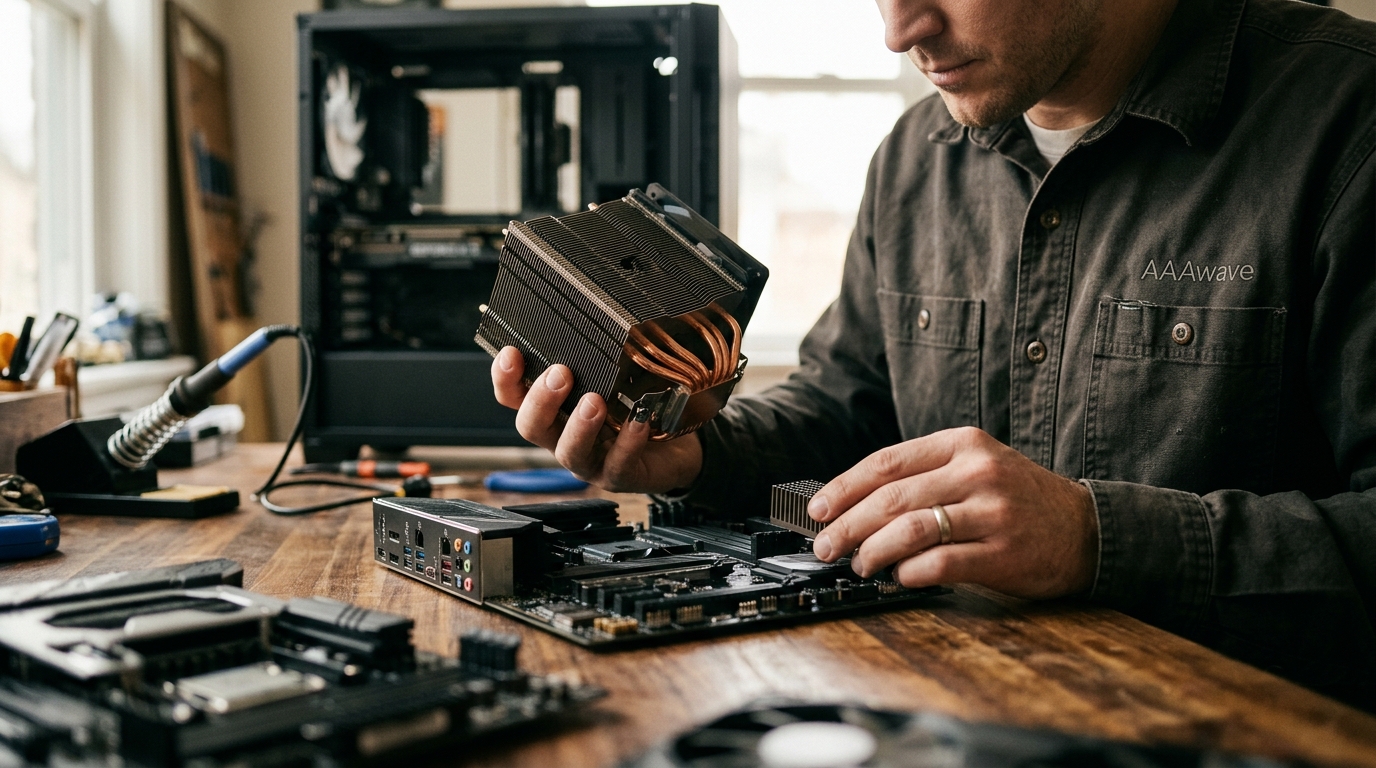
When building or upgrading a PC, cooling is one of the most important factors for long-term stability and performance. Two cooling components that often confuse newcomers are the CPU cooler and the chipset cooler. While both manage heat on your motherboard, they serve very different purposes, mount to different chips, and come in vastly different sizes. Understanding the distinction helps you choose the right parts for a reliable build. This guide breaks down what each cooler does, when you need one, and how to pick the best option for your system.
What Is a CPU Cooler?
A CPU cooler is a thermal management device that sits directly on top of your processor to dissipate the heat it generates under load. Every desktop processor requires one. Without adequate cooling, a CPU will throttle its clock speeds or shut down entirely to prevent damage.
CPU coolers come in two main categories: air coolers and all-in-one (AIO) liquid coolers. Air coolers use a heatsink and fan combination, while AIO coolers circulate liquid through a closed loop connected to a radiator. Both approaches rely on quality thermal paste applied between the CPU and the cooler's contact plate to maximize heat transfer.
Air Coolers
Tower-style air coolers use heat pipes that carry heat from the CPU to aluminum or copper fin stacks, where a fan blows the heat away. They range from compact low-profile units for small form-factor builds to massive dual-tower designs for overclocked processors. Budget air coolers start around $15, while premium models can exceed $80.
AIO Liquid Coolers
AIO liquid coolers pair a water block on the CPU with a radiator mounted in the PC case. Radiator sizes of 240 mm, 280 mm, and 360 mm are common. Larger radiators offer more surface area for heat dissipation, making them ideal for high-TDP processors. You can explore options like the AIO cooler collection at AAAwave for a range of sizes and brands.
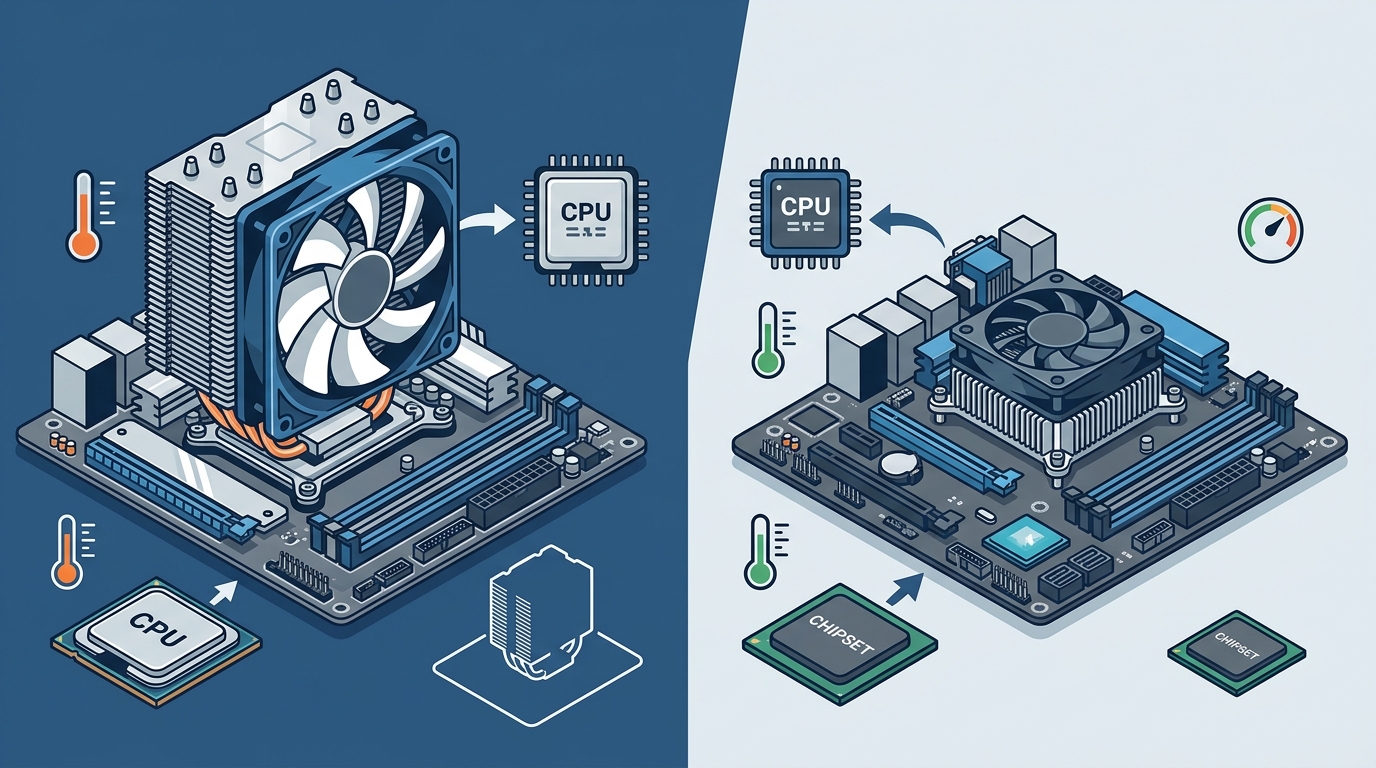
What Is a Chipset Cooler?
A chipset cooler is a smaller heatsink (sometimes with a tiny fan) mounted on your motherboard's chipset chip. The chipset is the silicon that manages communication between your CPU, storage drives, USB ports, PCIe lanes, and other peripherals. Modern chipsets include AMD X870E, Intel Z890, and others that handle high-speed I/O traffic.
Most motherboards ship with a pre-installed chipset heatsink that is more than sufficient for typical use. Unlike CPU coolers, chipset coolers are rarely sold separately for consumer boards. However, aftermarket options do exist for enthusiast or server scenarios where VGA and chipset replacement coolers like the Dynatron V31G chipset cooler can improve airflow in compact builds.
Key Differences at a Glance
| Feature | CPU Cooler | Chipset Cooler |
|---|---|---|
| Component cooled | Central Processing Unit (CPU) | Motherboard chipset (e.g., Northbridge/Southbridge or PCH) |
| Typical TDP handled | 65 W to 250+ W | 5 W to 30 W |
| Size | Large (92 mm to 360 mm radiator) | Small (30 mm to 60 mm heatsink) |
| Cooling method | Air tower, AIO liquid, or custom loop | Passive heatsink or small active fan |
| User-replaceable? | Yes, always | Rarely; usually pre-installed by motherboard manufacturer |
| Price range | $15 to $200+ | $5 to $25 (aftermarket) |
| Impact on performance | Directly affects CPU boost clocks and stability | Prevents I/O throttling; mainly affects system stability |
Thermal Demands: TDP and Heat Output
Thermal Design Power (TDP) is the maximum amount of heat a component generates under sustained load, measured in watts. Modern desktop CPUs can have TDP ratings from 65 W for efficient models up to 253 W for Intel's Core i9-14900KS. That enormous heat load demands a robust cooling solution.
Chipsets, by contrast, produce far less heat. A typical Intel Z790 PCH draws around 6 W, and even AMD's X670E tops out near 12 W. Because of this low thermal output, a simple aluminum heatsink with passive airflow from nearby case fans is usually enough to keep chipset temperatures in check.
Why CPU Cooling Matters More
An undersized CPU cooler directly impacts performance. When the processor overheats, it reduces clock speeds through thermal throttling, cutting into gaming frame rates, rendering times, and multitasking responsiveness. A quality cooler, paired with a properly applied high-performance thermal paste, keeps boost clocks sustained and the system quiet.
Types and Form Factors
CPU Cooler Varieties
Stock coolers ship with most retail-boxed processors. They handle base-clock operation but are often noisy under sustained load. Aftermarket tower coolers from brands like Noctua, be quiet!, and ARCTIC offer much better thermal headroom. For the highest performance, a 280 mm or 360 mm AIO liquid cooler is the go-to choice. AAAwave carries a wide selection of CPU coolers from Dynatron, ARCTIC, and Cooler Master to fit every socket and budget.
Chipset Cooler Varieties
Most chipset coolers are passive aluminum or copper heatsinks bolted to the motherboard during manufacturing. High-end motherboards may include chipset heatsinks with integrated heat pipes or small fans. Aftermarket chipset coolers, such as the Dynatron V35G, are compact units designed for motherboard and graphics card chipsets, featuring small 40 mm to 50 mm fans.
When Should You Upgrade Each Cooler?
You should upgrade your CPU cooler whenever you install a higher-TDP processor, plan to overclock, or find your current cooler too loud. Socket compatibility is critical; always verify that your cooler supports your CPU socket (e.g., AMD AM5 or Intel LGA1851) before purchasing.
Upgrading a chipset cooler is rarely necessary for most users. Consider it only if you notice chipset temperatures exceeding 90 degrees Celsius in monitoring software, or if you are building a passively cooled, fanless system where every watt of heat matters. Good overall case airflow typically solves chipset thermal issues without a dedicated upgrade.
Key Takeaways
- A CPU cooler manages high heat loads (65 W to 250+ W) directly from the processor, while a chipset cooler handles the motherboard's low-power PCH chip (5 W to 30 W).
- CPU coolers come as air towers, AIO liquid coolers, or custom loops. Chipset coolers are almost always passive heatsinks.
- Inadequate CPU cooling causes thermal throttling and reduced performance. Chipset overheating is rare but can cause system instability.
- Most motherboards include a sufficient chipset heatsink out of the box. CPU coolers frequently need aftermarket upgrades for best results.
- Always check socket compatibility (AM5, LGA1700, LGA1851, etc.) before buying a CPU cooler.
- Quality thermal paste between the CPU and cooler significantly improves heat transfer and longevity.
- Good case airflow benefits both CPU and chipset temperatures simultaneously.
Frequently Asked Questions
Can I use a CPU cooler on a chipset?
No. CPU coolers are far too large and use mounting hardware designed for CPU sockets. Chipset coolers are compact heatsinks with different attachment mechanisms that fit the much smaller chipset chip on the motherboard.
Do all motherboards come with a chipset cooler?
Most consumer motherboards include a pre-installed chipset heatsink. Budget boards may use a simple aluminum slab, while premium boards often feature larger heatsinks with heat pipes or decorative shrouds.
Is a chipset cooler necessary for gaming?
For typical gaming builds with adequate case airflow, the stock chipset heatsink is sufficient. You generally do not need to add or replace it unless you are running an extremely compact or passively cooled system.
What happens if my CPU cooler is too small?
An undersized CPU cooler cannot dissipate enough heat, causing the processor to thermally throttle. This means lower clock speeds, reduced frame rates, and potentially shortened component lifespan.
How do I know which CPU cooler fits my processor?
Check the cooler's specifications for supported sockets. For example, a cooler listing AMD AM5/AM4 and Intel LGA1851/1700 compatibility will work with current-generation processors from both brands. Also verify that the cooler's TDP rating meets or exceeds your CPU's TDP.
Are chipset coolers and VRM heatsinks the same thing?
No. A VRM heatsink sits on the voltage regulator modules near the CPU socket, while a chipset cooler covers the Platform Controller Hub (PCH) located elsewhere on the motherboard. Some high-end boards integrate both under a single heatsink design, but they cool different components.
Can better case fans replace a chipset cooler upgrade?
In most cases, yes. Improving overall case airflow with quality fans moves hot air away from the chipset and other components, making a dedicated chipset cooler upgrade unnecessary for the vast majority of builds.
Shop Cooling Solutions at AAAwave
Whether you need a high-performance CPU cooler, an AIO liquid cooling system, or a compact chipset replacement cooler, AAAwave has you covered with competitive pricing and fast US shipping. Browse our full ARCTIC cooling collection or explore thermal paste options to complete your build. Shop today and keep your system running cool and quiet.