How to Choose the Right Computer Case for Your Custom Build
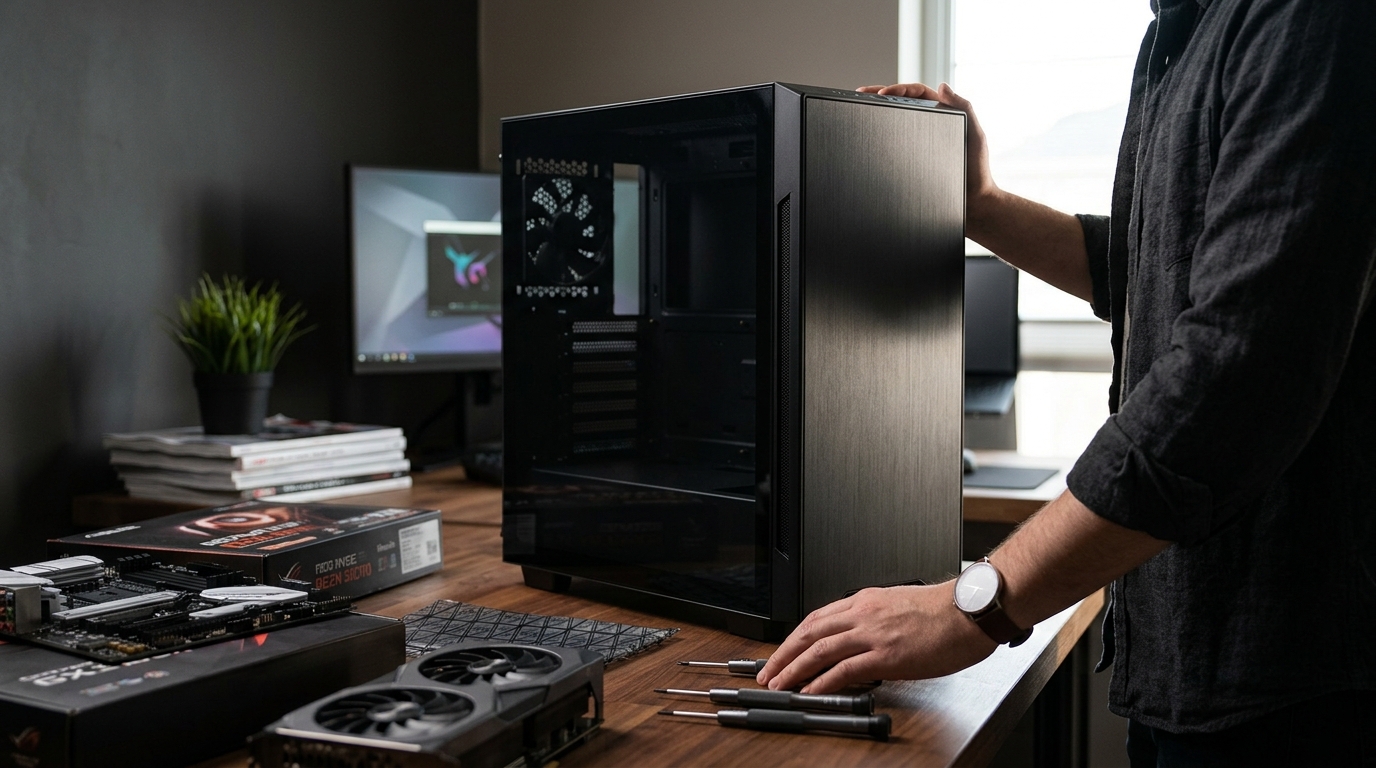
Your computer case is the foundation of every custom PC. It determines what hardware fits inside, how cool your components stay, and how your finished build looks on your desk. Yet many builders treat the case as an afterthought, choosing it last and regretting it first. A poorly chosen enclosure can choke airflow, block a long graphics card, or turn cable management into a nightmare. In this guide, we walk you through every factor that matters so you pick the perfect case the first time around.
Why Your Case Choice Matters More Than You Think
A computer case is the external enclosure that houses and protects every internal component of your PC, from the motherboard to the power supply. It is not just a metal box. As Tom's Hardware notes, the case is a major factor in system noise and cooling potential thanks to included fans and panel materials.
Choosing the right case early in your planning process ensures every other component decision falls into place. Poor airflow can lead to overheating, thermal throttling, and a shorter lifespan for expensive parts like your graphics card or processor.
Understanding Case Sizes: Full Tower, Mid Tower, and Mini-ITX
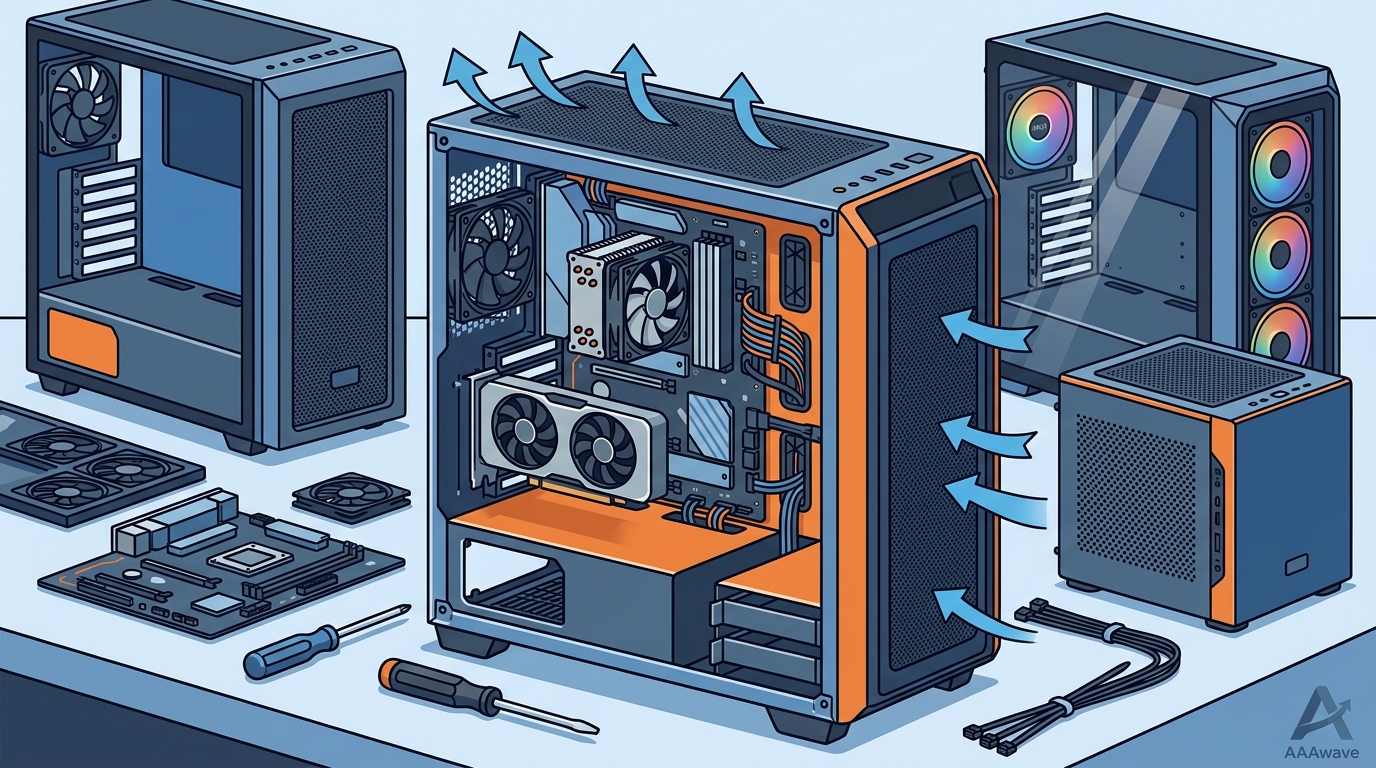
Case form factor is the standardized size classification that dictates which motherboards and components physically fit inside. The three most common categories are full tower, mid tower, and mini-ITX. Each serves a different builder profile.
Full Tower
Full-tower cases stand roughly 22 inches or taller and support E-ATX motherboards. They offer maximum expansion slots, room for custom liquid-cooling loops, and space for multiple storage drives. They are ideal for workstation or enthusiast builds but take up significant desk or floor space.
Mid Tower
Mid towers measure around 18 to 19 inches tall and accept ATX motherboards. They are the most popular choice for gaming PCs because they balance internal space with a manageable footprint. Most mid towers in 2026 support 360 mm radiators and GPUs over 350 mm long.
Mini-ITX
Mini-ITX cases are compact enclosures designed for small-form-factor builds. They save desk space but limit expansion and cooling options. If portability or a minimal aesthetic is your priority, mini-ITX is worth considering, though you will need an SFX power supply in most designs.
| Feature | Full Tower | Mid Tower | Mini-ITX |
|---|---|---|---|
| Typical Height | 22 in+ | 18 – 19 in | 12 – 15 in |
| Motherboard Support | E-ATX, ATX, mATX | ATX, mATX | Mini-ITX only |
| Max GPU Length | 400 mm+ | 350 – 400 mm | 280 – 330 mm |
| Radiator Support | Up to 420 mm (multiple) | Up to 360 mm | 120 – 240 mm |
| Drive Bays (typ.) | 6+ | 2 – 4 | 1 – 2 |
| Best For | Workstations, custom loops | Gaming, general use | Compact desks, LAN rigs |
Airflow and Cooling Support
Airflow is the movement of air through the case that carries heat away from your components. It is arguably the single most important performance factor a case controls. Cases with mesh front panels move significantly more air than solid-glass fronts; the temperature difference can reach 10 to 15 degrees Celsius on a constrained GPU, according to PCBuildRanked testing.
Look for cases that support at least three 120 mm intake fans and one rear exhaust fan. If you plan to use an AIO liquid cooler, confirm that the case can mount a 240 mm or 360 mm radiator in the top or front position. AAAwave stocks a wide selection of cooling solutions from brands like Arctic to pair with your new case.
Component Compatibility Checklist
Before you add any case to your cart, verify these critical measurements against the components you plan to install:
- GPU clearance: Modern cards like the RTX 5070 can exceed 300 mm. Check maximum GPU length in the case specs.
- CPU cooler height: Tower coolers such as the Noctua NH-D15 need 165 mm or more. Many glass-panel cases cap clearance at 160 mm.
- Motherboard form factor: Confirm your motherboard (ATX, mATX, or mini-ITX) is listed as compatible.
- PSU size: Standard ATX or SFX? Check the mounting position and cable-routing space. Browse power supplies at AAAwave to find the right fit.
- Radiator mounting: Confirm radiator thickness plus fan clearance, especially in the top mount where RAM height can interfere.
Build Quality, Cable Management, and Front I/O
A well-built case saves hours during assembly. Look for steel or aluminum construction with smooth, rolled edges. Rubber grommets and cable-routing channels behind the motherboard tray keep wiring tidy and out of the airflow path.
For front I/O, a USB 3.2 Gen 2 Type-C port is now considered standard in 2026. Having at least two USB Type-A ports and an audio jack rounds out daily convenience. Dust filters on every intake are also essential for long-term maintenance.
Setting the Right Budget
Quality mid-tower cases start at roughly $80 and top out around $200 for premium options with included fans and advanced features. Spending under $60 often means sacrificing build quality, pre-installed fans, or dust filtration. A smart allocation is about 5 to 10 percent of your total build budget on the case.
When you are ready to shop, explore the full computer cases collection at AAAwave for competitive pricing and fast US shipping on trusted brands.
Key Takeaways
- Choose your case early in the build process so every other part decision is easier.
- Mid-tower ATX cases fit the widest range of builds and budgets.
- Mesh front panels deliver measurably better GPU and CPU thermals than solid glass.
- Always verify GPU length, CPU cooler height, and radiator clearance before purchasing.
- USB-C front I/O is a baseline expectation for any case bought in 2026.
- Budget roughly 5 to 10 percent of your total build cost for the case.
- Pair your case with quality fans and cooling from brands like Arctic for best results.
Frequently Asked Questions
What size computer case do I need for a gaming PC?
A mid-tower ATX case is the most popular choice for gaming PCs. It supports full-size graphics cards, 360 mm radiators, and standard ATX motherboards while keeping the footprint manageable.
Does the case affect PC performance?
Yes. A case with poor airflow can cause components to throttle under load, reducing frame rates and shortening hardware lifespan. Mesh-front cases consistently outperform solid-panel designs in thermal tests.
How much should I spend on a PC case?
Plan to spend between $80 and $150 for a quality mid-tower with good airflow, cable management, and included fans. Premium full towers with advanced features can cost up to $250.
Can I use a mini-ITX motherboard in a mid-tower case?
Yes. Most mid-tower cases include mini-ITX mounting holes alongside ATX and mATX patterns. However, the interior will look sparse, so a dedicated mini-ITX case delivers a cleaner result.
What is the difference between airflow and silent cases?
Airflow cases use mesh panels and high fan counts to maximize cooling. Silent cases use solid panels, sound-dampening foam, and fewer openings to reduce noise. Many 2026 models blend both approaches with mesh fronts and foam-lined side panels.
Do I need to buy case fans separately?
It depends on the case. Some ship with three or more pre-installed fans, while others include none. Check the fan count in the specifications, and add additional fans from the AAAwave cooling collection if needed.
How do I know if my GPU will fit?
Check the maximum GPU clearance listed in the case specifications and compare it to the length of your graphics card, including any protruding power connectors. Leave at least 10 mm of extra clearance for comfortable installation.
Is tempered glass better than acrylic side panels?
Tempered glass is more scratch-resistant, looks clearer, and feels more premium. Acrylic is lighter and less prone to shattering but scratches easily over time. For most builders, tempered glass is the better long-term investment.
Start Your Custom Build Today
Ready to pick the perfect case? Browse the computer cases collection at AAAwave for genuine products, competitive pricing, and fast shipping across the US. Pair it with a motherboard, graphics card, and power supply to complete your build with confidence.