
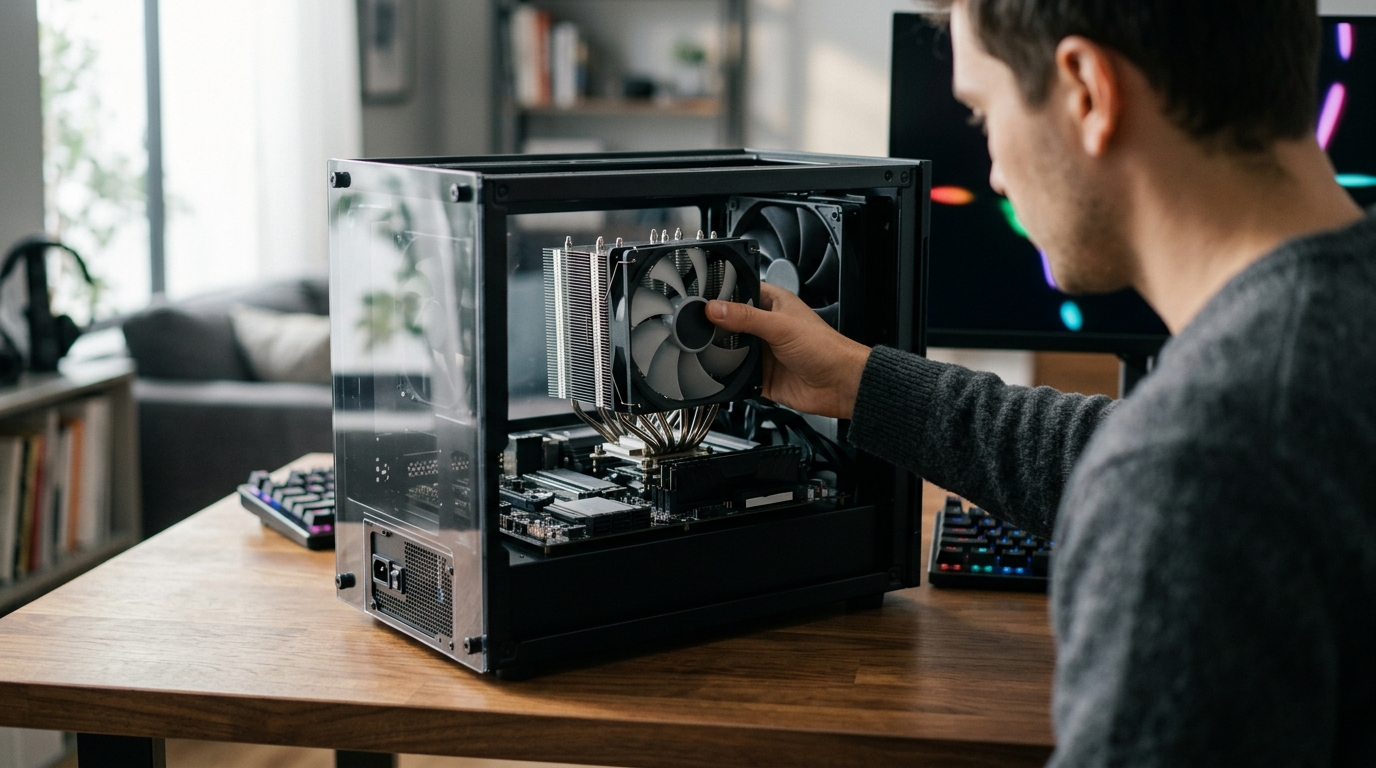
How to Choose a CPU Cooler for Gaming: Key Criteria to Prioritize
Picking the right thermal solution for your gaming processor can mean the difference between buttery-smooth frame rates and frustrating thermal throttling. Modern gaming CPUs from AMD and Intel push well past 170 watts of heat under load, and a stock cooler simply cannot keep up. Whether you are building your first rig or upgrading an existing system, understanding which criteria matter most will save you money and protect your hardware. This guide breaks down the essential factors, from TDP matching and socket compatibility to noise levels and cooler type, so you can make a confident purchase.
TDP Matching: The Most Important Starting Point
TDP (Thermal Design Power) is the maximum amount of heat a processor generates under sustained load, measured in watts. It is the single most critical number when selecting a cooler. A mismatch between your CPU's TDP and your cooler's rated capacity leads directly to thermal throttling, where clock speeds drop to prevent overheating.
In 2026, flagship gaming chips run hot. The AMD Ryzen 9000 X3D series can push up to 170-230W during gaming sessions, and the Intel Core Ultra 9 285K exceeds 250W. Budget processors like the Ryzen 5 9600X sit at a modest 65W, where even a basic tower cooler performs well. A good rule of thumb is to choose a cooler rated for at least 1.2 times your CPU's TDP to allow thermal headroom for boost clocks.
Quick TDP-to-Cooler Guide
| CPU TDP Range | Recommended Cooler Type | Approximate Budget |
|---|---|---|
| Up to 65W | Budget single-tower air cooler | $20 - $40 |
| 65W - 125W | Mid-range dual-tower air or 240mm AIO | $40 - $80 |
| 125W - 170W | Premium air cooler or 280mm AIO | $70 - $120 |
| 170W - 250W+ | 360mm AIO liquid cooler | $100 - $200+ |
Air Coolers vs. AIO Liquid Coolers
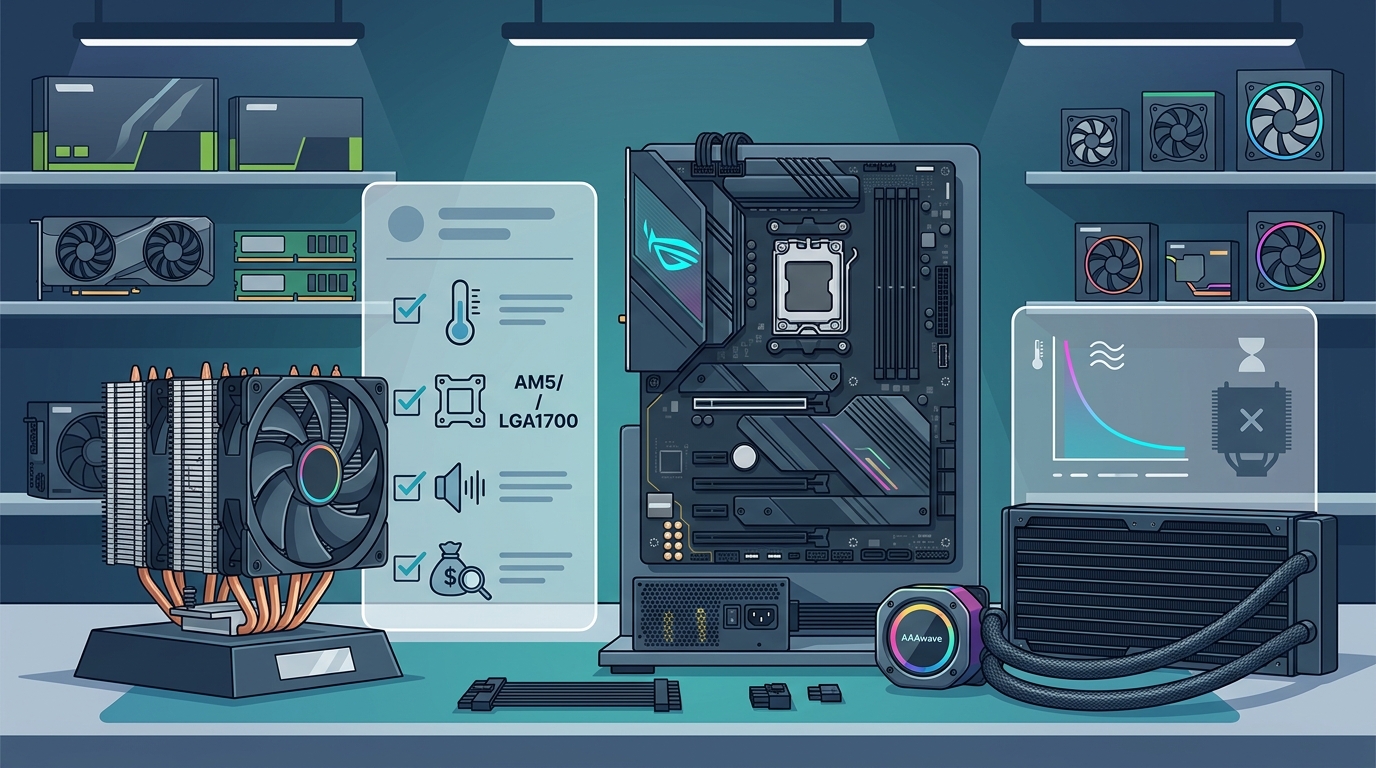
An air cooler is a heatsink-and-fan assembly that dissipates heat through metal fins and direct airflow. An AIO (All-in-One) liquid cooler is a sealed-loop system that transfers heat from a CPU-mounted pump block through liquid coolant to a radiator. Both are effective, but each has distinct trade-offs.
Air coolers are simpler, more affordable, and essentially maintenance-free. Top dual-tower designs like the Noctua NH-D15 G2 compete with 240mm AIOs in raw cooling performance while remaining nearly silent. AIO liquid coolers win when you need to tame the highest TDP chips or want a cleaner aesthetic without a massive heatsink blocking your RAM.
When to Choose Air
If your CPU sits at 150W or below and you value long-term reliability, an air cooler is the optimal choice. There are no pumps to fail, no liquid to leak, and modern designs offer full RAM clearance. Browse ARCTIC cooling products at AAAwave for high-quality air cooling options from a trusted brand.
When to Choose Liquid
For processors exceeding 200W, or if you plan to overclock aggressively, a 360mm AIO provides the thermal headroom you need. Cooler Master's MasterLiquid Atmos series available at AAAwave pairs a 360mm radiator with high-static-pressure fans for efficient heat dissipation during intense gaming.
Socket Compatibility and Future-Proofing
Before anything else, verify that your cooler supports your motherboard's CPU socket. The modern standard sockets are AMD AM5 and Intel LGA 1851 (Arrow Lake). Many coolers also support the still-popular LGA 1700 and AM4 platforms. A cooler that ships with brackets for both current and next-generation sockets protects your investment when you upgrade.
Proprietary mounts that require purchasing separate adapter kits are a red flag. Brands like Noctua, ARCTIC, and Dynatron (available at AAAwave) typically include multi-socket mounting hardware in the box, which simplifies installation and future CPU swaps.
Noise Levels and Acoustic Performance
Noise output is measured in decibels (dBA) and represents the sound pressure a cooler produces at a given fan speed. For gaming, aim for a cooler that stays under 35 dBA at full load. Anything above 40 dBA becomes fatiguing during long sessions, according to Gaming PC Guru's 2026 cooler testing.
PWM (Pulse Width Modulation) fan control is essential. PWM lets your motherboard automatically adjust fan speed based on CPU temperature, so the cooler runs quietly during light tasks and ramps up only when needed. Fans with Fluid Dynamic Bearings (FDB) offer the best balance of quiet operation and longevity. Check out case fans at AAAwave that support PWM for supplemental chassis airflow.
Build Quality and Materials
The materials in your cooler directly affect thermal transfer efficiency. Copper conducts heat roughly twice as well as aluminum, making copper-base heatsinks or copper heat pipes a priority for high-TDP processors. Nickel plating on fins and pipes prevents oxidation and typically signals a higher-quality product.
For air coolers, look for six or more heat pipes and dense fin stacks. For AIOs, evaluate radiator thickness and pump quality. A well-built pump should circulate coolant at rates above 1.5 liters per minute for consistent cooling. The Thermal Grizzly AM5 M4 Backplate at AAAwave is one example of a precision mounting accessory that improves cooler contact on AMD AM5 boards.
Thermal Paste: The Often-Overlooked Factor
Thermal paste is a thermally conductive compound applied between the CPU and cooler to fill microscopic imperfections and maximize heat transfer. Even the best cooler underperforms with poor or dried-out paste. Experts recommend reapplying thermal paste every 12 to 18 months, as compound degrades over time and loses contact efficiency.
Look for non-conductive, non-corrosive formulas with high thermal conductivity. The Cooler Master CryoFuze Nano thermal paste at AAAwave uses nanoparticle technology for excellent conductivity and maintains stability from -50 degrees C up to 250 degrees C. Its syringe design allows precise application, reducing waste and mess.
Key Takeaways
- Always match your cooler's TDP rating to at least 1.2 times your CPU's thermal output for adequate headroom.
- Air coolers handle most gaming CPUs up to 150W and offer maintenance-free reliability.
- Choose a 360mm AIO liquid cooler for processors exceeding 200W or for overclocking.
- Verify socket compatibility (AM5, LGA 1851, LGA 1700) before purchasing, and favor coolers with multi-socket mounting kits.
- Target noise levels below 35 dBA at load and prioritize PWM-controlled fans with Fluid Dynamic Bearings.
- Copper-base construction and nickel-plated heat pipes deliver superior thermal transfer over aluminum-only designs.
- Reapply quality thermal paste every 12 to 18 months to maintain peak cooling performance.
Frequently Asked Questions
Do I really need an aftermarket cooler for gaming?
Yes, for any processor above 65W TDP. Stock coolers are designed for baseline operation and will allow thermal throttling under sustained gaming loads, reducing your frame rates and shortening CPU lifespan.
Is liquid cooling better than air cooling for gaming?
Not necessarily. Premium air coolers match or beat 240mm AIOs in real-world gaming scenarios. Liquid cooling becomes advantageous only for CPUs exceeding 200W or for aggressive overclocking where maximum thermal headroom is required.
How do I know if a cooler fits my case?
Check two measurements: your case's maximum CPU cooler height clearance (for air coolers) and maximum radiator size support (for AIOs). Most mid-tower cases support coolers up to 165mm tall and radiators up to 360mm.
What is TDP and why does it matter for cooler selection?
TDP stands for Thermal Design Power. It represents the maximum heat output of your CPU in watts. Choosing a cooler rated below your CPU's TDP results in thermal throttling, where the processor reduces clock speed to avoid overheating.
How often should I replace thermal paste?
Every 12 to 18 months under normal use. If you notice rising idle or load temperatures without any hardware changes, dried thermal paste is the most likely cause.
Does case airflow affect CPU cooler performance?
Absolutely. Both air coolers and AIO radiators rely on ambient air temperature inside your case. Adding quality intake and exhaust fans can lower CPU temperatures by 5 to 10 degrees C, even without changing the CPU cooler itself.
Are RGB and LCD features on coolers worth the premium?
From a thermal standpoint, no. RGB and LCD displays add aesthetic value but do not improve cooling. If budget is limited, prioritize thermal performance and noise levels over lighting features.
Can I use a server cooler on a gaming PC?
Some server coolers like the Dynatron L3-UH support desktop sockets, but they are optimized for rack environments and often produce higher noise. Consumer-grade coolers are a better fit for gaming builds.
Find Your Ideal Gaming Cooler at AAAwave
Ready to upgrade your thermal solution? Browse AAAwave's full selection of CPU coolers, thermal paste, and cooling accessories with fast shipping and competitive pricing. Whether you need a quiet air cooler or a high-performance AIO, AAAwave carries trusted brands like ARCTIC, Cooler Master, Dynatron, and Thermal Grizzly to keep your gaming rig running cool.