
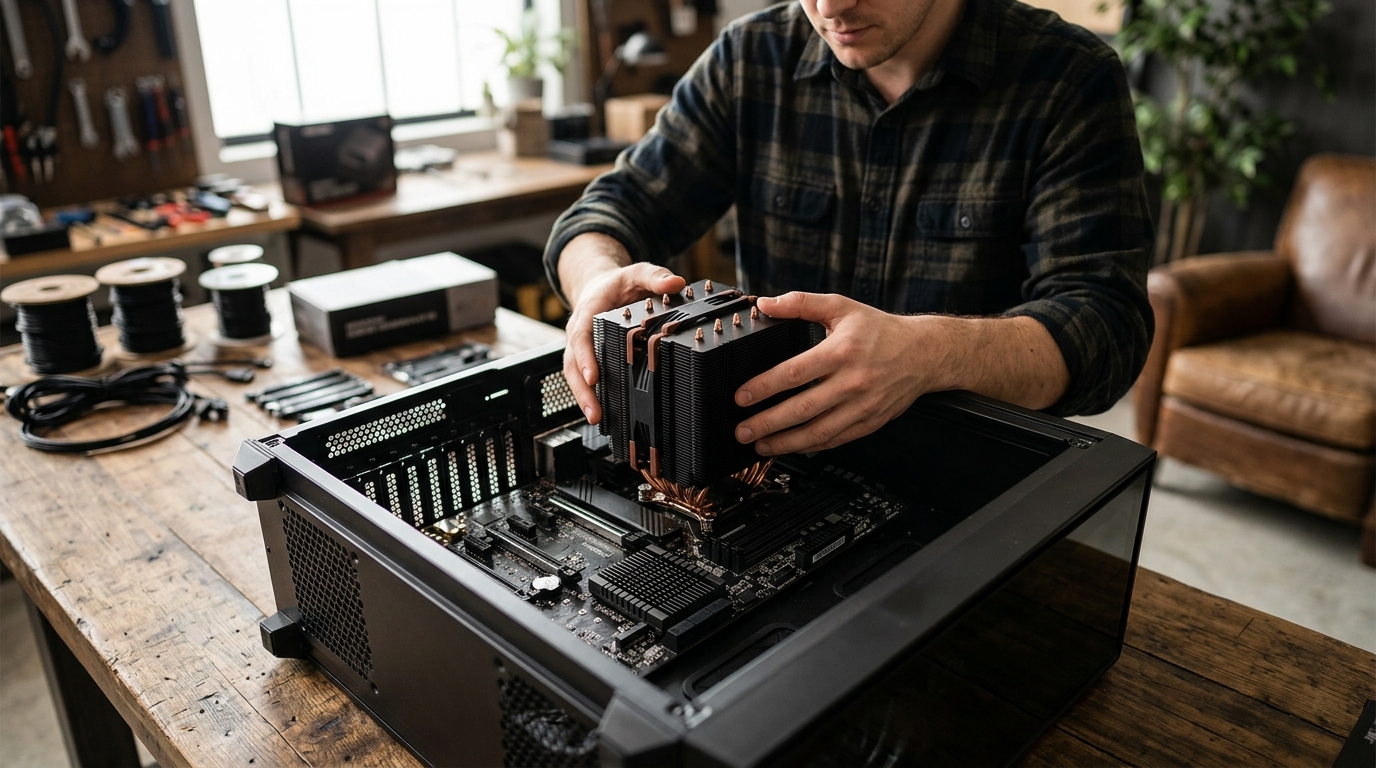
If you are building or upgrading a PC, understanding the cooling components on your motherboard is essential. Two commonly confused parts are the CPU cooler and the chipset cooler. While both manage heat inside your system, they serve very different components, handle different thermal loads, and come in different form factors. This guide breaks down the purpose, design, and performance characteristics of each cooler type so you can make informed decisions for your next build or upgrade.
What Is a CPU Cooler?
A CPU cooler is a thermal management device that sits directly on top of the processor to dissipate heat generated during operation. Modern CPUs can produce anywhere from 65 W to over 250 W of thermal output, making dedicated cooling a necessity for stable performance.
Types of CPU Coolers
CPU coolers fall into three main categories: air coolers, all-in-one (AIO) liquid coolers, and custom open-loop setups. Air coolers use a heatsink, typically made of copper or aluminum, paired with one or more fans. AIO coolers circulate liquid through a closed loop that includes a radiator, pump, and water block. You can browse a wide selection of CPU coolers at AAAwave to compare air and liquid options side by side.
How CPU Coolers Work
Heat transfers from the processor's integrated heat spreader (IHS) through a layer of thermal paste into the cooler's base plate. From there, heat pipes or liquid channels carry thermal energy to fins or a radiator where fans push it into the surrounding air. Proper thermal paste application is essential for maximizing conductivity and supporting higher clock speeds.
What Is a Chipset Cooler?
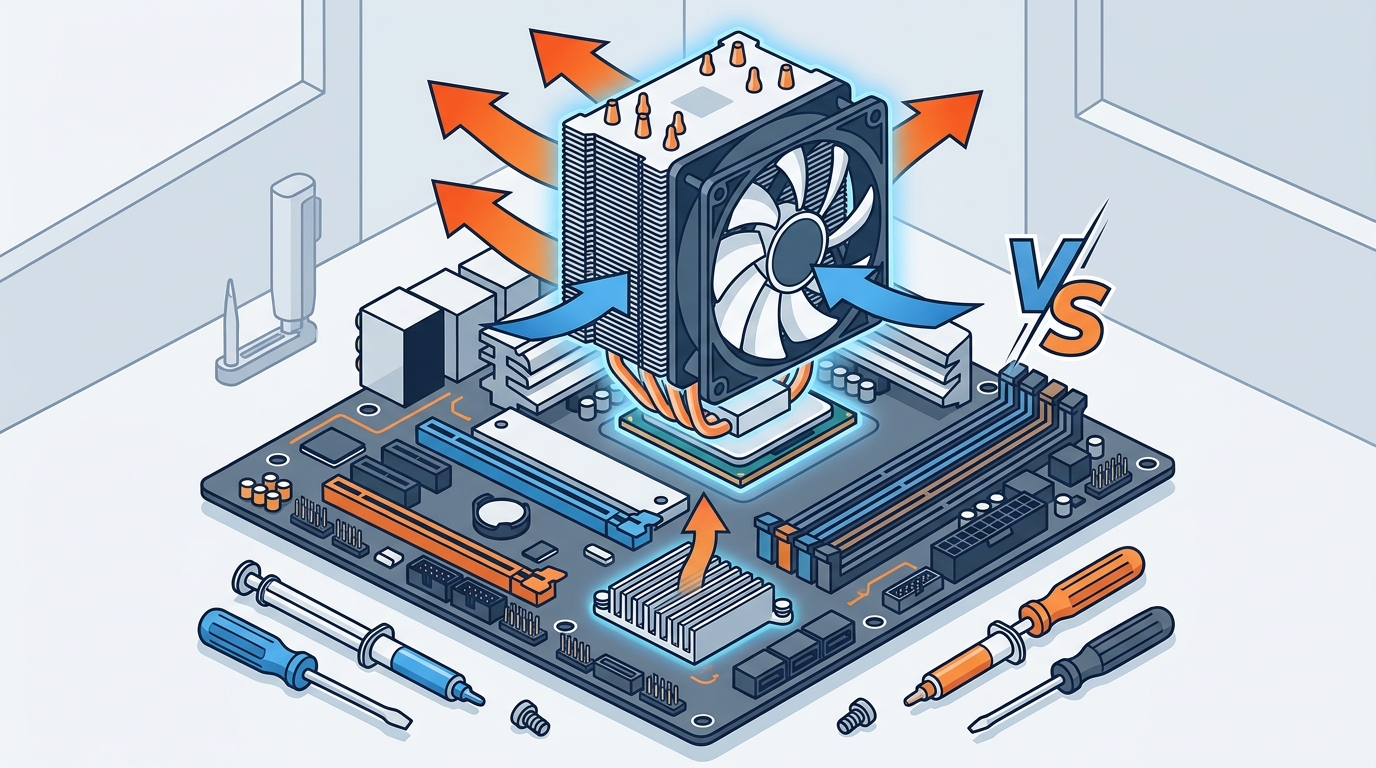
A chipset cooler is a smaller heatsink (sometimes with a tiny fan) mounted on a motherboard's chipset chip. A chipset is the controller hub on a motherboard that manages data flow between the CPU, RAM, storage, and peripheral devices. Because chipsets produce far less heat than CPUs, their coolers are compact and often passive.
Passive vs Active Chipset Cooling
Most modern consumer motherboards use a passive aluminum or copper heatsink over the chipset. Higher-end boards, especially those designed for overclocking or server workloads, may include a small active fan. Products like the Dynatron V31G chipset cooler provide active airflow for chipsets and VGA cards that run hot under sustained loads.
Side-by-Side Comparison
| Feature | CPU Cooler | Chipset Cooler |
|---|---|---|
| Component Cooled | Processor (CPU) | Motherboard chipset (Northbridge/Southbridge or PCH) |
| Typical TDP Handled | 65 W to 250+ W | 5 W to 15 W |
| Common Type | Tower air cooler, AIO liquid, custom loop | Passive heatsink, small fan |
| Size | Large (80 mm to 160+ mm tall) | Small (30 mm to 50 mm) |
| User Replaceable? | Yes, aftermarket options widely available | Rarely; usually integrated into motherboard |
| Price Range | $15 to $200+ | $5 to $25 (standalone) |
| Mounting | Socket-specific brackets (LGA1700, AM5, etc.) | Adhesive, push-pins, or screws on PCB |
Thermal Load Differences
The biggest distinction between these two coolers is the amount of heat they need to handle. A high-end desktop CPU like an Intel Core i9 or AMD Ryzen 9 can draw 125 W or more under sustained load, requiring robust cooling. Chipsets such as the AMD X870 or Intel Z790, by contrast, typically dissipate under 15 W.
This difference explains why CPU coolers feature large heatsinks, multiple heat pipes, and high-RPM fans, while chipset coolers can often get by with a small block of aluminum and no fan at all. Choosing the right motherboard with adequate VRM and chipset cooling is critical for system longevity.
Form Factors and Mounting
CPU Cooler Mounting
CPU coolers mount to the motherboard through socket-specific brackets. For example, Intel's LGA 1700 and AMD's AM5 each have distinct hole patterns. Many aftermarket coolers ship with multiple bracket kits for cross-platform compatibility. If you are building a server, compact options like the Dynatron A52 1U vapor chamber cooler fit into rack-mounted chassis.
Chipset Cooler Mounting
Chipset coolers are typically pre-installed by the motherboard manufacturer. They attach via thermal adhesive pads, spring-loaded push-pins, or small screws. Replacing a chipset cooler is uncommon in consumer builds but can be worthwhile in overclocking scenarios where the chipset itself becomes a bottleneck.
VRM Cooling Overlap
Some AIO liquid coolers now include a secondary VRM fan on the pump head. This blows air over the voltage regulators near the CPU socket, partially compensating for the loss of airflow that a traditional tower cooler would provide.
When to Upgrade Each Cooler
Upgrading your CPU cooler makes sense when you install a higher-TDP processor, plan to overclock, or want quieter operation. A quality thermal compound like the ARCTIC MX-4 should be applied during any cooler swap.
Upgrading a chipset cooler is far less common. You may consider it if your motherboard's chipset heatsink is undersized, if you are pushing aggressive overclocks that raise bus speeds, or if the original thermal pad has degraded over years of use. In most consumer builds, the factory chipset heatsink is perfectly adequate.
Key Takeaways
- A CPU cooler manages the processor's heat output, which can exceed 200 W on high-end chips.
- A chipset cooler handles the much lower thermal output of the motherboard's chipset, typically under 15 W.
- CPU coolers come in air, AIO liquid, and custom loop varieties; chipset coolers are usually passive heatsinks.
- CPU coolers are user-replaceable with aftermarket options; chipset coolers are generally pre-installed.
- Proper thermal paste application matters for both components but is most critical for the CPU.
- Some modern AIO coolers include a VRM fan that indirectly helps cool the chipset area.
- Upgrading a chipset cooler is rarely necessary unless you are overclocking aggressively or running a server board.
Frequently Asked Questions
Can I use a CPU cooler on a chipset?
No. CPU coolers are far too large and use socket-specific mounting hardware that does not align with a chipset's position on the motherboard. Chipset coolers are purpose-built for the smaller chip.
Do all motherboards have a chipset cooler?
Most desktop motherboards include at least a passive heatsink over the chipset. Budget boards occasionally leave the chipset exposed, relying on case airflow alone.
What happens if a chipset overheats?
An overheating chipset can cause USB disconnects, storage controller errors, and system instability. In extreme cases, prolonged overheating may permanently damage the chipset or reduce the motherboard's lifespan.
Is liquid cooling necessary for a CPU?
Liquid cooling is not strictly necessary. A quality air cooler handles most processors at stock speeds. However, AIO liquid coolers offer better thermal headroom for overclocked or high-TDP processors and tend to run quieter under load.
How often should I replace thermal paste on my CPU cooler?
Replacing thermal paste every 3 to 5 years is a good practice. If you notice rising idle or load temperatures, dried-out paste may be the cause. High-quality compounds like the ARCTIC MX-6 resist drying for years.
Do chipset coolers need thermal paste?
Chipset coolers typically use a pre-applied thermal pad rather than paste. If you replace a chipset heatsink, a small thermal pad or a thin layer of paste can be used.
Can poor chipset cooling affect CPU performance?
Indirectly, yes. The chipset manages PCIe lanes, USB controllers, and storage interfaces. If it throttles due to heat, data throughput to these devices can drop, creating bottlenecks that impact overall system responsiveness.
Build Your Next PC with Confidence
Whether you need a high-performance CPU cooler, a replacement chipset heatsink, or thermal paste to tie it all together, AAAwave has you covered. Browse our full selection of CPU coolers, motherboards, and thermal compounds with competitive pricing and fast shipping from our Sylmar, CA warehouse.