
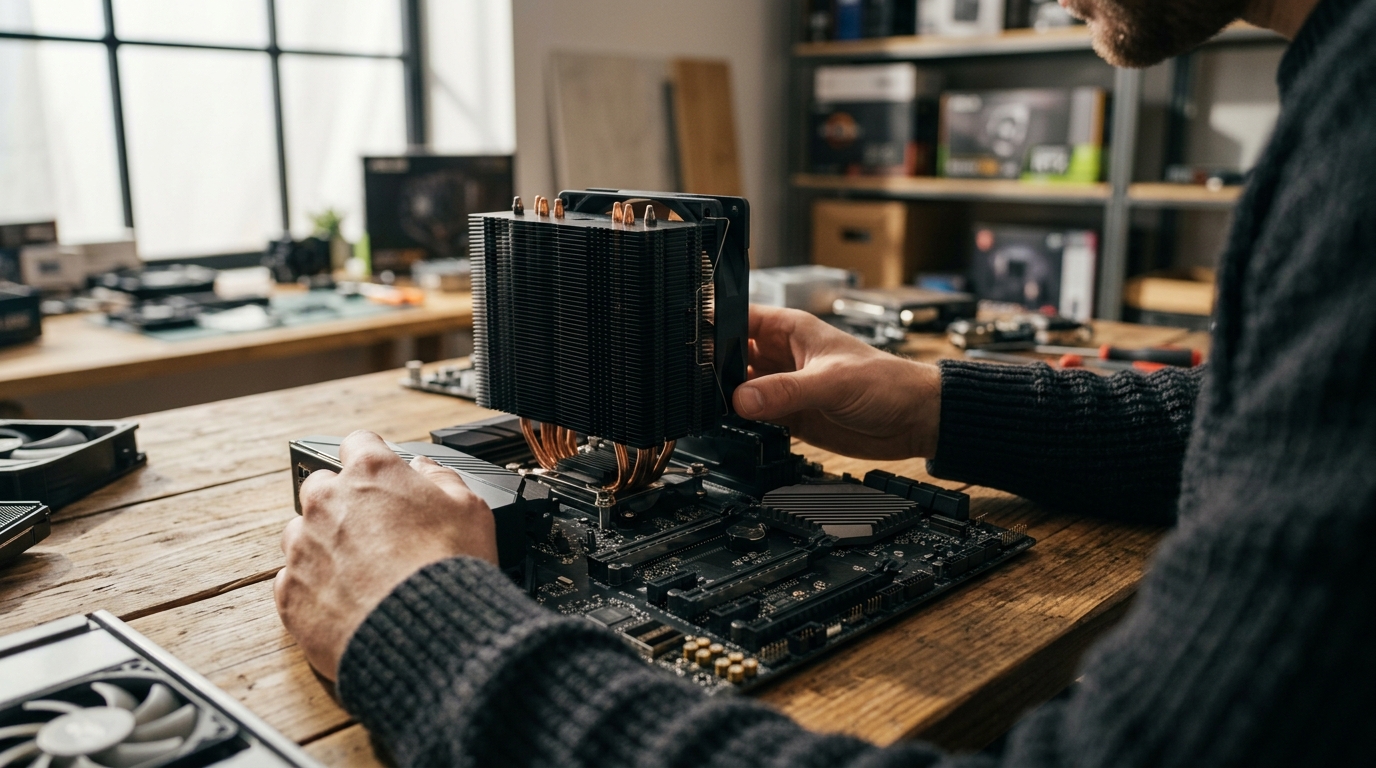
If you have ever peered inside a PC and noticed multiple heatsinks on the motherboard, you may have wondered what each one does. Two of the most common cooling components are the CPU cooler and the chipset cooler, and despite looking similar at a glance, they serve very different purposes. Understanding those differences helps you pick the right hardware, avoid overheating, and get the most out of your build. In this guide we break down what each cooler does, how they compare in size and thermal demands, and when you should upgrade one or both.
What Is a CPU Cooler?
A CPU cooler is a dedicated thermal management device that sits directly on top of your processor to draw heat away from the integrated heat spreader (IHS). According to Intel's cooling guide, heat from the processor is distributed to the metal lid of the CPU and then transferred to the baseplate of the cooler. From there, heat pipes or liquid carry it to fins or a radiator where fans expel it from the case.
CPU coolers range from small stock units bundled with the processor to massive tower air coolers and 360 mm AIO liquid coolers. The right choice depends on your processor's thermal design power (TDP), case clearance, and noise preferences. You can browse a wide selection of CPU coolers at AAAwave from brands like Arctic, Dynatron, and Corsair.
What Is a Chipset Cooler?
A chipset cooler is a smaller heatsink, sometimes paired with a tiny fan, that cools the motherboard's chipset. A chipset is the set of integrated circuits on the motherboard that manages data flow between the CPU, RAM, storage, and expansion slots. Because chipsets generate far less heat than modern CPUs, their coolers are compact, often passive aluminum heatsinks with no moving parts.
On higher-end motherboards such as AMD X670E or Intel Z790 boards, chipset coolers may include an active fan or connect to the board's M.2 heatsink assembly. Replacement chipset coolers, like the Dynatron V31G chipset cooler, are available for boards that need an aftermarket solution.
Side-by-Side Comparison
| Feature | CPU Cooler | Chipset Cooler |
|---|---|---|
| Component cooled | Central Processing Unit (CPU) | Motherboard chipset (e.g., X670E, Z790) |
| Typical TDP handled | 65 W to 250+ W | 5 W to 15 W |
| Common type | Tower air, AIO liquid, blower | Passive heatsink, small active fan |
| Mounting | Socket-specific brackets (LGA1700, AM5, etc.) | Spring clips or screws on motherboard |
| Size | 90 mm to 160+ mm tall | 30 mm to 50 mm tall |
| Replaceable? | Yes, wide aftermarket selection | Rarely replaced; limited aftermarket options |
| Price range | $15 to $200+ | $5 to $25 |
Thermal Demands and TDP
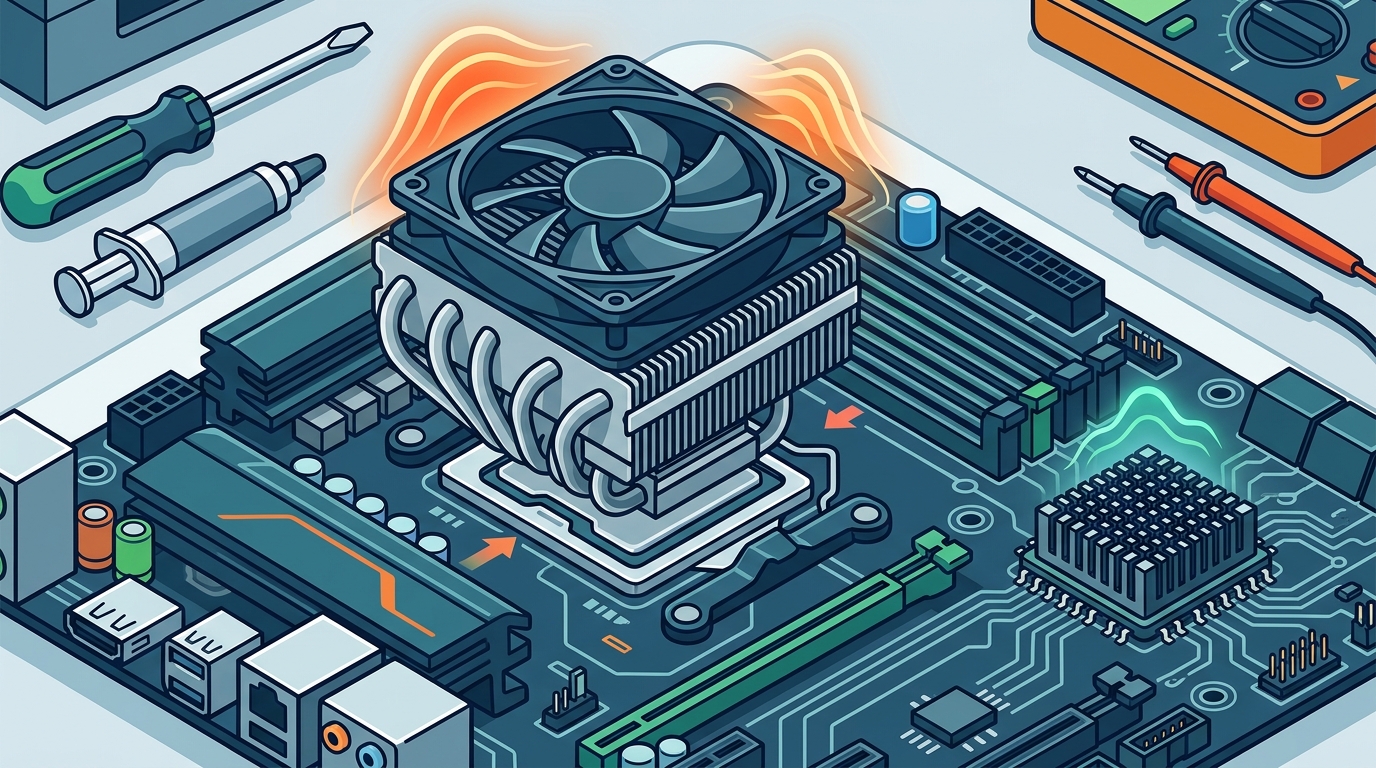
The biggest difference between these two coolers comes down to heat output. Modern desktop CPUs like the Intel Core i9-14900K have a maximum turbo power of 253 W, demanding a large heatsink or a 280 mm+ AIO to stay within safe temperatures. Chipsets, by contrast, rarely exceed 15 W of thermal output. That is why most chipset coolers are small passive heatsinks that rely on case airflow alone.
Thermal Design Power (TDP) is a specification that indicates the maximum amount of heat a component generates under typical workloads. When your CPU cooler cannot handle the processor's TDP, the chip throttles its clock speed to avoid damage. A chipset that overheats can cause USB dropouts, storage errors, or system instability, though this scenario is uncommon with adequate case fans providing ambient airflow.
Types of CPU Coolers
Air Coolers
Air coolers use a metal heatsink, heat pipes, and one or more fans to dissipate processor heat. They are affordable, easy to install, and require no maintenance. Budget-friendly options like the Arctic Alpine 23 CO start under $16 and work well for low-TDP chips.
AIO Liquid Coolers
An AIO (all-in-one) liquid cooler is a sealed unit consisting of a pump, water block, tubes, and radiator. AIO coolers excel at cooling high-end CPUs while keeping noise levels low. AAAwave carries popular models from Arctic and Corsair in its AIO cooler collection.
Server and Workstation Coolers
For rack-mounted systems where space is limited, 1U and 2U coolers like the Dynatron A52 vapor chamber cooler use blower-style fans or copper vapor chambers to handle server-class TDPs in tight enclosures.
When Should You Upgrade Each Cooler?
Upgrade Your CPU Cooler If...
Your processor regularly hits thermal throttle temperatures (95 to 100 °C under load), you plan to overclock, or you want quieter operation. Moving from a stock cooler to an aftermarket tower or AIO can drop temperatures by 10 to 30 °C. Don't forget to apply fresh thermal paste when swapping coolers for the best contact between the IHS and the base plate.
Upgrade Your Chipset Cooler If...
Your motherboard's chipset fan has failed or become noisy, or you have removed the factory heatsink for a custom loop and need a replacement. In most builds, the stock chipset cooler is perfectly adequate and never needs attention.
Key Takeaways
- A CPU cooler handles 65 W to 250+ W of heat; a chipset cooler handles 5 W to 15 W.
- CPU coolers come in air, AIO liquid, and custom loop varieties; chipset coolers are usually passive heatsinks.
- Proper CPU cooling prevents thermal throttling and protects long-term chip health.
- Chipset cooling is critical for system stability but rarely requires an aftermarket upgrade.
- Always match your CPU cooler to your processor's TDP and your case's clearance limits.
- Good case airflow benefits both coolers by reducing ambient temperatures inside the chassis.
- Applying quality thermal paste correctly maximizes heat transfer for CPU coolers.
Frequently Asked Questions
Can I use a CPU cooler as a chipset cooler?
No. CPU coolers are far too large and use socket-specific mounting hardware that does not fit chipset mounting points. Chipset coolers have their own compact form factor designed for the motherboard layout.
Do all motherboards have a chipset cooler?
Most modern ATX and micro-ATX motherboards include a chipset heatsink. Some budget boards or boards with very low-power chipsets may use only a bare heatsink with no fan. Mini-ITX boards sometimes integrate the chipset heatsink into the board's overall thermal design.
What happens if my chipset overheats?
An overheating chipset can cause USB disconnections, storage read/write errors, PCIe lane instability, and unexpected system reboots. Ensuring good case airflow typically prevents chipset overheating.
Is thermal paste needed for a chipset cooler?
Factory chipset heatsinks usually come with a pre-applied thermal pad. If you remove and reinstall the heatsink, applying a thin thermal pad or a small amount of thermal paste ensures proper heat transfer.
How do I know if my CPU cooler is adequate?
Monitor CPU temperatures under load using software like HWMonitor or Core Temp. If temperatures consistently exceed 90 °C, consider upgrading to a higher-capacity air cooler or AIO.
Are chipset coolers universal?
No. Chipset coolers vary by motherboard model and chipset location. Aftermarket options like the Dynatron V31G use standard mounting holes found on certain boards, but always verify compatibility before purchasing.
Do chipset fans add noticeable noise?
Modern chipset fans are very small and spin at low RPMs, so they are usually inaudible over case fans and the CPU cooler. Older boards with tiny high-speed chipset fans could produce a noticeable whine.
Build a Cooler, Quieter PC Today
Whether you need a powerful AIO for your overclocked CPU or a replacement chipset cooler for a server motherboard, AAAwave stocks cooling solutions from trusted brands with fast US shipping. Shop CPU coolers, AIO liquid coolers, and thermal paste at AAAwave.com and keep every component running at its best.