
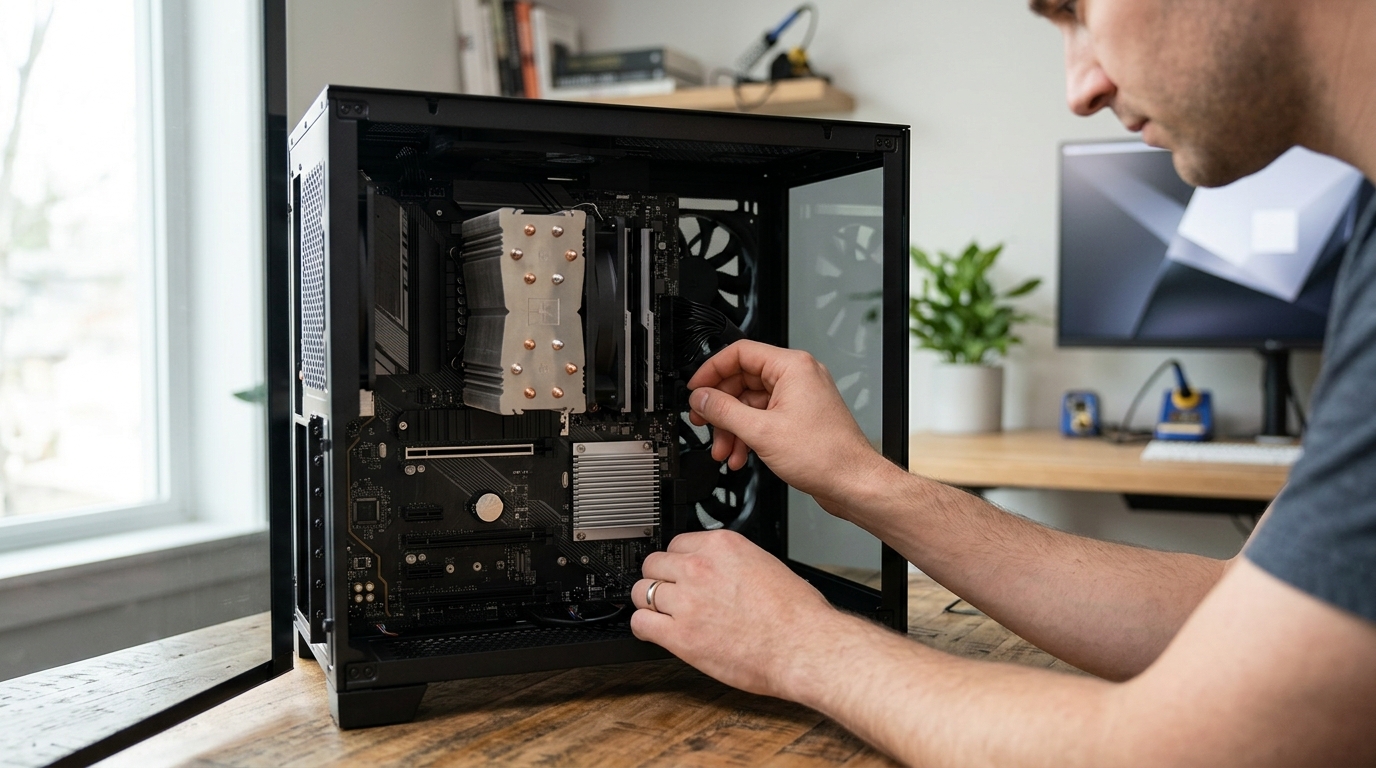
If you have ever cracked open a PC case, you have probably noticed more than one cooling solution sitting on the motherboard. Two of the most common are the CPU cooler and the chipset cooler. While both exist to manage heat, they serve very different components, handle vastly different thermal loads, and come in distinct form factors. Understanding these differences helps you make smarter purchasing decisions, avoid overheating issues, and build a more reliable system. In this guide, we break down exactly what sets these two coolers apart and when each one matters most.
What Is a CPU Cooler?
A CPU cooler is a thermal management device that sits directly on top of your processor to draw heat away from the die and maintain safe operating temperatures. Modern CPUs can produce anywhere from 65 W to over 250 W of thermal output, so effective cooling is critical to avoid throttling and instability.
CPU coolers come in three main types: air coolers, all-in-one (AIO) liquid coolers, and custom open-loop systems. Air coolers use a heatsink (typically copper or aluminum) and one or more fans to dissipate heat. According to Intel's cooling guide, heat travels from the Integrated Heat Spreader (IHS) through thermal paste into the cooler's baseplate, then through heat pipes to a fin stack where fans push warm air away.
AIO liquid coolers relocate heat to a radiator mounted elsewhere in the case. AAAwave carries a wide range of options, from compact air-based CPU coolers to premium AIO liquid coolers from brands like Arctic and Corsair.
What Is a Chipset Cooler?
A chipset cooler is a smaller heatsink or fan assembly designed to cool the motherboard's chipset, the silicon hub that manages data flow between the CPU, RAM, storage, and expansion slots. Chipsets like AMD's X670E or Intel's Z790 typically produce between 5 W and 15 W of heat, far less than a processor.
Most chipset coolers are passive aluminum heatsinks bonded directly to the chip. Higher-end motherboards sometimes include a small active fan. Aftermarket options like the Dynatron V35G chipset cooler are available for replacements or upgrades in server and workstation builds.
Why Chipset Cooling Matters
An overheating chipset can cause USB dropouts, storage latency spikes, and PCIe instability. While chipset failures from heat alone are rare in consumer desktops, servers and workstations with heavy I/O demand benefit from active chipset cooling.
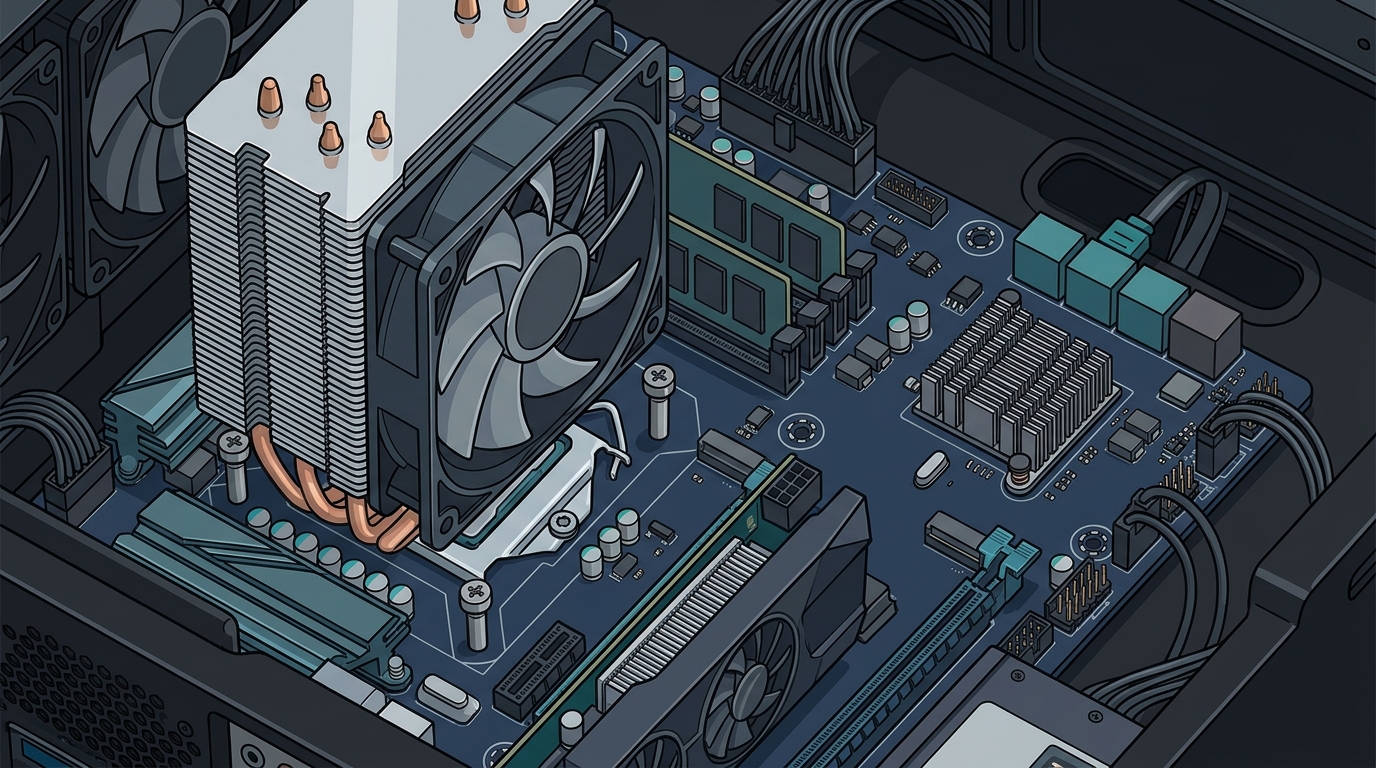
Side-by-Side Comparison
| Feature | CPU Cooler | Chipset Cooler |
|---|---|---|
| Component Cooled | Processor (CPU) | Motherboard chipset |
| Typical TDP Range | 65 W – 250+ W | 5 W – 15 W |
| Common Types | Tower air, top-blow, AIO liquid, custom loop | Passive heatsink, small active fan |
| Size | 90 mm – 160+ mm tall | 30 mm – 55 mm |
| Mounting | Socket-specific brackets (LGA1700, AM5, etc.) | Screws or push-pins on motherboard |
| Aftermarket Demand | Very high | Low (mostly server/workstation) |
| Price Range | $15 – $200+ | $5 – $30 |
Thermal Loads and TDP
Thermal Design Power (TDP) is the maximum amount of heat a cooling solution must dissipate under typical workloads. A CPU cooler must handle TDP values that frequently exceed 100 W. For example, the Dynatron A27G server cooler is rated for TDP up to 125 W.
Chipset TDP, on the other hand, rarely exceeds 15 W. This is why passive heatsinks work for most chipsets. The gap in thermal requirements is the primary reason CPU coolers are so much larger and more complex than chipset coolers.
Form Factors and Installation
CPU Cooler Installation
CPU coolers mount to the motherboard via socket-specific brackets. Aftermarket coolers typically ship with multiple bracket kits to support both Intel and AMD sockets. Proper installation requires applying quality thermal paste between the CPU's IHS and the cooler's baseplate. Tools like the AAAwave Thermal Paste Spreader make application easier and more consistent.
Chipset Cooler Installation
Chipset coolers are usually pre-installed by the motherboard manufacturer. Replacement involves removing a few screws and swapping the heatsink. A thin thermal pad sits between the chipset die and the cooler to ensure contact.
Case Airflow Considerations
Both coolers benefit from good case airflow. Adding high-quality case fans ensures fresh air reaches every component and exhaust heat exits efficiently.
When Should You Upgrade Each Cooler?
Upgrade your CPU cooler if you plan to overclock, install a higher-TDP processor, or notice thermal throttling under sustained loads. Tower coolers and 240 mm+ AIO units handle the most demanding chips.
Upgrade your chipset cooler if you experience chipset-related instability in a server or workstation, or if you have removed the stock heatsink for maintenance and need a replacement. Consumer desktop users rarely need to touch the chipset cooler.
Key Takeaways
- A CPU cooler handles the processor's high thermal output (65 W to 250+ W), while a chipset cooler manages the motherboard chipset's modest heat (5 W to 15 W).
- CPU coolers come in air, AIO liquid, and custom loop varieties; chipset coolers are almost always passive heatsinks.
- TDP is the defining spec: always match your cooler's rating to the component's thermal output.
- Proper thermal paste application is essential for both coolers to perform optimally.
- Good case airflow supports both CPU and chipset temperatures.
- Aftermarket chipset coolers are mainly relevant in server and workstation environments.
- AAAwave stocks CPU coolers, chipset coolers, thermal paste, and case fans from trusted brands like Arctic, Dynatron, Corsair, and Cooler Master.
Frequently Asked Questions
Can I use a CPU cooler on a chipset?
No. CPU coolers are far too large and use socket-specific mounting hardware that does not fit chipset mounting points. Chipset coolers are purpose-built for the smaller die and lower TDP.
Do all motherboards have a chipset cooler?
Most mid-range and high-end motherboards include a passive chipset heatsink. Budget boards sometimes leave the chipset exposed, relying on case airflow alone.
What happens if a chipset overheats?
An overheating chipset can cause USB disconnects, storage read/write errors, and PCIe lane instability. In extreme cases, the system may shut down to protect itself.
Is liquid cooling available for chipsets?
Custom open-loop liquid cooling systems can include a chipset water block. However, this is uncommon and typically reserved for extreme enthusiast or server builds.
How do I know if my CPU cooler is sufficient?
Check your CPU's TDP rating and compare it to your cooler's rated capacity. If your CPU temperatures exceed 90 degrees Celsius under load, consider upgrading to a higher-performance cooler.
Does thermal paste matter for chipset coolers?
Chipset coolers usually use a pre-applied thermal pad rather than paste. Replacing the pad during maintenance with a quality thermal interface material ensures proper heat transfer.
Where can I buy CPU and chipset coolers online?
AAAwave offers a curated selection of CPU coolers, chipset coolers, and thermal compounds with fast shipping across the USA.
Build a Cooler, Quieter PC Today
Whether you need a tower cooler for your gaming rig or a compact chipset fan for a server, AAAwave has the cooling hardware to keep every component running at peak performance. Browse CPU coolers, AIO liquid coolers, and thermal paste at AAAwave.com and enjoy competitive prices with fast, reliable shipping.