
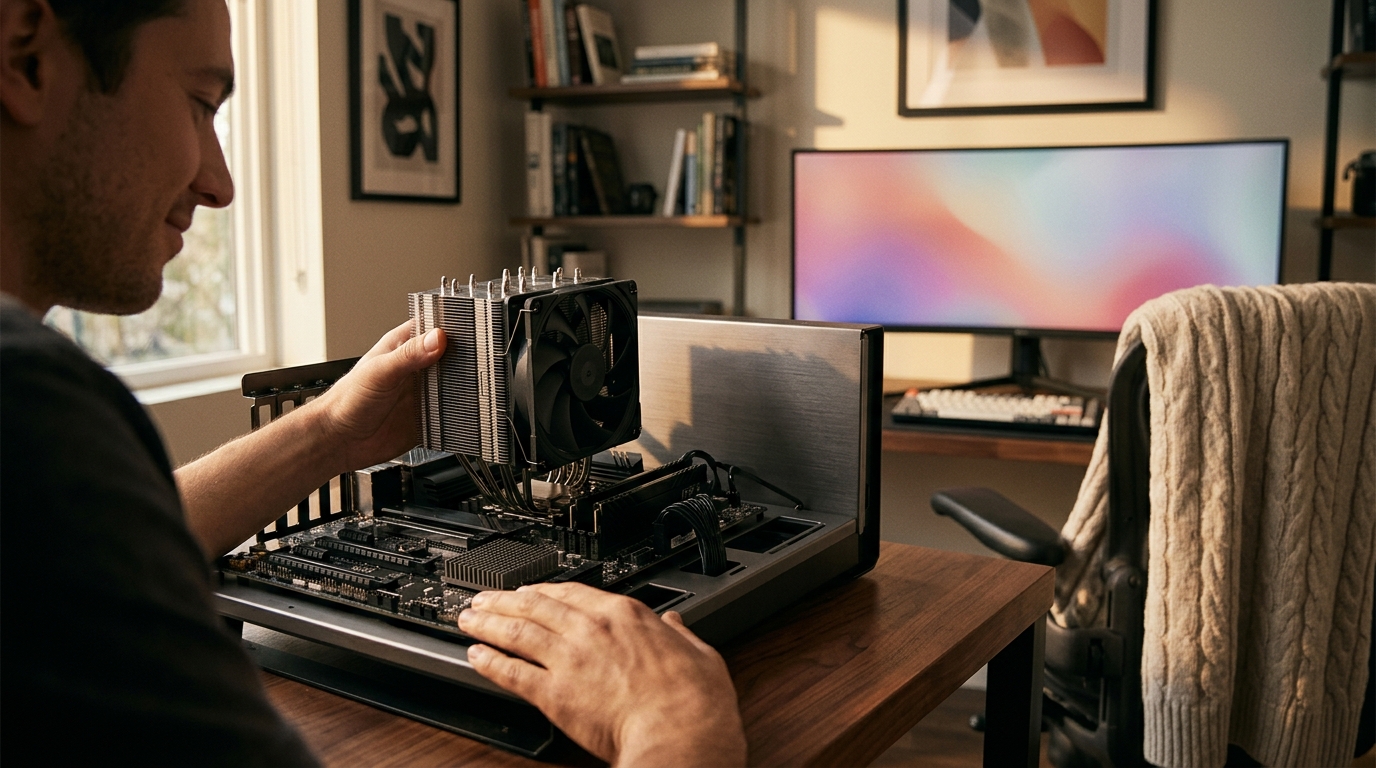
If you have ever cracked open a PC case, you have probably noticed more than one heatsink sitting on the motherboard. Two of the most common are the CPU cooler and the chipset cooler. Although both exist to manage heat, they serve very different components, handle vastly different thermal loads, and come in distinct form factors. Understanding these differences helps you pick the right cooling hardware for a stable, long-lasting system. In this guide we break down exactly what each cooler does, how they compare on size, TDP, and mounting, and when you might need to upgrade one or both.
What Is a CPU Cooler?
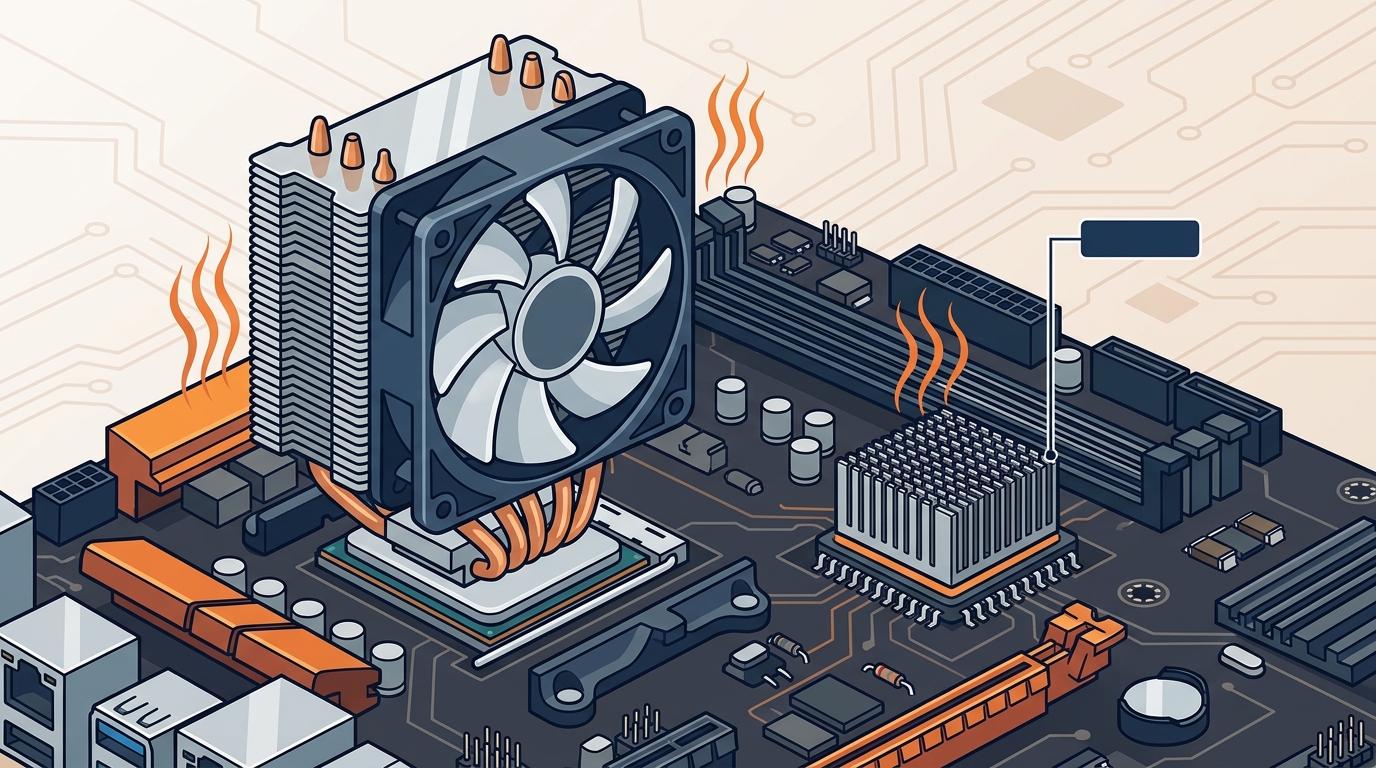
A CPU cooler is a dedicated thermal management device that sits directly on the central processing unit to transfer heat away from the processor die. Heat travels from the CPU's Integrated Heat Spreader (IHS) through thermal paste into the cooler's baseplate, then moves via heat pipes or liquid loops to a heatsink or radiator where fans expel it from the case. CPU coolers fall into three broad categories: air coolers, all-in-one (AIO) liquid coolers, and custom open-loop setups.
Air Coolers
Air coolers use aluminum or copper fins paired with one or more fans. Tower-style designs elevate the heatsink above the motherboard using heat pipes, which increases surface area without consuming extra board space. Budget-friendly options like the Arctic Alpine series available at AAAwave start under $20, while premium tower coolers with multiple heat pipes can exceed $80.
Liquid Coolers
AIO liquid coolers circulate coolant from a water block on the CPU to a radiator mounted inside the case. Radiator sizes of 120 mm, 240 mm, and 360 mm are common. Products like the Arctic Liquid Freezer II 360 or the Corsair iCUE Link H100i provide excellent thermal performance for overclocked or high-core-count processors.
What Is a Chipset Cooler?
A chipset cooler is a smaller heatsink (sometimes paired with a tiny fan) that sits on the motherboard's chipset IC. The chipset is a controller hub that manages data flow between the CPU, RAM, storage, USB ports, and PCIe lanes. Because chipsets generate far less heat than a CPU, their coolers are compact and often passive. On modern consumer boards such as AMD X670E or Intel Z790, you will typically find a low-profile aluminum heatsink with no fan at all.
Active vs Passive Chipset Cooling
High-end chipsets with more PCIe lanes or additional I/O controllers can benefit from a small active fan. Replacement chipset coolers like the Dynatron V31G use a compact 40-50 mm fan to keep temperatures in check. In most desktop builds, however, adequate case airflow from quality 120 mm case fans is enough to keep the chipset within safe limits.
Side-by-Side Comparison Table
| Feature | CPU Cooler | Chipset Cooler |
|---|---|---|
| Component Cooled | Central Processing Unit (CPU) | Motherboard chipset IC |
| Typical TDP Range | 65 W - 250 W+ | 5 W - 15 W |
| Common Types | Air tower, AIO liquid, custom loop | Passive heatsink, small active fan |
| Heatsink Size | 90 mm - 160 mm+ tall | 30 mm - 50 mm tall |
| Fan Size | 92 mm - 140 mm (or radiator fans) | 40 mm - 50 mm (if present) |
| Mounting | Socket-specific brackets (LGA1700, AM5, etc.) | Clip or screw to motherboard standoffs |
| Replaceable by User? | Yes, wide aftermarket selection | Rarely needed; limited aftermarket |
| Price Range | $10 - $200+ | $5 - $25 |
Thermal Loads and TDP
Thermal Design Power (TDP) is the maximum amount of heat a component generates under sustained workload, measured in watts. A modern desktop CPU like the Intel Core i9-14900K has a base TDP of 125 W but can exceed 250 W under turbo loads. By contrast, the Intel Z790 chipset draws roughly 6 W. This dramatic gap explains why CPU coolers need large heatsinks, heat pipes, or liquid loops, while chipset coolers get by with a simple aluminum block.
Insufficient CPU cooling leads to thermal throttling, reduced clock speeds, and potential long-term damage. Inadequate chipset cooling is less immediately dangerous but can cause intermittent USB dropouts, NVMe slowdowns, or system instability when the chipset overheats during sustained I/O-heavy tasks.
Form Factors and Mounting
CPU coolers mount to the motherboard via socket-specific brackets. Aftermarket coolers typically ship with multiple bracket sets covering Intel LGA1700/1851 and AMD AM4/AM5 sockets. Proper application of thermal paste between the CPU IHS and the cooler baseplate is essential for optimal heat transfer.
Chipset coolers, on the other hand, attach with push-pin clips or small screws directly to the PCB near the chipset. They rarely require thermal paste because manufacturers pre-apply a thermal pad. If you are replacing a chipset cooler, a quality thermal pad from AAAwave ensures reliable conductivity without the mess of liquid paste.
When to Upgrade Each Cooler
Upgrade Your CPU Cooler When:
- You are overclocking and hitting thermal throttle limits.
- Your stock cooler is too loud under load.
- You are switching to a higher-TDP processor.
- You want lower ambient case temperatures for GPU longevity.
Upgrade Your Chipset Cooler When:
- The original chipset fan has failed or become noisy.
- You are running multiple NVMe drives that share chipset PCIe lanes.
- Your motherboard sits in a case with poor airflow and chipset temps exceed 80 C consistently.
For server and workstation builds, brands like Dynatron offer dedicated chipset and VGA replacement coolers alongside their extensive CPU cooler lineup, many of which are stocked at AAAwave's CPU cooler collection.
Key Takeaways
- A CPU cooler handles 65-250+ watts of heat; a chipset cooler handles 5-15 watts.
- CPU coolers come in air, AIO liquid, and custom loop varieties; chipset coolers are almost always passive heatsinks.
- Thermal paste is critical for CPU cooler performance; chipset coolers typically use pre-applied thermal pads.
- Aftermarket CPU coolers are widely available and socket-specific; chipset cooler replacements are niche products.
- Poor CPU cooling causes throttling and instability; poor chipset cooling mainly affects I/O performance.
- Adequate case airflow benefits both coolers and the rest of your components.
- AAAwave stocks CPU coolers, AIO liquid coolers, thermal paste, and case fans from trusted brands like Arctic, Corsair, and Dynatron.
Frequently Asked Questions
Can I use a CPU cooler on a chipset?
No. CPU coolers are far too large and use socket-specific mounting hardware that does not align with chipset mounting points. Chipset coolers are purpose-built with smaller dimensions and different attachment methods.
Do all motherboards have chipset coolers?
Most mid-range and high-end motherboards include a chipset heatsink. Budget boards with low-power chipsets (e.g., Intel B660 or AMD A620) sometimes rely on passive cooling from case airflow alone without a dedicated heatsink.
Is a chipset cooler the same as a VRM heatsink?
No. A VRM (Voltage Regulator Module) heatsink sits over the power delivery circuitry near the CPU socket. A chipset cooler covers the chipset IC, which is usually located further down the motherboard. Some boards integrate both under a single heatsink shroud for aesthetics, but they cool separate components.
How do I know if my chipset is overheating?
Monitor chipset temperature through your motherboard's BIOS or software like HWiNFO. Temperatures above 80-85 C under load may indicate inadequate airflow. Symptoms include USB disconnects, NVMe throttling, and random system freezes during heavy I/O tasks.
What thermal paste should I use for a CPU cooler?
A high-quality non-conductive compound works best. Products such as Thermal Grizzly Hydronaut offer excellent conductivity for both air and liquid coolers. For basic desktop use, the Thermal Hero NEO Series is a cost-effective choice.
Do chipset coolers need thermal paste?
Typically no. Most chipset coolers ship with a pre-applied thermal pad. If you are replacing the cooler, use a fresh thermal pad of the correct thickness rather than liquid thermal paste, as the gap between the chipset die and heatsink is often larger than on a CPU.
Are AIO liquid coolers worth it over air coolers?
AIO coolers excel in high-TDP scenarios and overclocking, offering lower peak temperatures and quieter operation at load. For mainstream CPUs at stock settings, a quality air cooler delivers comparable performance at a lower price.
Where can I buy CPU and chipset coolers online?
AAAwave carries a full range of CPU coolers, AIO liquid coolers, and chipset replacement fans from brands like Arctic, Dynatron, and Corsair, all with competitive pricing and fast US shipping.
Find the Right Cooler for Your Build
Whether you need a high-performance AIO for an overclocked gaming rig or a simple chipset fan replacement for a server motherboard, choosing the correct cooler keeps your system stable and your components safe. Browse CPU coolers, thermal paste, and Arctic cooling products at AAAwave today to build a cooler, quieter PC.