
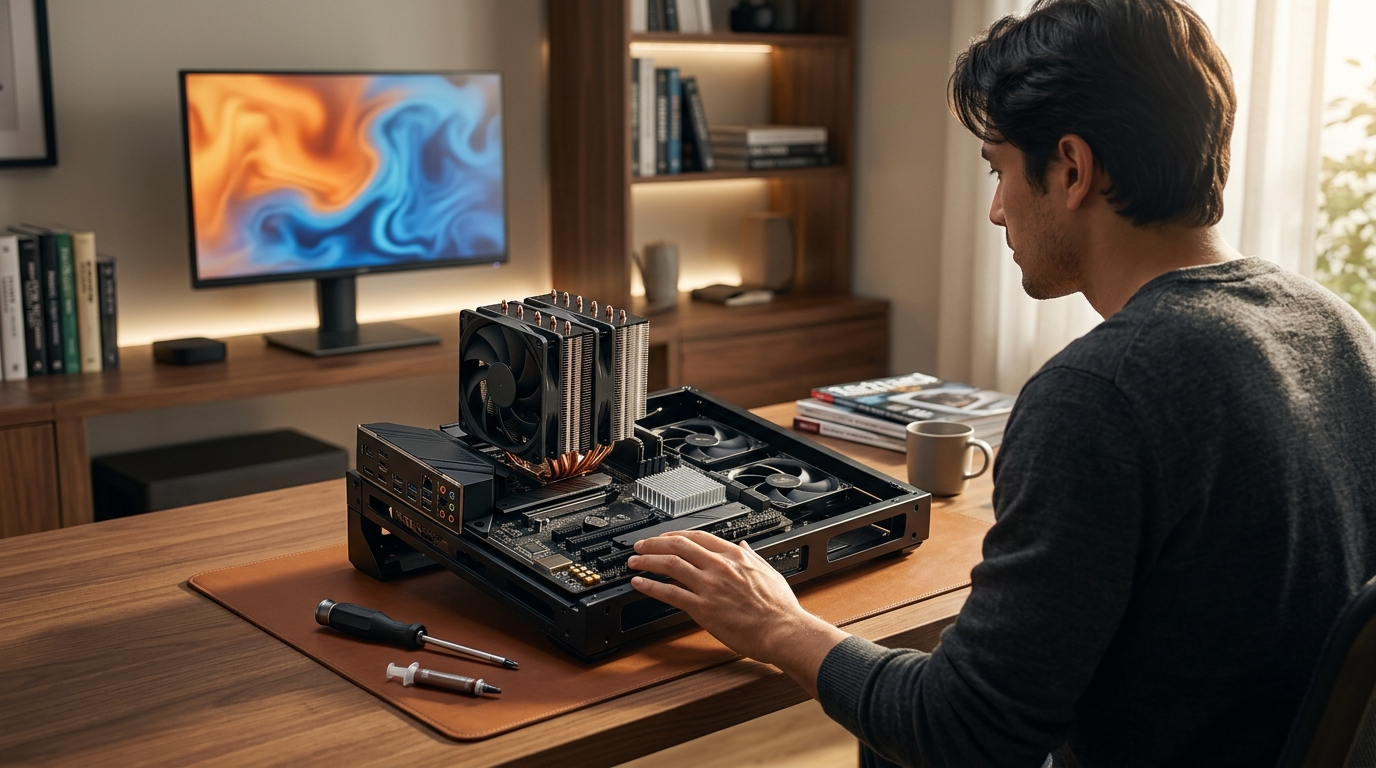
What is the difference between a CPU cooler and a chipset cooler?
Modern computing systems demand precise thermal regulation to maintain peak performance. According to recent industry data, global PC shipments exceeded 240 million units in 2024, driving unprecedented demand for efficient heat dissipation solutions. Industry reports confirm that thermal throttling remains the leading cause of performance degradation in high-performance workstations. Understanding the distinct roles of processor cooling and motherboard regulation is essential for system builders. This guide breaks down the mechanical and operational differences between these critical components. (Collections ndash AAAWave)
Thermal Load Requirements
Processor Heat Generation
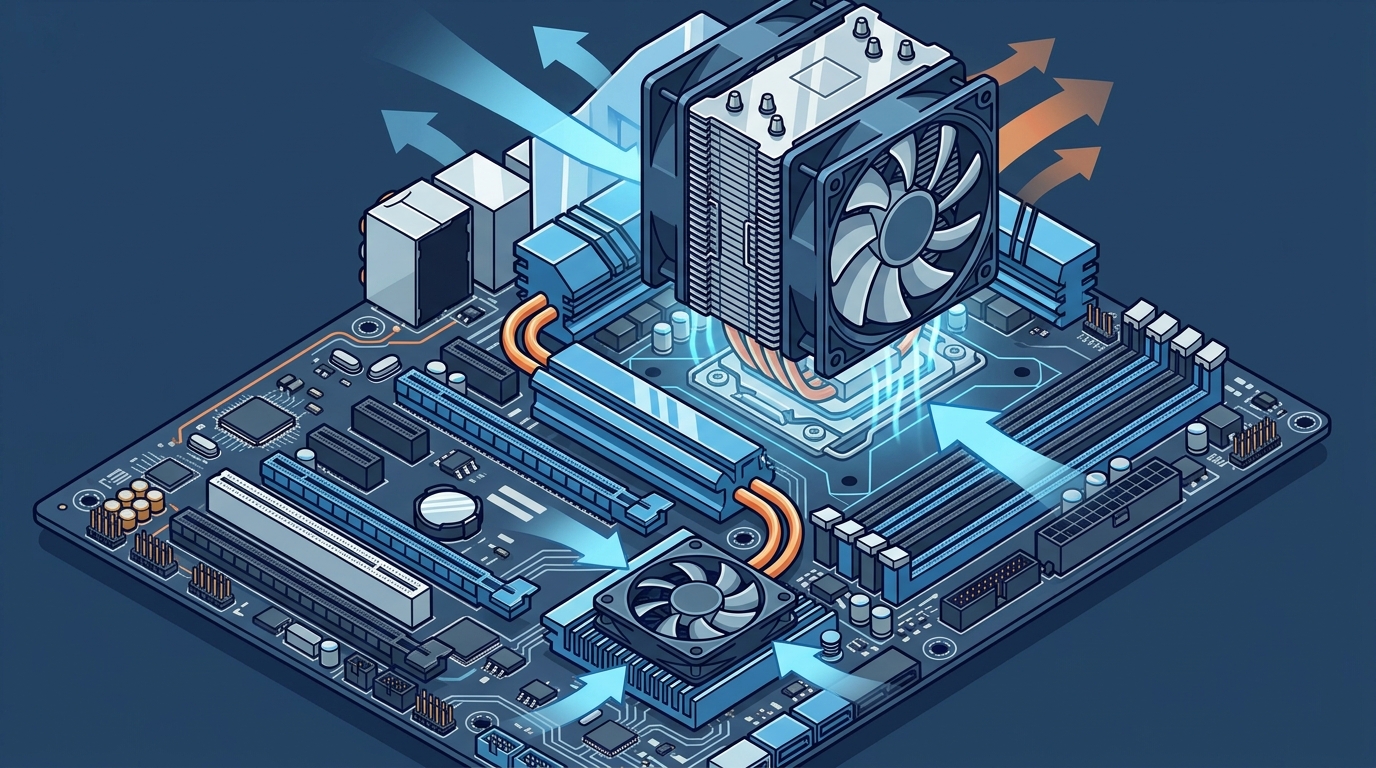
A CPU cooler is a dedicated thermal management device designed to extract heat from the central processing unit. Modern processors generate substantial thermal energy during intensive computational tasks. Market analysis indicates that average processor power draw has increased by thirty percent over the last five years. This elevated power consumption requires robust heat transfer mechanisms.Chipset Heat Generation
A chipset cooler is a supplementary thermal regulation unit engineered to manage the motherboard bridge controller. The chipset handles data routing between the processor, memory, and peripheral interfaces. Technical studies demonstrate that chipset temperatures frequently exceed sixty degrees Celsius under sustained workloads. Without active cooling, data transfer bottlenecks become increasingly likely.Physical Mounting Mechanisms
Processor Socket Integration
Processor cooling solutions utilize standardized mounting brackets that align with the main CPU socket. These brackets apply uniform pressure across the heat spreader. Browse our selection of CPU coolers to find compatible mounting hardware for your specific motherboard generation. The mechanical interface must maintain direct contact with the processor die.Chipset Board Integration
Motherboard bridge controllers require compact mounting solutions that fit within restricted PCB spaces. These units typically attach via adhesive thermal pads or small retention clips. Explore chipset coolers designed for specific motherboard form factors. The physical footprint remains significantly smaller than processor cooling assemblies.Air Versus Liquid Cooling
Passive and Active Airflow
Air-based thermal management relies on fin arrays and rotating fans to dissipate heat. This method remains the most cost-effective solution for standard computing environments. Engineering assessments confirm that properly designed air coolers can handle processor loads exceeding two hundred watts. Chipset air coolers typically utilize smaller fans or passive aluminum fins.Advanced Liquid Transfer Systems
Liquid cooling loops circulate coolant through a dedicated radiator and pump assembly. This technology transfers heat away from the processor core at significantly higher rates. Discover liquid coolers engineered for extreme overclocking and sustained rendering workloads. Chipset liquid integration remains rare due to space constraints and cost considerations.Consumer Versus Server Applications
Desktop Workstation Demands
Consumer hardware prioritizes acoustic performance alongside thermal efficiency. Most desktop builds rely on processor cooling as the primary heat management strategy. Performance benchmarks show that premium processor coolers reduce operating temperatures by twenty degrees compared to stock units. Chipset cooling is often omitted in budget consumer builds.Enterprise Server Infrastructure
Enterprise environments require continuous operation without thermal throttling. Server motherboards integrate dedicated chipset cooling to prevent data corruption during extended uptime. View server components optimized for continuous data center operation. Redundant cooling arrays ensure system stability during peak network traffic periods.Maintenance and Upgrade Protocols
Thermal Compound Replacement
Processor cooling assemblies require periodic thermal compound replacement to maintain optimal heat transfer. Dried compounds increase thermal resistance and degrade system stability. Purchase thermal paste formulated for high-performance computing environments. Regular maintenance extends the operational lifespan of expensive processor hardware.Chipset Fan Replacement Cycles
Motherboard bridge controllers rarely require active maintenance beyond initial installation. Most chipset cooling units operate silently for the entire hardware lifecycle. Upgrade case fans to improve overall chassis airflow and reduce chipset ambient temperatures. System administrators typically monitor chipset temperatures through diagnostic software rather than physical inspection.Hardware Comparison Matrix
| Component Specification | CPU Cooler | Chipset Cooler |
|---|---|---|
| Primary Function | Extracts heat from the central processing unit (Computer Accessories amp PC) | Regulates temperature of the motherboard bridge controller (AI Computers amp Workstations) |
| Thermal Output Range | 65 watts to 350 watts | 15 watts to 45 watts |
| Mounting Interface | Standardized socket brackets | Adhesive pads or retention clips |
| Typical Form Factor | Large fin arrays with integrated fans | Compact aluminum blocks or small fans |
| Upgrade Frequency | Regular replacement every three to five years | Minimal maintenance required |
Key Takeaways
- Processor cooling units manage heat outputs ranging from 65 watts to 350 watts. (PDF Generating Datacenter)
- Chipset cooling units typically regulate thermal loads between 15 watts and 45 watts. (PDF Generating Datacenter)
- Global PC shipments exceeded 240 million units in 2024, increasing cooling demands.
- Processor coolers utilize standardized socket brackets for uniform pressure distribution.
- Chipset coolers rely on adhesive thermal pads or compact retention clips.
- Enterprise servers require continuous chipset cooling to prevent data corruption.
- Regular thermal compound replacement extends processor hardware lifespan.
Frequently Asked Questions
Do I need a chipset cooler if I already have a CPU cooler?
Most consumer motherboards include passive aluminum heatsinks on the chipset. Active chipset cooling becomes necessary only during sustained overclocking or heavy data transfer workloads.
Can I use a CPU cooler on a motherboard chipset?
Physical mounting interfaces differ significantly between processor sockets and chipset locations. Attempting to adapt a processor cooler to a chipset will likely damage the motherboard PCB.
How do I monitor chipset temperatures without physical sensors?
Modern diagnostic software reads thermal data directly from the motherboard controller. System administrators can track real-time temperatures through BIOS interfaces or third-party monitoring utilities.
What happens if a chipset cooler fails during operation?
Thermal throttling is a hardware protection mechanism that reduces processor clock speeds to prevent catastrophic overheating. Extended overheating may cause permanent data corruption or motherboard component failure.
Are liquid cooling solutions available for motherboard chipsets?
Integrated liquid loops rarely include dedicated chipset blocks due to space constraints. Most users rely on improved case airflow to maintain acceptable chipset temperatures.
How often should I replace thermal paste on a processor cooler?
Manufacturers recommend replacing thermal compounds every three to five years. Dried compounds increase thermal resistance and degrade overall system stability.
Do server motherboards require different chipset cooling protocols?
Enterprise hardware utilizes redundant cooling arrays to ensure continuous operation. Server chipsets often feature active fans with higher static pressure ratings.
Optimize Your System Cooling Today
Building a thermally efficient computing environment requires precise component selection and strategic airflow planning. Visit AAawave to explore our complete inventory of premium cooling solutions. Our technical support team provides expert guidance for custom workstation builds. Secure your hardware upgrades with fast US shipping and comprehensive warranty coverage.