
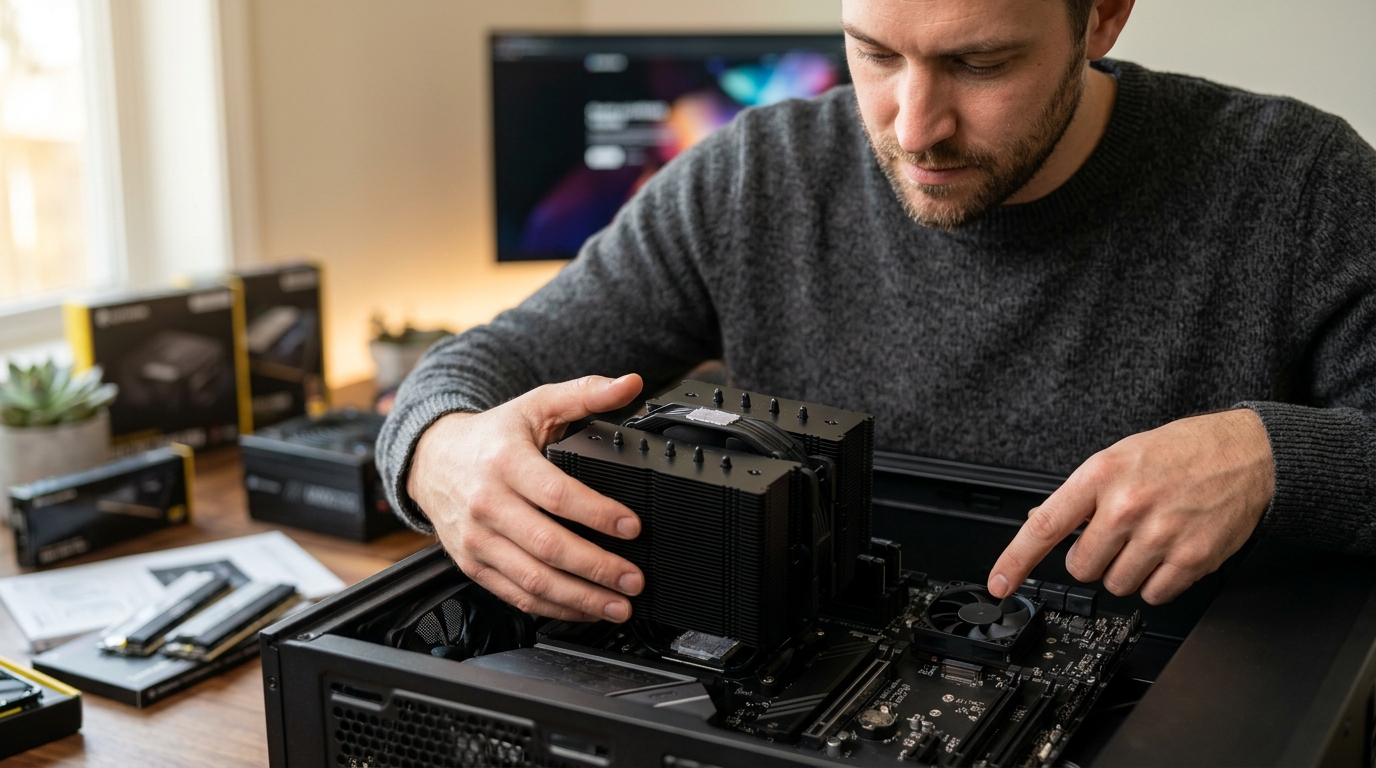
Thermal management is the silent backbone of any high-performance computing environment. Without effective heat dissipation, even the most powerful processors will throttle their performance to prevent hardware damage. While many enthusiasts focus exclusively on the central processing unit, the motherboard's chipset plays an equally critical role in system stability. According to recent industry thermal benchmarks, improper cooling of motherboard components can lead to a 15% reduction in sustained data transfer speeds during heavy workloads. Understanding the distinct roles of these two cooling solutions is essential for building a reliable PC. (Computer Accessories amp PC)
What Is a CPU Cooler?
A CPU cooler is a dedicated thermal management device designed specifically to dissipate heat generated by the central processing unit. The CPU is often referred to as the brain of the computer because it handles the majority of complex calculations and instructions. Because modern processors operate at extremely high clock speeds, they generate significant amounts of heat that must be removed to maintain optimal performance. (Access Point ndash AAAWave)
CPU coolers typically consist of a large metal heatsink, often made of aluminum or copper, and one or more fans. The heatsink absorbs heat from the CPU through a base plate and spreads it across numerous fins. The fans then force air through these fins, carrying the heat away from the processor. Some high-end systems utilize liquid cooling loops, where a pump circulates coolant through a block attached to the CPU and then to a radiator for dissipation.
The primary function of a CPU cooler is to keep the processor temperature within safe operating limits, usually below 85 degrees Celsius under load. If the CPU overheats, it will automatically reduce its clock speed, a process known as thermal throttling. This results in noticeable lag and reduced performance in gaming, video editing, and other intensive tasks. For more details on selecting the right cooling solution, you can explore our CPU Coolers collection.
What Is a Chipset Cooler?
A chipset cooler is a smaller thermal solution designed to manage the heat produced by the motherboard's chipset. The chipset is a critical component on the motherboard that acts as a traffic controller, managing data flow between the CPU, memory, storage devices, and peripheral connections. Unlike the CPU, which has its own dedicated cooling system, the chipset relies on the motherboard's overall airflow or a dedicated small cooler.
Chipset coolers are generally much smaller than CPU coolers. They often consist of a small aluminum heatsink with a low-profile fan or a passive heatsink that relies on case airflow. The primary goal of a chipset cooler is to prevent the chipset from overheating, which can lead to system instability, data corruption, or failure of motherboard features such as USB ports and PCIe slots.
While the chipset does not generate as much heat as the CPU, it is often located in a confined area on the motherboard, making it susceptible to heat buildup from nearby components. A dedicated chipset cooler ensures that this critical area remains cool, especially in compact builds or systems with poor case ventilation. You can find various chipset coolers designed to fit different motherboard form factors.
Key Differences Between CPU and Chipset Cooling
Understanding the differences between CPU and chipset cooling is crucial for building a balanced system. The primary distinction lies in the scale of heat generation and the complexity of the cooling solution required.
Heat Output and Thermal Load
The CPU is the primary heat generator in a computer system. High-end processors can have a Thermal Design Power (TDP) of over 250 watts, requiring massive cooling solutions. In contrast, the chipset typically has a much lower TDP, often ranging from 10 to 30 watts. This lower heat output allows for smaller, less intrusive cooling solutions for the chipset.
Physical Size and Design
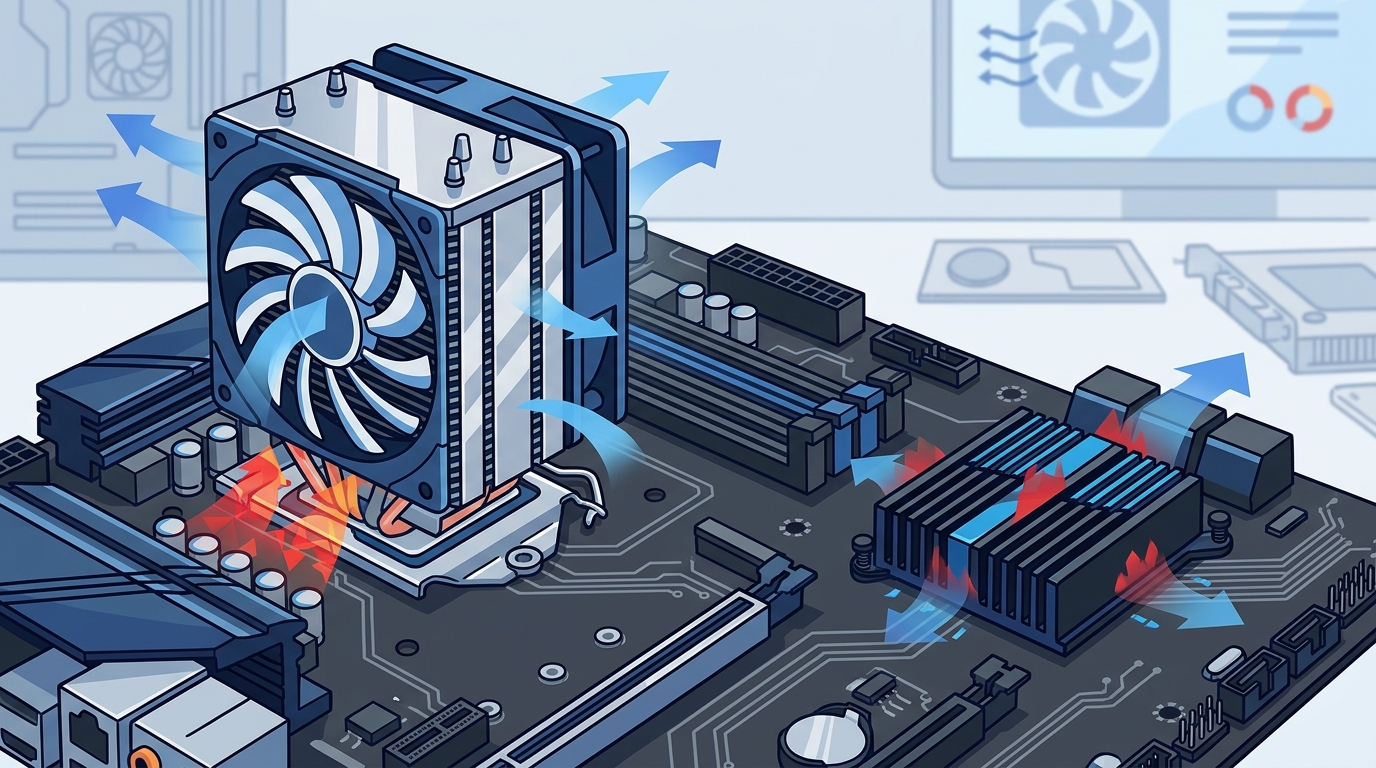
CPU coolers are large and bulky, often extending several inches above the motherboard. They must be compatible with the CPU socket type and the height clearance of the PC case. Chipset coolers are compact and low-profile, designed to fit within the limited space around the chipset area without interfering with other components or RAM sticks.
Impact on System Performance
A failing CPU cooler has an immediate and severe impact on system performance, causing throttling and potential shutdowns. A failing chipset cooler may lead to slower data transfer rates, USB port failures, or PCIe device instability. While less dramatic, chipset overheating can still cause significant issues, particularly in systems that rely on high-speed storage and peripheral connections.
Cooling Technologies and Installation
Both CPU and chipset coolers utilize similar thermal principles, but the implementation differs based on the component's needs. CPU coolers often use advanced technologies such as vapor chambers, heat pipes, and high-static pressure fans to maximize heat dissipation. Chipset coolers typically use simpler aluminum fins and low-noise fans.
Installation Considerations
Installing a CPU cooler requires careful attention to mounting brackets, thermal paste application, and fan orientation. It is a critical step that affects the entire system's thermal profile. Chipset cooler installation is generally simpler, often involving a few screws or thermal adhesive pads to attach the cooler to the motherboard's heatsink shroud.
For those looking to upgrade their system's thermal performance, AAAWave offers a wide range of cooling accessories and components. Ensuring that both the CPU and chipset are properly cooled is essential for long-term system reliability.
Comparison Table
The following table summarizes the key differences between CPU coolers and chipset coolers to help you make an informed decision.
| Feature | CPU Cooler | Chipset Cooler |
|---|---|---|
| Primary Function | Dissipate heat from the central processing unit | Manage heat from the motherboard chipset |
| Typical TDP | 65W to 250W+ | 10W to 30W |
| Size | Large, bulky, multi-fan designs | Small, low-profile, single-fan or passive |
| Impact of Failure | Severe throttling, system crashes | Peripheral instability, slower data transfer |
| Installation Complexity | High, requires precise mounting | Low, simple screw or adhesive attachment |
| Common Materials | Copper, Aluminum, Heat Pipes | Aluminum, Plastic |
Key Takeaways
- Distinct Roles: The CPU cooler manages the primary heat source, while the chipset cooler handles secondary motherboard heat.
- Thermal Load: CPUs generate significantly more heat, requiring larger and more complex cooling solutions.
- Performance Impact: CPU overheating causes immediate throttling, while chipset overheating affects peripheral stability.
- Size Difference: CPU coolers are large and prominent, whereas chipset coolers are compact and low-profile.
- Installation: CPU cooler installation is critical and complex, while chipset cooler installation is straightforward.
- Material Choice: High-end CPU coolers often use copper and heat pipes for superior thermal conductivity.
- System Balance: Both components must be cooled effectively to ensure overall system stability and longevity.
Frequently Asked Questions
Do I need a chipset cooler if I have a good CPU cooler?
Yes, a CPU cooler does not cool the chipset. The chipset is a separate component on the motherboard that requires its own thermal management. Even with an excellent CPU cooler, the chipset can still overheat, especially in compact cases or high-performance builds.
Can I use a passive chipset cooler without a fan?
Yes, passive chipset coolers rely on case airflow to dissipate heat. They are quieter but require a well-ventilated case with adequate airflow to be effective. Active coolers with fans are generally more efficient in tight spaces.
How do I know if my chipset is overheating?
Signs of chipset overheating include unstable USB connections, slower storage speeds, and occasional system freezes. You can monitor chipset temperatures using motherboard diagnostic software or BIOS utilities.
Is liquid cooling necessary for the chipset?
No, liquid cooling is rarely necessary for the chipset. The heat output is too low to justify the complexity and cost of a liquid loop. A high-quality air cooler is usually sufficient.
Can I install a chipset cooler on any motherboard?
Most modern motherboards have a designated area for a chipset cooler, often under a heatsink shroud. However, you should check the motherboard manual to ensure compatibility with the specific cooler you plan to install.
What is the difference between a heatsink and a cooler?
A heatsink is the metal component that absorbs and dissipates heat. A cooler typically refers to the complete assembly, including the heatsink and fans. CPU coolers are complete assemblies, while chipset coolers may be just heatsinks or small fan-heatsink combos.
Does the chipset cooler affect gaming performance?
Indirectly, yes. If the chipset overheats, it can cause instability in PCIe devices, such as graphics cards and NVMe SSDs, leading to frame drops or crashes. Ensuring proper chipset cooling helps maintain consistent gaming performance.
Conclusion
Understanding the difference between a CPU cooler and a chipset cooler is essential for building a stable and high-performance PC. While the CPU cooler is the primary defense against thermal throttling, the chipset cooler plays a vital role in maintaining motherboard stability and peripheral functionality. By selecting the right cooling solutions for both components, you can ensure your system runs efficiently and reliably for years to come.
Ready to upgrade your system's thermal performance? Explore our extensive collection of premium PC components and find the perfect cooling solution for your build. Visit AAAwave today to discover high-quality CPU coolers, chipset coolers, and other essential electronics with fast US shipping.