
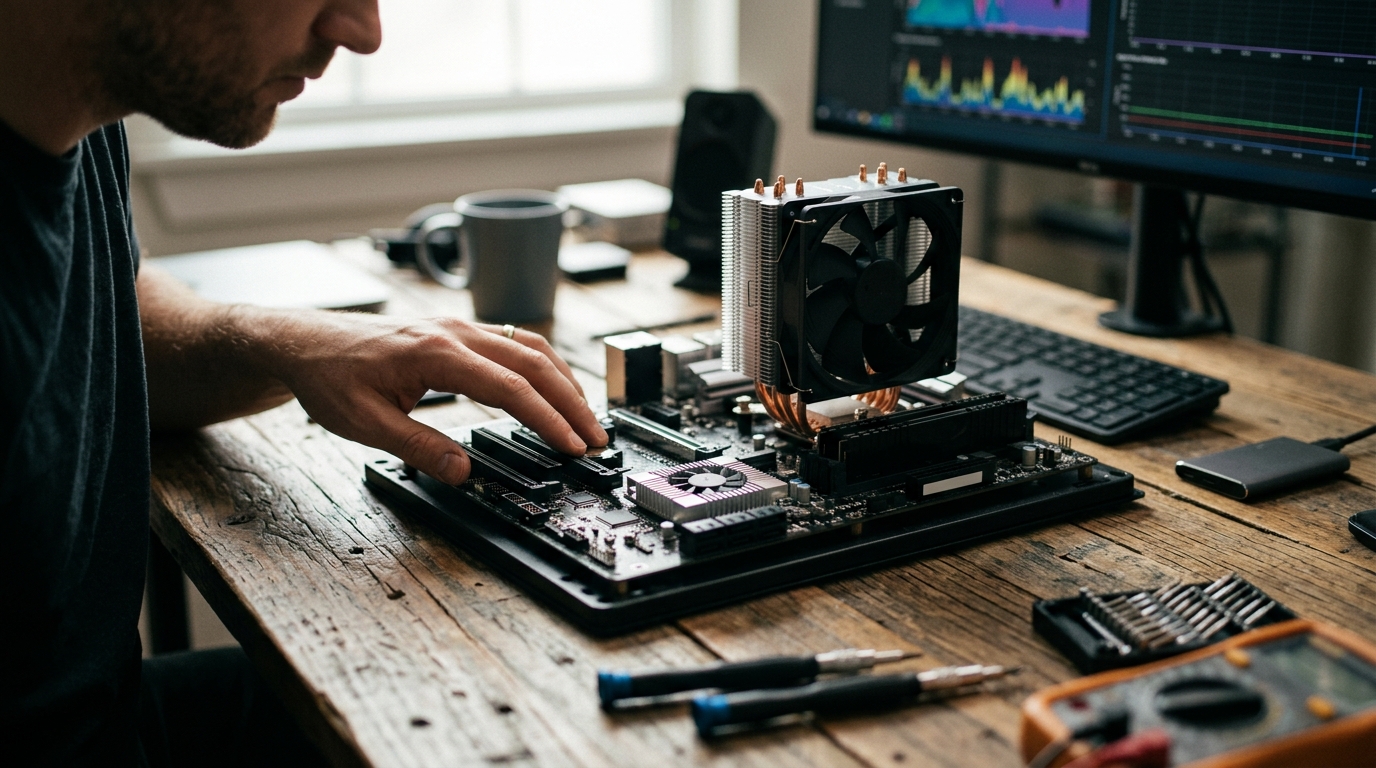
Thermal management is the backbone of any high-performance computing environment. Without effective heat dissipation, silicon components throttle, crash, or fail prematurely. While many builders focus exclusively on the central processing unit, the motherboard's chipset generates significant heat under load. Understanding the distinction between a CPU cooler and a chipset cooler is critical for system stability. According to recent thermal engineering reports, modern high-density chipsets can reach temperatures exceeding 85 degrees Celsius during intensive data transfers, necessitating dedicated cooling solutions. (AI Computers amp Workstations)
What Is a CPU Cooler?
A CPU cooler is a dedicated thermal management device designed to dissipate heat generated by the central processing unit. The CPU is often the most power-hungry component in a PC, especially during gaming, video rendering, or complex calculations. Thermal Design Power (TDP) is a specification that indicates the maximum amount of heat the cooling system needs to dissipate.
CPU coolers come in two primary forms: air coolers and liquid coolers. Air coolers use a combination of heat pipes and aluminum or copper fins, driven by one or more fans. Liquid coolers, or All-In-One (AIO) units, pump coolant through a block attached to the CPU and then to a radiator where fans expel the heat. At AAAwave, we stock a wide range of high-efficiency CPU coolers to match various TDP requirements.
The primary goal of a CPU cooler is to maintain the processor within its safe operating temperature range, typically below 80 degrees Celsius under load. If temperatures exceed this threshold, the CPU will automatically reduce its clock speed to prevent damage, a process known as thermal throttling. This results in noticeable performance drops during critical tasks.
What Is a Chipset Cooler?
A chipset cooler is a smaller, often passive or low-profile active cooling device attached to the motherboard's chipset. The chipset, often referred to as the PCH (Platform Controller Hub) in Intel systems or the FCH (Fusion Controller Hub) in AMD systems, manages data flow between the CPU, memory, and peripherals. Chipset cooler is the specific term for the heatsink or fan assembly mounted on this component.
While the chipset does not generate as much heat as a high-end CPU, modern chipsets handling PCIe 4.0 or 5.0 NVMe SSDs can become quite hot. Many motherboards include a large metal heatsink that covers the chipset, sometimes with a small fan attached. In high-performance builds, users may add an aftermarket chipset cooler to ensure consistent performance. You can explore specialized chipset cooling options to enhance your motherboard's thermal profile.
The importance of chipset cooling is often overlooked. When the chipset overheats, it can cause instability in connected devices, including USB ports and storage drives. In extreme cases, it can lead to system crashes or data corruption. Proper cooling ensures that the motherboard's data pathways remain stable under heavy I/O loads.
Key Differences in Design and Function
The differences between these two cooling solutions extend beyond their physical size. They serve distinct roles within the computer's architecture.
Heat Output and Management
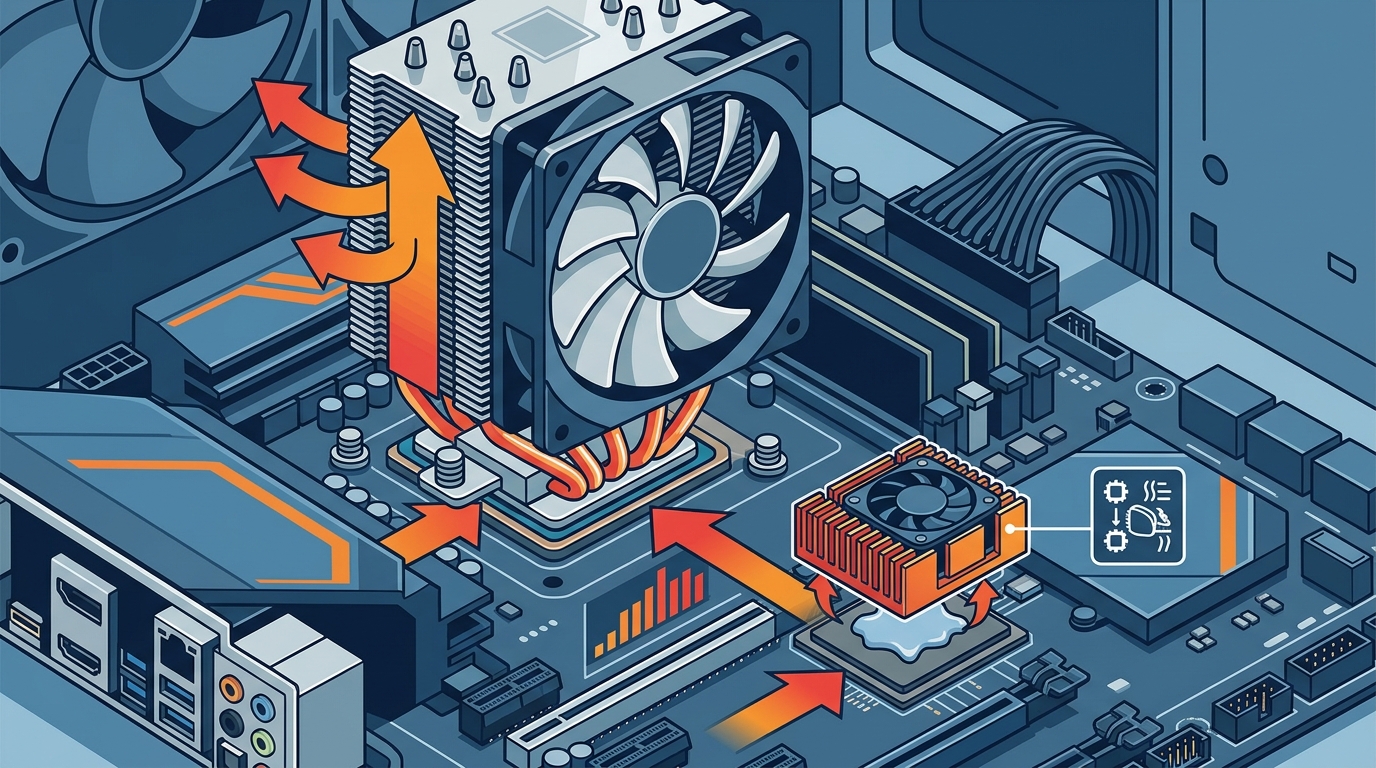
The CPU is the brain of the computer and generates the most heat. A CPU cooler must handle high thermal loads, often ranging from 65W to over 350W for enthusiast processors. In contrast, a chipset typically generates between 10W and 30W of heat. Consequently, CPU coolers are larger, more complex, and more expensive. Chipset coolers are compact and designed for lower thermal density.
Mounting and Compatibility
CPU coolers require specific mounting brackets that match the socket type of the processor, such as LGA 1700 or AM5. They must clear the RAM slots and fit within the case dimensions. Chipset coolers, however, are mounted directly to the motherboard's chipset area. They are generally universal in terms of mounting holes but must be compatible with the motherboard's layout. Some large air CPU coolers may physically obstruct the installation of a chipset cooler, so clearance is a critical factor in build planning.
Acoustic Profile
CPU coolers often operate at higher speeds to manage intense heat, which can generate noticeable noise. Chipset coolers are typically quieter, as they deal with less heat. Many high-end motherboards use passive chipset cooling, relying on the airflow from the CPU cooler and case fans to dissipate heat without any moving parts. This contributes to a silent computing experience.
Installation and Compatibility
Installing a CPU cooler is a complex process that involves applying thermal paste, aligning the mounting bracket, and securing the unit with precision. It requires careful attention to torque specifications to avoid damaging the motherboard or the CPU socket. For detailed guidance, you can refer to our technical blog on building your PC.
Installing a chipset cooler is significantly simpler. It usually involves removing a protective plastic cover from the motherboard's chipset heatsink, applying a small amount of thermal pad or paste, and snapping the cooler into place. The process is quick and requires minimal tools. However, users must ensure that the cooler does not interfere with nearby components, such as M.2 SSD heatsinks or PCIe slots.
Compatibility is key when selecting a chipset cooler. Not all motherboards have a dedicated mounting point for an aftermarket cooler. Some rely entirely on the stock heatsink. Always check the motherboard manual to confirm if an aftermarket chipset cooler is supported. Accessories like thermal pads are essential for proper heat transfer between the chipset and the cooler.
Comparison Summary
| Feature | CPU Cooler | Chipset Cooler |
|---|---|---|
| Primary Function | Cool the Central Processing Unit | Cool the Motherboard Chipset |
| Heat Output | High (65W to 350W+) | Low to Moderate (10W to 30W) |
| Size | Large, bulky | Small, compact |
| Mounting | Socket-specific brackets | Direct motherboard mount |
| Complexity | High | Low |
| Impact on Performance | Prevents CPU throttling | Ensures I/O stability |
Key Takeaways
- Distinct Roles: The CPU cooler manages the processor's heat, while the chipset cooler manages the motherboard's data hub heat.
- Thermal Load: CPUs generate significantly more heat than chipsets, requiring more robust cooling solutions.
- Stability: Overheating the chipset can cause USB and storage failures, not just general system instability.
- Compatibility: Large CPU coolers may block chipset cooler installation; always check clearance.
- Passive Options: Many modern motherboards include adequate passive chipset heatsinks, reducing the need for active cooling.
- Build Planning: Consider airflow paths when choosing between air and liquid CPU cooling to ensure the chipset remains cool.
- Quality Matters: High-quality thermal pads are essential for effective chipset cooling.
Frequently Asked Questions
Do I need a chipset cooler if I have a good CPU cooler?
Not necessarily. Many motherboards include a large, efficient heatsink for the chipset. However, in high-performance builds with fast NVMe drives, an additional chipset cooler can improve long-term stability.
Can I use thermal paste on a chipset cooler?
Most chipset coolers use thermal pads rather than paste. Pads are easier to install and provide sufficient contact for the lower heat output of the chipset. Check your cooler's specifications.
Will a chipset cooler reduce fan noise?
Yes, if you choose a passive chipset cooler. Passive coolers have no fans, relying on case airflow. This can contribute to a quieter overall system build.
How do I know if my motherboard supports an aftermarket chipset cooler?
Check the motherboard manual or product specifications. Look for mounting holes or brackets near the chipset area. Some high-end boards explicitly list support for aftermarket chipset coolers.
Is a chipset cooler necessary for gaming?
For most gamers, the stock chipset heatsink is sufficient. However, if you are overclocking or using multiple high-speed NVMe SSDs, an aftermarket cooler can help maintain consistent performance.
What is the difference between an air and liquid CPU cooler?
Air coolers use fans and fins to dissipate heat, while liquid coolers use a pump and radiator. Liquid coolers are often more efficient for high-TDP CPUs but are more complex to install.
Can I install a chipset cooler on any motherboard?
No. You must ensure the motherboard has the necessary mounting points. Universal kits exist, but they may not fit all form factors or layouts.
Upgrade Your Cooling Today
Optimizing your system's thermal profile is essential for peak performance and longevity. Whether you need a high-end CPU cooler or a specialized chipset cooler, AAAwave offers a comprehensive selection of premium components. Visit our store to find the perfect cooling solution for your build. Ensure your hardware stays cool and performs at its best.