
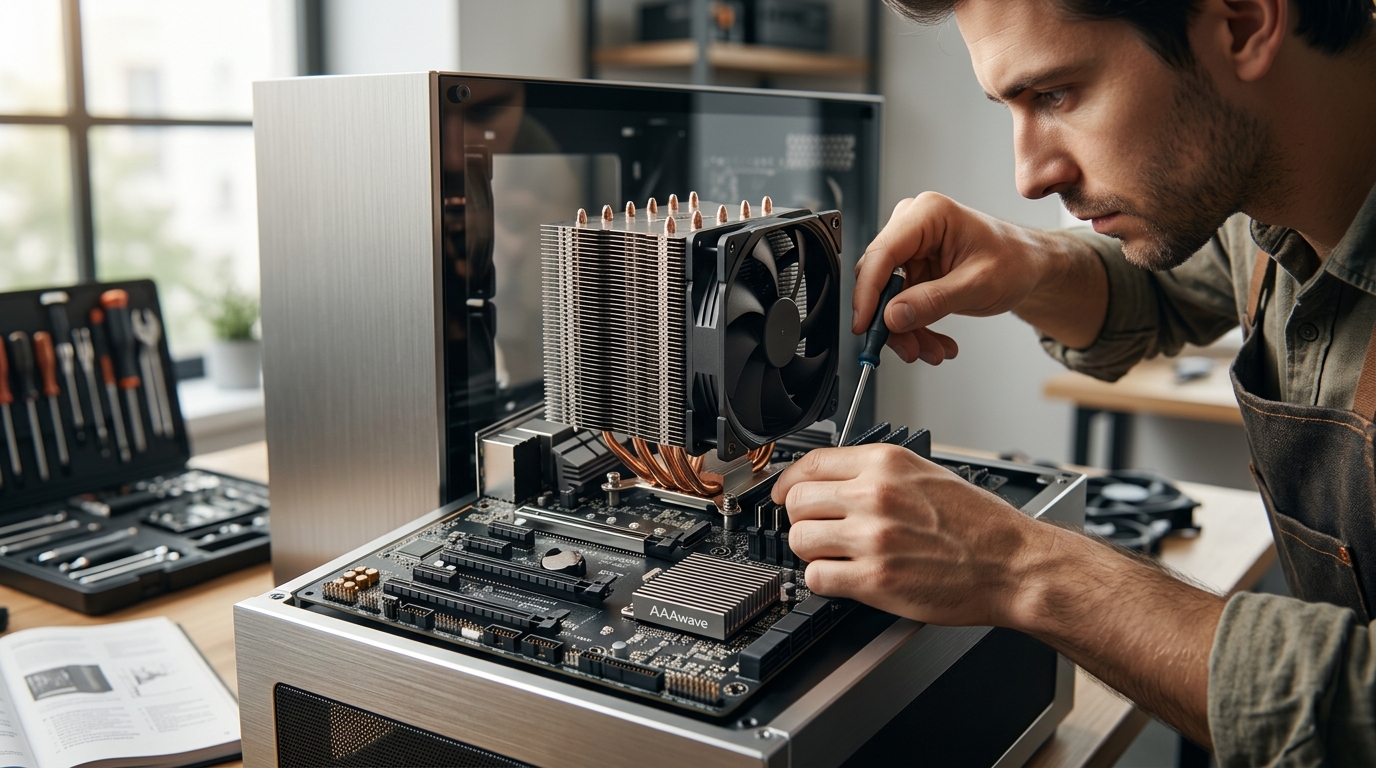
Modern computing relies on precise thermal management to maintain stability and performance. While most enthusiasts focus heavily on the processor, the motherboard's chipset plays an equally critical role in system longevity. According to recent industry thermal analysis reports, improper heat dissipation in motherboard components can lead to a 15% reduction in overall system stability during sustained workloads. Understanding the distinct roles of the CPU cooler and the chipset cooler is essential for building a reliable machine. (Computer Accessories amp PC)
What Is a CPU Cooler?
The Central Processing Unit (CPU) is the brain of your computer. It executes instructions and manages data flow for all running applications. CPU Cooler is the primary thermal management system designed specifically to dissipate the intense heat generated by the processor core.
CPUs generate significant heat because they contain billions of transistors switching states billions of times per second. Without effective cooling, the CPU will throttle its speed to prevent damage, leading to lag and poor performance. In extreme cases, it may shut down entirely to protect itself.
CPU coolers come in two main varieties: air coolers and liquid coolers (AIOs). Air coolers use a combination of a metal heatsink and fans to move heat away from the processor. Liquid coolers use a pump to circulate coolant through a radiator, offering superior thermal capacity for high-end processors like the AMD Ryzen 7 7800X3D.
For users building high-performance gaming rigs or workstations, investing in a robust CPU cooling solution is non-negotiable. The CPU Cooler category at AAAWave offers various options, including the ARCTIC Liquid Freezer III Pro 240 A-RGB AIO, which provides exceptional thermal headroom for overclocking.
What Is a Chipset Cooler?
The chipset is a critical component on the motherboard that acts as a traffic controller. It manages the communication between the CPU, memory, storage devices, and peripheral ports. Chipset Cooler is a smaller thermal solution designed to keep the motherboard's PCH (Platform Controller Hub) or chipset within safe operating temperatures.
While the chipset does not generate as much heat as a modern CPU, it still produces enough thermal energy to affect performance if left unmanaged. The chipset controls PCIe lanes, USB ports, and SATA connections. If it overheats, you may experience data transfer errors, USB disconnects, or even motherboard instability.
Chipset coolers are typically smaller than CPU coolers. They often consist of a small heatsink with a low-profile fan or a passive heatsink that relies on case airflow. Some high-end motherboards include integrated metal heatsinks that span across the chipset area, sometimes connected to the CPU heatsink via a heat pipe for shared cooling efficiency.
At AAAWave, you can find specialized Chipset Cooler options designed to fit various motherboard form factors. These components ensure that your motherboard's critical logic circuits remain cool during extended gaming sessions or heavy data processing tasks.
Key Differences in Function and Design
While both components serve the same ultimate goal of thermal regulation, their operational requirements differ significantly.
Thermal Load and Heat Generation
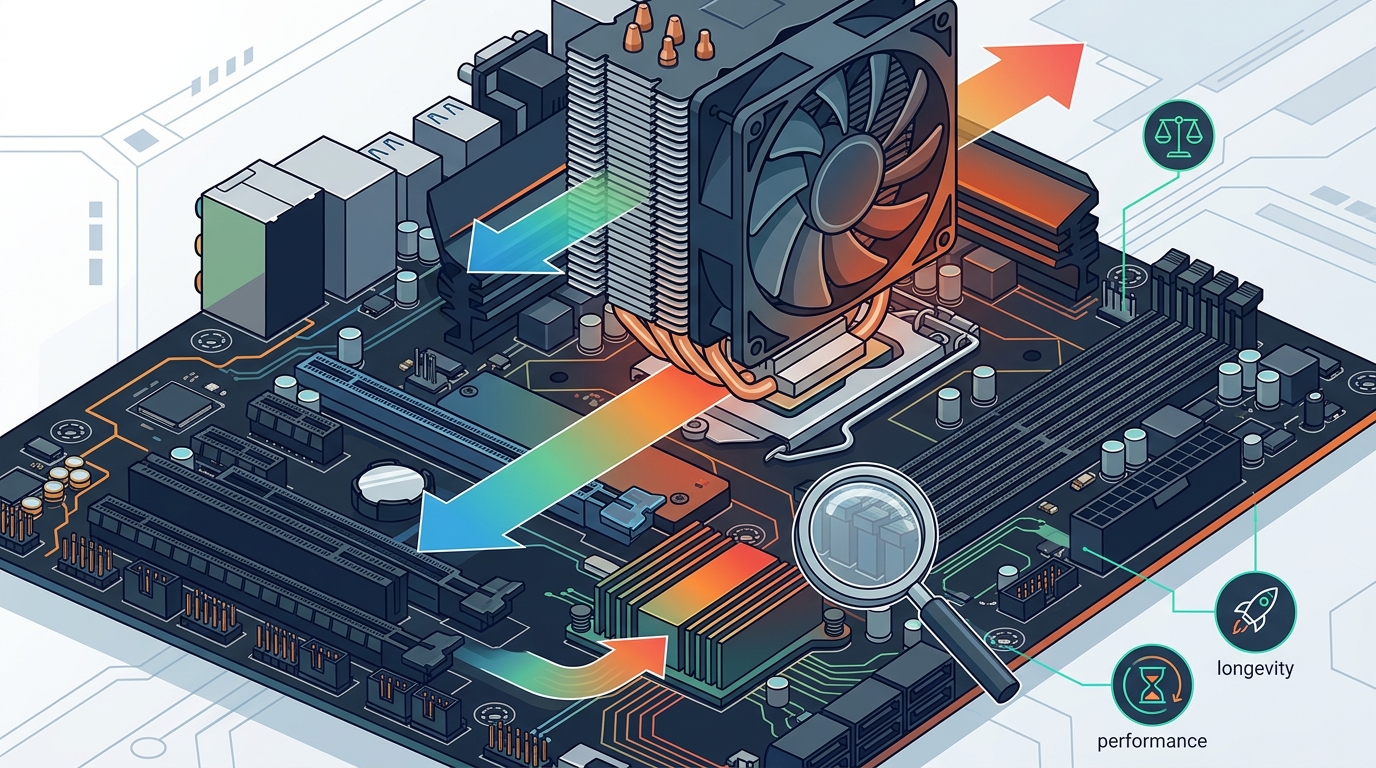
The CPU is a high-power component that can draw hundreds of watts under load. A modern graphics card or CPU can easily exceed 200W of power consumption. In contrast, the chipset typically operates at a fraction of that power, often under 15W to 25W depending on the motherboard features and connected peripherals.
Physical Placement and Size
CPU coolers are large, bulky units that sit directly on top of the processor socket. They require significant clearance from RAM sticks and the motherboard edges. Chipset coolers are compact and sit on the chipset heatsink area, usually located near the PCIe slots or SATA ports. Their smaller size allows them to fit in tighter spaces without interfering with other components.
Impact on System Performance
A failing CPU cooler leads to immediate performance drops due to thermal throttling. The system slows down to reduce heat. A failing chipset cooler may cause more subtle issues, such as storage drive disconnects or network instability. While less immediately obvious, chipset overheating can corrupt data or crash the system during heavy I/O operations.
Comparison Table
The following table summarizes the primary distinctions between these two cooling solutions.
| Feature | CPU Cooler | Chipset Cooler |
|---|---|---|
| Primary Target | Central Processing Unit | Motherboard PCH/Chipset |
| Heat Output | High (100W to 300W+) | Low to Moderate (10W to 25W) |
| Size | Large, bulky heatsink/fan | Compact, low-profile |
| Cooling Type | Air or Liquid (AIO) | Air or Passive Heatsink |
| Failure Consequence | Throttling, Shutdowns | Instability, I/O Errors |
| Example Product | ARCTIC Liquid Freezer III | AAAwave Chipset Heatsink |
Key Takeaways
- Function: The CPU cooler manages the processor's heat, while the chipset cooler manages the motherboard's traffic controller heat.
- Thermal Load: CPUs generate significantly more heat than chipsets, requiring more robust cooling solutions.
- Design: CPU coolers are large and complex; chipset coolers are small and often passive.
- Performance Impact: CPU overheating causes immediate throttling; chipset overheating causes system instability and I/O errors.
- Compatibility: Ensure your chipset cooler fits your specific motherboard layout and does not block PCIe slots.
- AAAwave Selection: AAAWave offers a range of Cooling products, including CPU Coolers and Chipset Coolers, to suit various build needs.
- Necessity: While some chipsets run cool enough passively, active cooling is recommended for high-performance builds.
Frequently Asked Questions
Do I need a chipset cooler if I have a good CPU cooler?
Yes, they serve different components. A CPU cooler only cools the processor. The chipset requires its own thermal solution to prevent motherboard instability.
Can I use a passive chipset cooler?
Yes, many modern motherboards use passive heatsinks that rely on case airflow. However, in tight cases with poor airflow, an active fan-based chipset cooler is safer.
What happens if the chipset overheats?
Overheating can lead to data corruption, USB device disconnects, and system crashes, especially during heavy storage or network usage.
Are chipset coolers universal?
No, chipset coolers vary in size and mounting hole patterns. You must check compatibility with your specific motherboard model before purchasing.
Does the chipset generate heat?
Yes, the chipset generates heat due to the electrical current flowing through its circuits. This heat is lower than the CPU's but still significant enough to require management.
How do I install a chipset cooler?
Installation typically involves applying thermal paste or pads to the heatsink and securing it with screws or clips to the motherboard's mounting points.
Can I upgrade my chipset cooler later?
Yes, you can install a chipset cooler after building your PC, provided you have access to the motherboard and the cooler fits the available space.
Conclusion
Understanding the difference between a CPU cooler and a chipset cooler is vital for building a stable and high-performance computer. While the CPU cooler handles the intense heat of the processor, the chipset cooler ensures the motherboard's logic circuits remain cool and reliable. Both components are essential for long-term system health.
At AAAWave, we provide a comprehensive selection of cooling solutions to meet your needs. Explore our CPU Coolers and Chipset Coolers to find the perfect match for your build. Visit our Collections page to browse more high-quality PC components.
Ready to optimize your system's thermal performance? Shop now at AAAWave and get fast US shipping on all your cooling needs.