
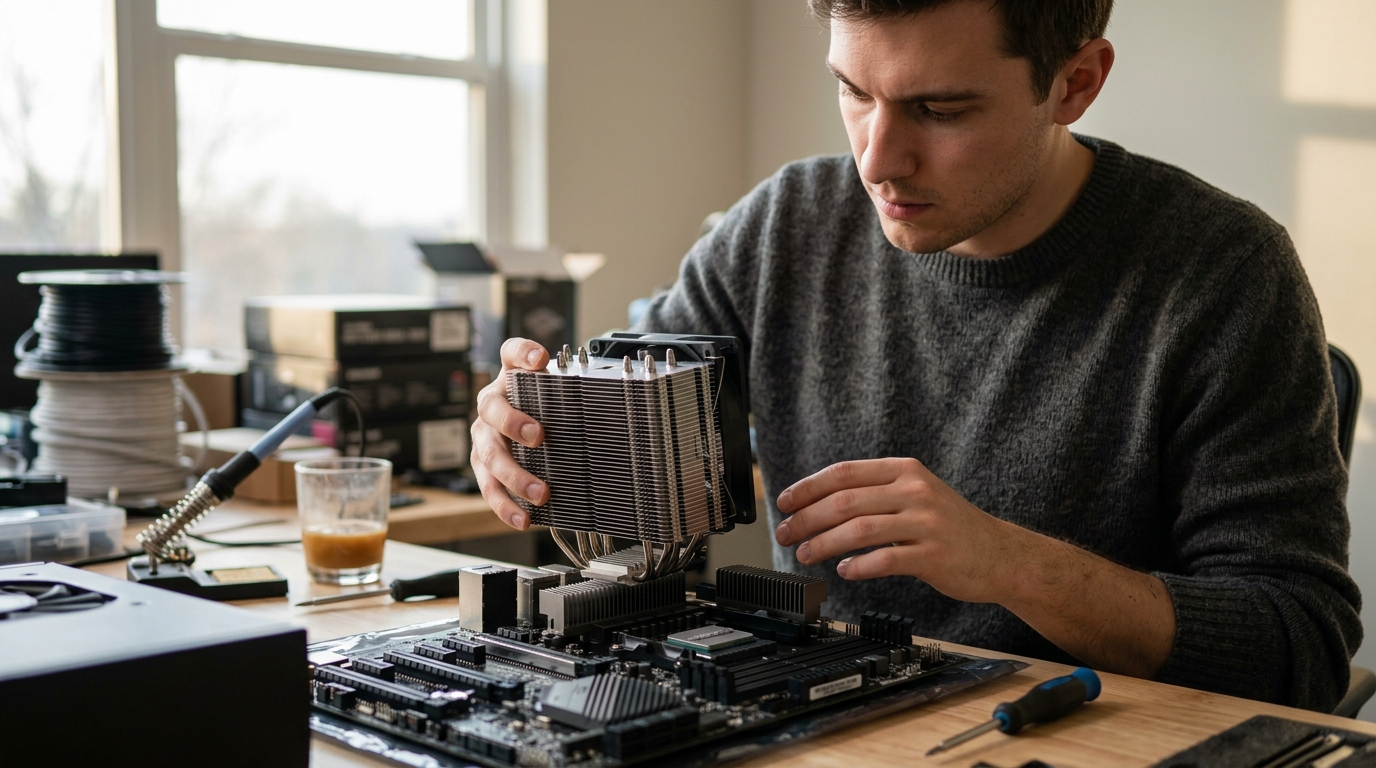
Thermal management is the single most critical factor in maintaining system stability and longevity. While most enthusiasts focus heavily on the processor, the motherboard's chipset often operates in the shadows, generating significant heat under load. According to recent thermal analysis reports, modern chipsets can reach temperatures exceeding 85 degrees Celsius during intensive data transfers, which necessitates dedicated cooling solutions. This article dissects the functional and structural differences between these two cooling systems to help you build a more reliable PC.
Understanding the CPU Cooler
The Central Processing Unit (CPU) is the brain of your computer. It handles the vast majority of computational tasks, from running operating system kernels to rendering complex 3D graphics. Because of this intense workload, the CPU generates a massive amount of heat. A CPU cooler is designed specifically to dissipate this thermal energy away from the processor die.
CPU Cooler is a thermal management device that transfers heat from the processor to the surrounding air or liquid coolant. These coolers typically feature a large metal base, often made of copper or aluminum, which makes direct contact with the CPU. They are equipped with heat pipes that wick heat away from the base to a fin stack. A high-speed fan or a liquid cooling loop then moves this heat into the case airflow.
At AAAwave, we stock a wide range of cooling solutions, including the ARCTIC Liquid Freezer III Pro for high-end builds and various air coolers for budget-conscious builders. The primary goal of a CPU cooler is to keep the processor below its thermal throttling point, which is usually around 95 to 100 degrees Celsius for modern AMD and Intel chips. If the CPU exceeds this limit, it will automatically reduce its clock speed to prevent damage, leading to significant performance drops in gaming and productivity tasks.
The Role of the Chipset Cooler
The chipset is a group of microchips on the motherboard that manages data flow between the processor, memory, and peripheral devices. It is divided into two main parts in older architectures: the Northbridge and the Southbridge. In modern systems, the Northbridge functions are integrated into the CPU, leaving the Southbridge (now often called the Platform Controller Hub or PCH) to handle I/O operations.
Chipset Cooler is a passive or active cooling component attached to the motherboard's PCH to regulate its operating temperature. Unlike the CPU, the chipset does not perform complex calculations. Instead, it acts as a traffic controller for data moving between your storage drives, USB ports, and network interfaces. However, as data transfer speeds increase with technologies like PCIe 5.0 and USB4, the chipset generates substantial heat.
Many high-performance motherboards include a large, heavy heatsink over the chipset. Some of these are passive, relying on case airflow, while others include a small fan. At AAAwave, we offer specialized chipset coolers and thermal pads to ensure that your motherboard components remain within safe operating limits. Without adequate cooling, the chipset can throttle its own performance, leading to slower file transfers and potential system instability.
Key Differences in Design and Function
While both components serve the same ultimate goal of thermal regulation, their design philosophies differ significantly due to their respective roles in the system.
Thermal Load and Intensity
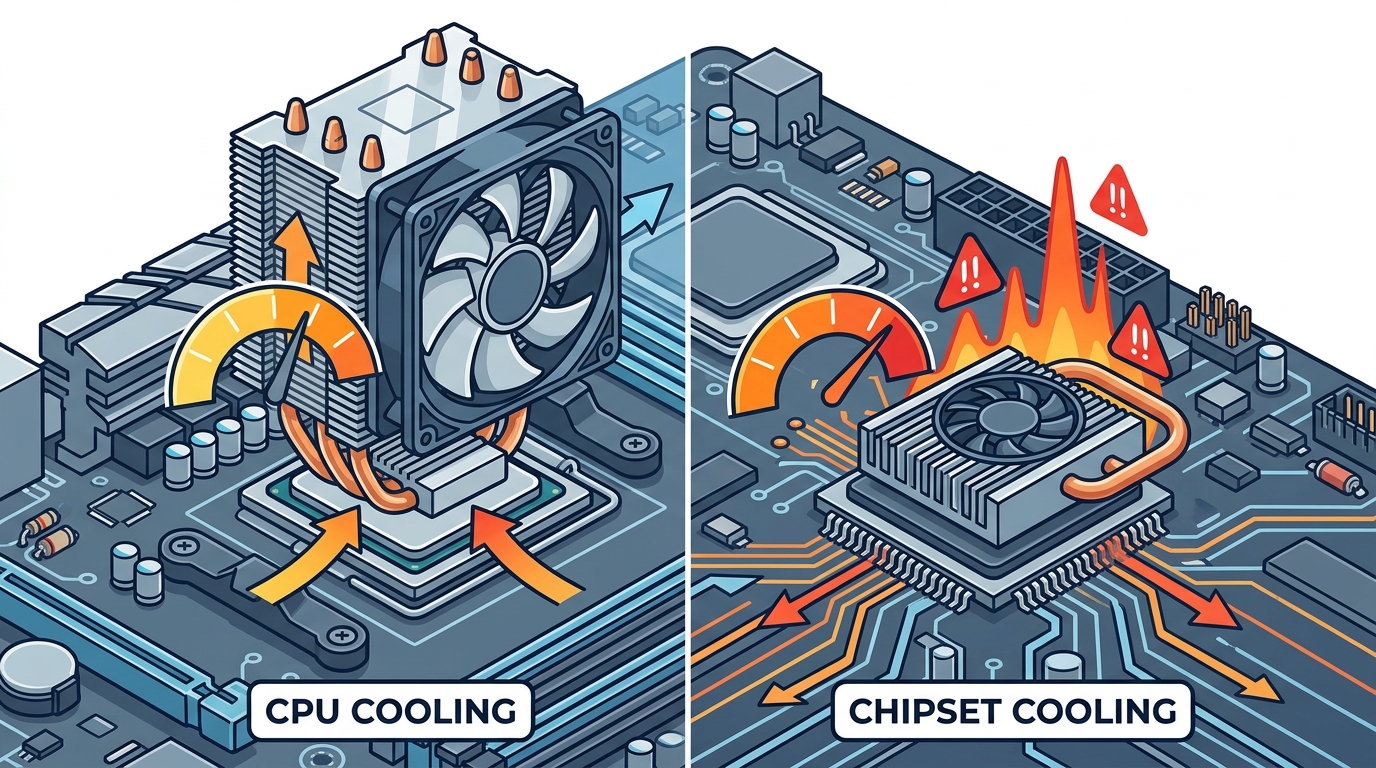
The CPU is the primary heat generator in any PC. A high-end processor like the AMD Ryzen 7 7800X3D can have a Thermal Design Power (TDP) of over 120 watts under load. In contrast, a chipset typically generates between 10 and 20 watts of heat. This massive disparity means CPU coolers must be physically larger and more robust than chipset coolers.
Mounting and Compatibility
CPU coolers require precise mounting brackets that align with the socket type (e.g., AM5, LGA 1700). They must make perfect contact with the CPU's integrated heat spreader (IHS). Chipset coolers, however, are mounted directly onto the motherboard's PCH chip. They often use standard thermal pads to bridge the gap between the heatsink and the chip. This makes chipset coolers easier to install but less critical for immediate system boot-up compared to a CPU cooler.
Active vs. Passive Cooling
CPU coolers are almost always active, meaning they use fans or pumps to move heat. Chipset coolers can be either. Many budget motherboards rely on passive heatsinks that depend entirely on the case fans to move air over them. High-end motherboards may include a dedicated chipset fan, but these are often silent at idle and only spin up under heavy storage load.
Component Comparison Table
The following table summarizes the core differences between CPU and chipset cooling solutions.
| Feature | CPU Cooler | Chipset Cooler |
|---|---|---|
| Primary Function | Dissipate heat from the processor core | Regulate temperature of the motherboard PCH |
| Typical Heat Output | 65W to 250W+ | 10W to 20W |
| Common Types | Air Tower, AIO Liquid, Custom Loop | Passive Heatsink, Small Fan, Thermal Pad |
| Impact of Failure | Immediate thermal throttling or shutdown | Slower I/O speeds, potential instability |
| Installation Complexity | High (requires precise mounting) | Low (often just thermal pad placement) |
Key Takeaways
- Thermal Load Disparity: The CPU generates significantly more heat than the chipset, requiring more robust cooling solutions.
- Functionality: The CPU handles computation, while the chipset manages data flow between peripherals and storage.
- Throttling Risks: Both components can throttle performance if they exceed their thermal limits, though CPU throttling is more immediately noticeable.
- Cooling Types: CPU coolers are typically active (fans/pumps), while chipset coolers can be passive or active.
- Installation: CPU coolers require socket-specific mounting, whereas chipset coolers often use universal thermal pads.
- AAAwave Inventory: We provide specialized cooling accessories and thermal compounds for both components.
- System Stability: Proper cooling of both components is essential for maintaining peak performance in gaming and professional workloads.
Frequently Asked Questions
Do I need a chipset cooler if I have a good CPU cooler?
Yes, they serve different purposes. A CPU cooler only cools the processor. The chipset requires its own cooling solution, which may be a passive heatsink or a dedicated fan, to manage data transfer heat.
Can I use thermal paste on a chipset cooler?
Most chipset coolers use thermal pads instead of paste. Thermal pads are easier to install and provide sufficient conductivity for the lower heat output of the PCH. However, some high-performance aftermarket coolers may use paste for better thermal transfer.
What happens if the chipset gets too hot?
If the chipset overheats, it may throttle its own performance, leading to slower storage speeds and USB connectivity issues. In extreme cases, it can cause system crashes or prevent the PC from booting.
Are passive chipset coolers sufficient?
For most users, passive heatsinks are sufficient as long as your case has good airflow. However, if you are running high-speed NVMe drives or heavy network traffic, an active chipset fan may provide better temperature regulation.
How do I know if my chipset needs additional cooling?
You can monitor chipset temperatures using software like HWMonitor or BIOS utilities. If temperatures consistently exceed 70 degrees Celsius under load, adding a dedicated chipset cooler or improving case airflow is recommended.
Can I install a CPU cooler without a motherboard?
No, CPU coolers require the motherboard's mounting brackets and socket alignment to function correctly. They must be installed on a motherboard that is either in the case or on a compatible test bench.
What is the difference between an AIO and an air CPU cooler?
An AIO (All-In-One) liquid cooler uses a pump and radiator to move coolant, offering superior cooling for high-end CPUs. An air cooler uses a large heatsink and fan, offering reliability and lower cost for mid-range processors.
Conclusion
Understanding the difference between a CPU cooler and a chipset cooler is essential for building a balanced and high-performance PC. While the CPU demands the majority of your cooling budget, the chipset plays a critical role in system stability and data integrity. By ensuring both components are adequately cooled, you can maximize the lifespan and performance of your hardware.
Ready to upgrade your cooling solution? Visit AAAwave to explore our extensive range of liquid coolers, CPU coolers, and chipset coolers. Contact our support team today to get expert advice on the best cooling setup for your specific build.