
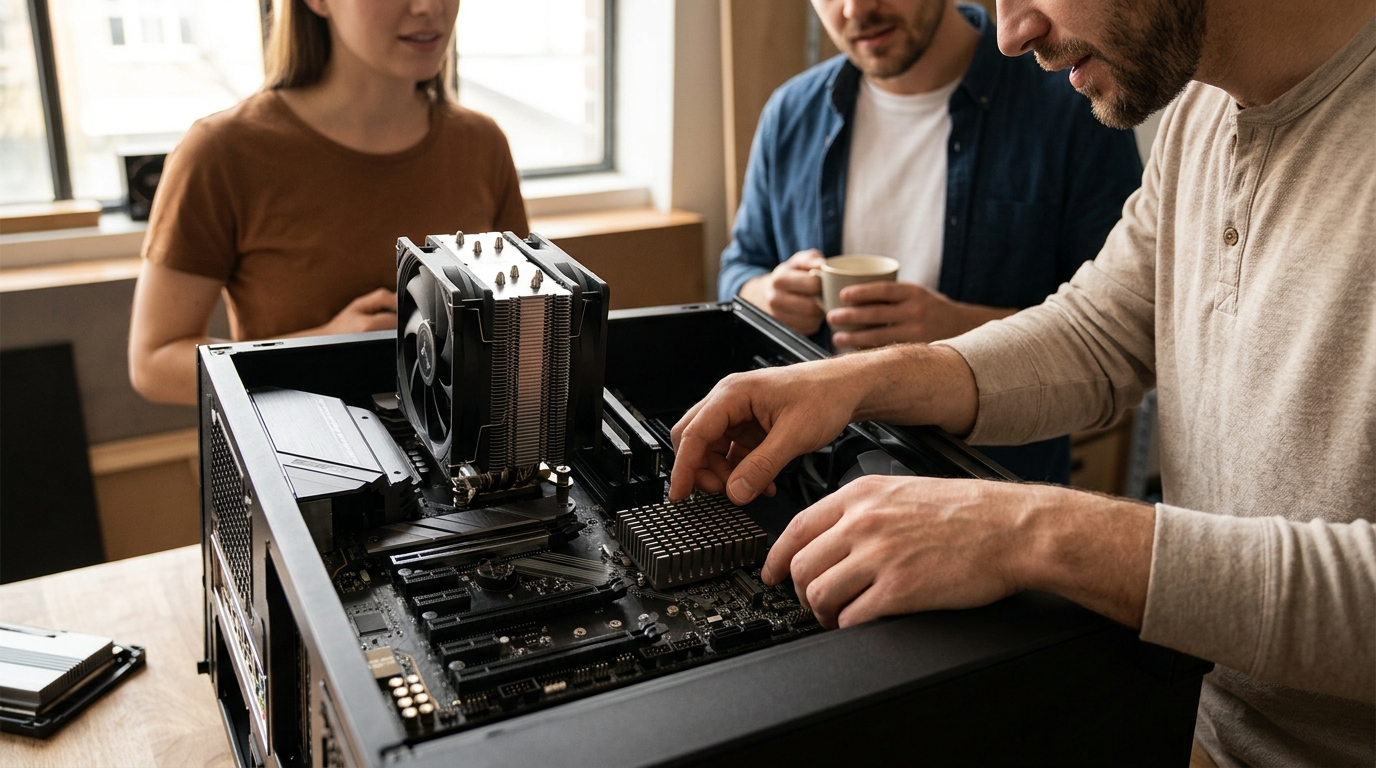
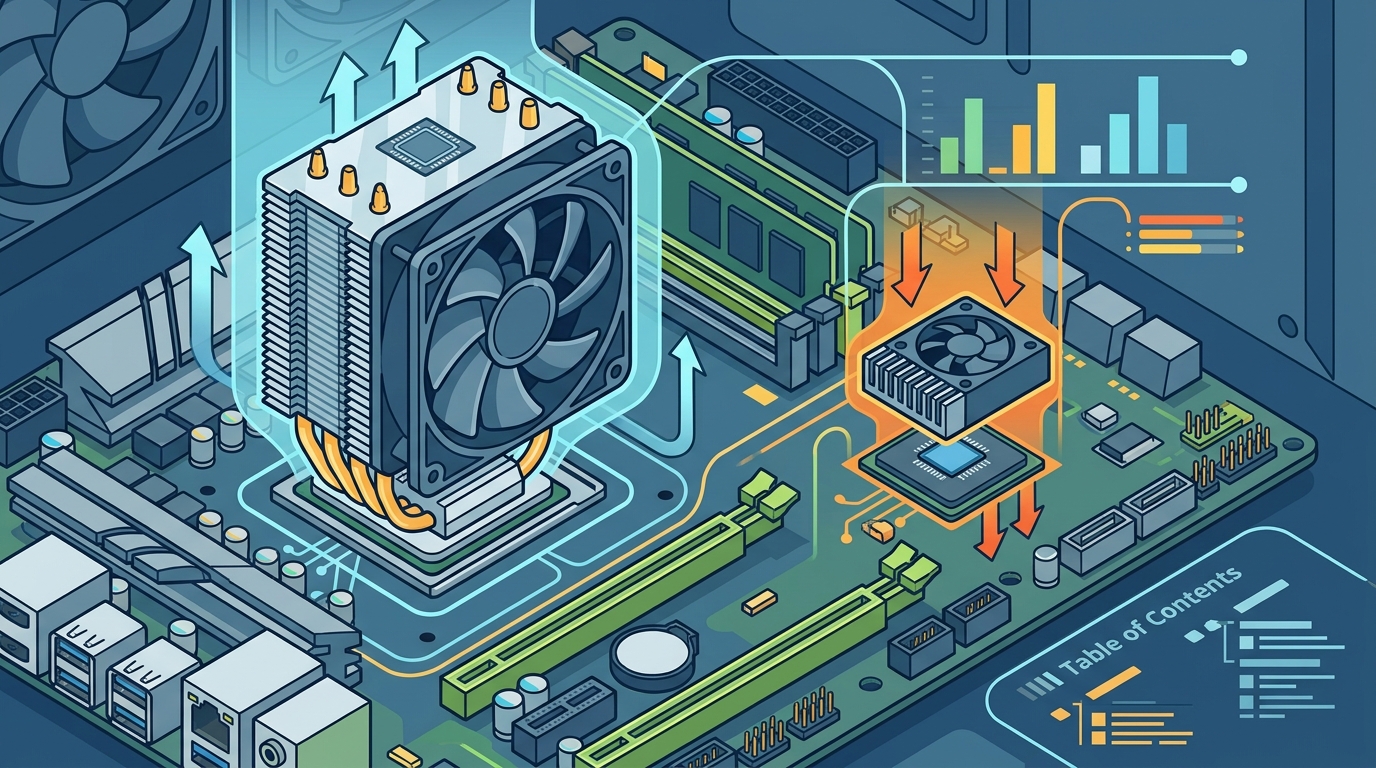
Modern computing relies on precise thermal management to maintain performance stability. A CPU cooler is a dedicated thermal solution designed to dissipate heat generated by the central processing unit, while a chipset cooler is a smaller thermal device attached to the motherboard's southbridge or PCH to manage chipset temperatures. Understanding the distinction between these two components is critical for building a reliable system.
Understanding the CPU Cooler Function
The central processing unit is the brain of your computer. It handles billions of calculations per second. This intense activity generates significant heat. If this heat is not removed, the CPU will throttle its performance to prevent damage. A CPU cooler is the primary defense against this thermal buildup.
Most high-performance systems use air coolers or liquid cooling loops. These solutions attach directly to the CPU socket. They use heat pipes to transfer thermal energy away from the processor die. The heat is then dissipated into the airflow of the case. At AAAwave, we stock a wide range of cooling options to match your specific thermal needs.
Without a dedicated CPU cooler, your system would overheat within minutes. The processor would shut down to protect itself. This is why the CPU cooler is often the largest and most visible component in a gaming or workstation build.
The Role of the Chipset Cooler
The chipset is a critical component on the motherboard. It manages data flow between the CPU, memory, and peripheral devices. While it does not generate as much heat as the CPU, it still produces enough thermal energy to affect stability. A chipset cooler is a small heatsink or fan assembly attached to the motherboard near the CPU socket.
The primary function of a chipset cooler is to maintain the motherboard's operational temperature. Modern motherboards have many high-speed connections. These include PCIe lanes and SATA ports. The chipset handles the communication for these interfaces. Excessive heat can cause data errors or reduced lifespan for the motherboard components.
Many modern motherboards include a passive chipset cooler by default. This is a metal heatsink with no moving parts. It relies on case airflow to dissipate heat. However, in high-performance builds, users often add active cooling. This involves attaching a small fan to the heatsink for better thermal performance.
Design and Form Factor Differences
The physical design of a CPU cooler differs significantly from a chipset cooler. CPU coolers are large and heavy. They must cover the entire surface area of the processor. They often weigh several pounds and require robust mounting brackets. This size allows them to maximize surface area for heat dissipation.
In contrast, a chipset cooler is compact. It is designed to fit on a small metal pad on the motherboard. The contact area is much smaller than that of a CPU cooler. This is because the chipset generates less total heat. The design prioritizes low profile and minimal interference with other components.
Installation also varies. CPU coolers require careful alignment with the motherboard holes. Chipset coolers usually snap or screw into place on a pre-drilled hole. They are often positioned between the CPU cooler and the PCIe slots. This location allows them to benefit from the airflow generated by the CPU cooler fans.
Thermal Requirements and Heat Output
Thermal design power (TDP) is a key metric for cooling. High-end CPUs can have a TDP of over 200 watts. This requires massive cooling capacity. Liquid coolers with large radiators are often necessary for these processors. They can remove heat much faster than air coolers.
Chipsets typically have a much lower TDP. Most modern chipsets generate less than 15 watts of heat. This is why a small passive heatsink is often sufficient. However, in extreme overclocking scenarios or high-density server environments, the chipset can run hot. In these cases, an active chipset cooler becomes important.
According to industry standards, maintaining the chipset below 85 degrees Celsius is ideal for longevity. Tom's Hardware often notes that while CPU cooling gets the most attention, motherboard temperatures are equally vital for system stability. Neglecting the chipset can lead to unexpected crashes during heavy data transfers.
Comparison of Cooling Solutions
The table below summarizes the key differences between CPU and chipset cooling solutions. This comparison helps you decide which components need attention in your build.
| Feature | CPU Cooler | Chipset Cooler |
|---|---|---|
| Primary Function | Cool the central processor | Cool the motherboard controller |
| Heat Output (TDP) | 65W to 350W+ | 5W to 20W |
| Size and Weight | Large and heavy | Small and light |
| Typical Cooling Type | Air Tower or AIO Liquid | Passive Heatsink or Small Fan |
| Installation Complexity | High | Low |
| Impact on Performance | Critical for CPU speed | Critical for system stability |
Key Takeaways
- A CPU cooler manages the heat from the processor, which is the most thermally demanding component.
- A chipset cooler manages the motherboard's southbridge or PCH, ensuring stable data flow.
- CPU coolers are significantly larger and heavier than chipset coolers due to higher heat output.
- Chipset coolers are often passive, relying on case airflow for heat dissipation.
- High-performance CPUs require advanced cooling solutions like liquid loops to maintain boost clocks.
- Neglecting chipset cooling can lead to motherboard instability and reduced component lifespan.
- Both components are essential for a balanced and reliable computer build.
Frequently Asked Questions
Do I need a chipset cooler if I have a CPU cooler?
Yes, you need both. The CPU cooler only affects the processor. The chipset cooler is required to manage the motherboard's temperature. Without it, the motherboard may overheat during heavy usage.
Can I remove the chipset cooler to improve airflow?
No, you should not remove the chipset cooler. It is essential for protecting the motherboard components. Removing it can lead to thermal throttling or permanent damage to the chipset.
Are active chipset coolers better than passive ones?
Active coolers with fans are generally better for high-performance builds. They provide more consistent cooling. Passive coolers are sufficient for standard office or gaming PCs with good case airflow.
How do I install a chipset cooler?
Most chipset coolers use a thermal pad to connect to the motherboard. You align the cooler with the pre-drilled hole and secure it with screws. Ensure the thermal pad makes full contact with the chipset.
Does the chipset cooler affect gaming performance?
Indirectly, yes. If the chipset overheats, it can cause system instability. This may lead to game crashes or stuttering. Proper cooling ensures a smooth gaming experience.
What is the difference between a heatsink and a cooler?
A heatsink is a passive metal component that absorbs heat. A cooler often includes a fan to actively move air. Both terms are used interchangeably for chipset cooling, but "cooler" implies active cooling.
Can I use thermal paste for a chipset cooler?
It is better to use a thermal pad. Thermal pads are flexible and accommodate slight height variations. Thermal paste can dry out or pump out over time, leading to poor contact.
Upgrade Your Cooling Today
Building a reliable system requires attention to every thermal detail. Whether you need a high-end CPU cooler or a reliable chipset solution, AAAwave has the components you need. Explore our CPU Cooler collection to find the perfect match for your processor. Visit our Cooling section to browse all available thermal solutions. Secure your build with premium parts from AAAwave today.