
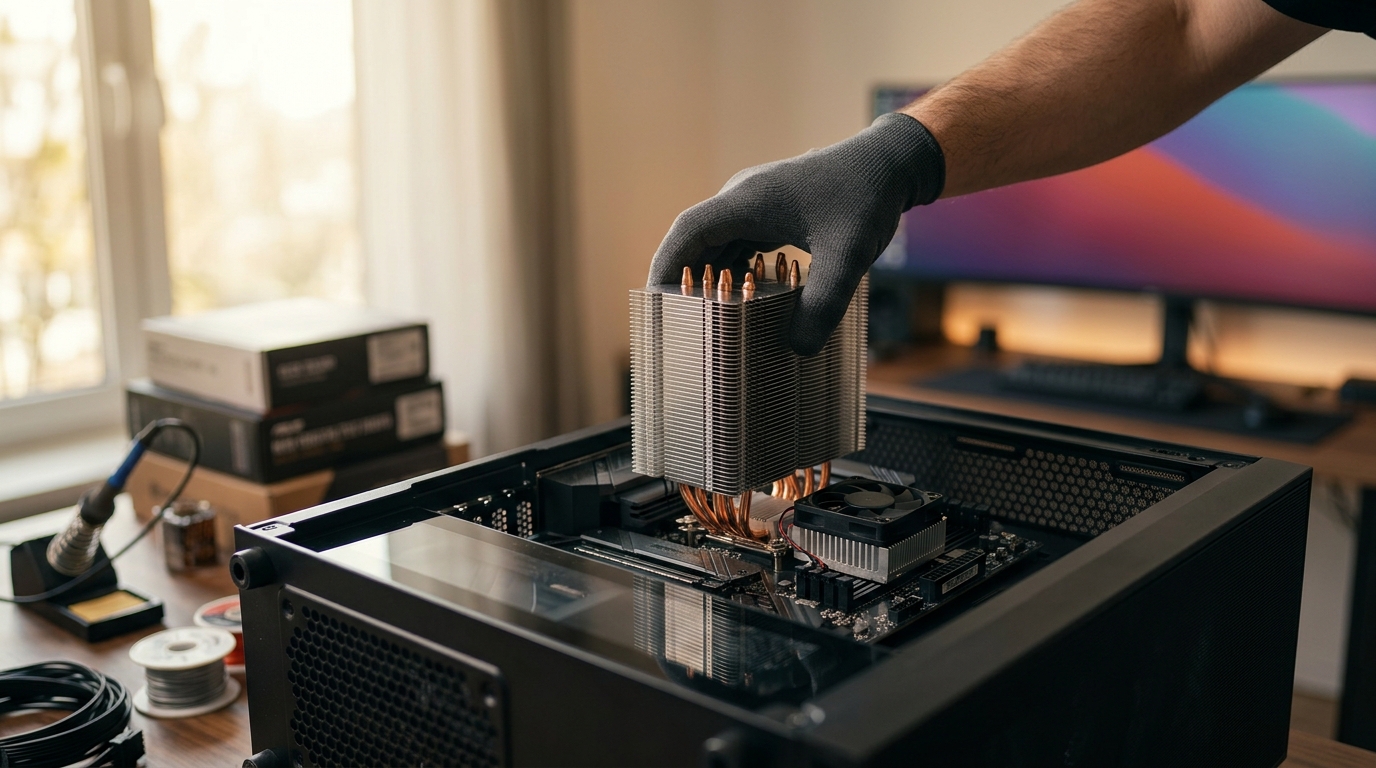
Thermal management is the single most critical factor in maintaining system stability and extending the lifespan of your computer hardware. While many enthusiasts focus exclusively on the central processing unit, the motherboard chipset generates significant heat during operation, often requiring dedicated cooling solutions. According to recent industry thermal benchmarks, modern high-performance chipsets can reach temperatures exceeding 80 degrees Celsius under heavy load without adequate airflow. This article breaks down the functional, structural, and performance differences between these two essential cooling components to help you build a more reliable system. (Collections ndash AAAWave)
What Is a CPU Cooler?
A CPU cooler is a dedicated thermal management device designed to dissipate heat generated by the central processing unit. The processor is the brain of your computer, executing billions of instructions per second. This intense computational activity generates substantial thermal energy. If this heat is not removed efficiently, the CPU will throttle its performance to prevent physical damage, leading to lag, crashes, or system instability. (AI Computers amp Workstations)
CPU coolers generally fall into two primary categories: air coolers and liquid cooling systems. Air coolers utilize a combination of a metal base, heat pipes, and a large aluminum or copper fin stack. A high-static-pressure fan pushes air through these fins to carry heat away from the processor. Liquid coolers, often referred to as All-In-One (AIO) units, circulate coolant through a block mounted on the CPU and then through a radiator where fans dissipate the heat.
The primary goal of a CPU cooler is to maintain the processor core temperature within a safe operational range, typically below 85 degrees Celsius for modern high-end chips. Brands like ARCTIC and Corsair offer specialized solutions for this purpose. For instance, the ARCTIC Liquid Freezer III Pro 240 is a popular choice for enthusiasts seeking maximum thermal headroom. You can explore more CPU coolers on our site to find the right fit for your build.
What Is a Chipset Cooler?
A chipset cooler is a smaller, often passive or low-profile active cooling device mounted directly over the motherboard chipset. The chipset, typically located near the PCIe slots, acts as the communication bridge between the CPU, memory, storage drives, and peripheral devices. It manages data flow across the motherboard's bus architecture.
Chipset coolers are distinct because they are usually much smaller than CPU coolers. They often consist of a small aluminum heatsink with a tiny fan attached, or in some high-end motherboards, a larger heatsink that extends to cover the VRM (Voltage Regulator Module) area. The term Chipset cooler is defined as a thermal dissipation unit specifically engineered to manage the thermal output of the motherboard's southbridge or PCH (Platform Controller Hub).
While the CPU generates massive amounts of heat, the chipset generates less, but it is often located in a confined space with poor airflow. This makes dedicated cooling crucial. Many modern motherboards include integrated heatsinks for the chipset, but adding an aftermarket chipset cooler can significantly lower temperatures in tight cases. You can browse our selection of chipset coolers to enhance your motherboard's thermal profile.
Key Differences in Design and Function
Understanding the architectural differences between these two components is vital for effective system building. The scale of heat generation is the most obvious distinction. A high-end CPU can generate 250 watts or more of thermal power. In contrast, a chipset typically generates between 10 to 30 watts. This difference dictates the size and complexity of the cooling solution required.
Another major difference lies in the mounting mechanism. CPU coolers require a complex mounting bracket system that aligns with the specific socket type of the processor, such as AM5 or LGA1700. Chipset coolers, however, are mounted directly to the motherboard PCB using standard screws or thermal adhesive pads. They do not require socket-specific alignment, making them universally compatible across most motherboard form factors, provided they fit the physical space.
The thermal interface material also varies. CPU coolers often use high-performance thermal paste or pre-applied pads to ensure maximum heat transfer from the large IHS (Integrated Heat Spreader) of the CPU. Chipset coolers typically use thinner thermal pads to bridge the gap between the cooler base and the chipset die, which is often covered by a protective metal lid.
Compatibility and Installation Considerations
Installing a CPU cooler requires careful attention to socket compatibility and case clearance. Tower air coolers can interfere with RAM height, while AIO radiators require specific mounting points on the case chassis. In contrast, installing a chipset cooler is generally straightforward. It involves removing the motherboard's existing heatsink, applying a new thermal pad, and screwing in the new cooler.
However, chipset cooler compatibility is limited by physical space. In compact cases or with large graphics cards, there may be insufficient clearance for the cooler's fan or heatsink fins. Always measure the available space between the motherboard and the side panel or GPU before purchasing. For those looking to upgrade their chipset cooling, ensure your case has adequate airflow to support the additional component.
Additionally, some motherboard manufacturers design their chipset heatsinks to integrate with the VRM cooling system. Disrupting this integration with a third-party cooler might reduce the overall efficiency of the motherboard's thermal design. It is important to check your motherboard manual to see if an aftermarket chipset cooler is recommended or discouraged.
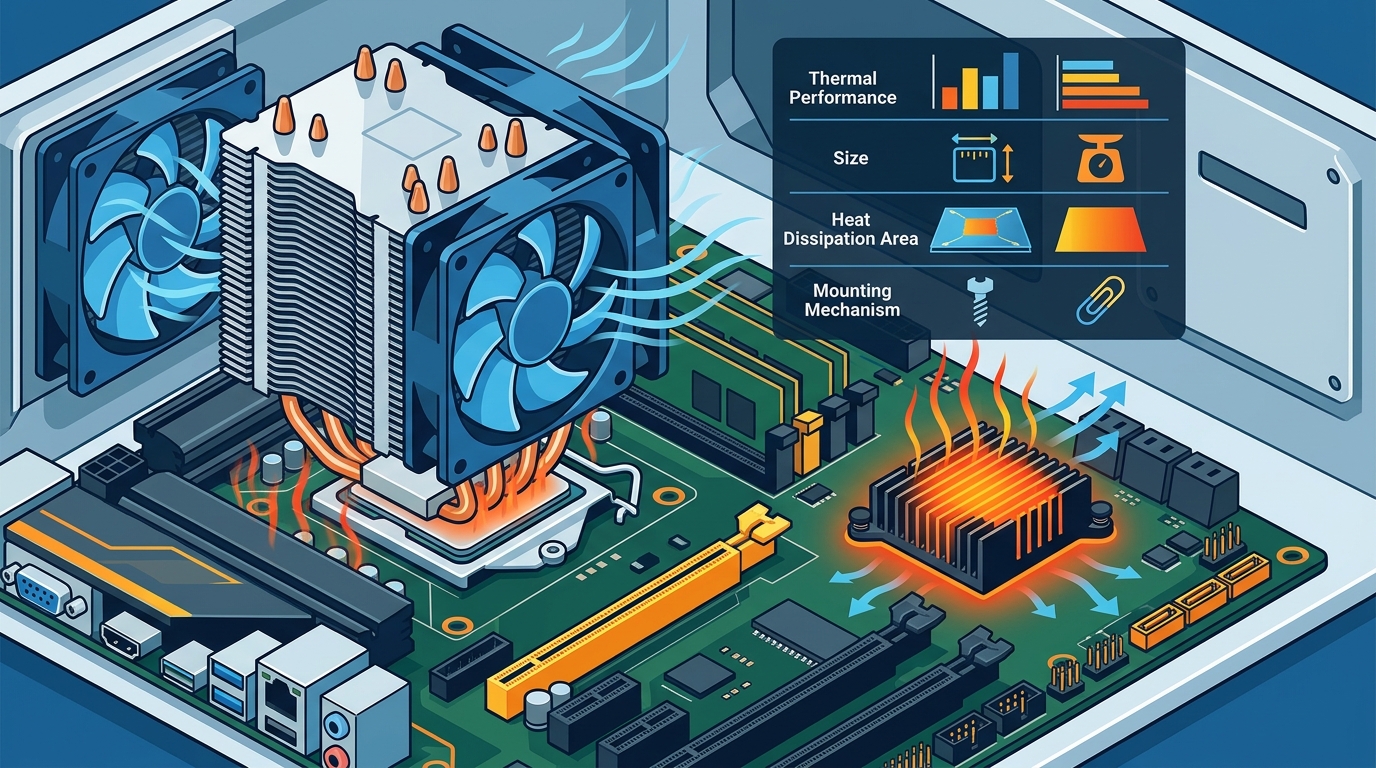
Performance Impact on System Stability
Does a chipset cooler actually matter? The answer depends on your use case. For general office work or light gaming, the stock heatsink on most modern motherboards is sufficient. However, for enthusiasts running high-speed NVMe SSDs, multiple M.2 drives, or overclocking the system, the chipset can become a thermal bottleneck.
Excessive chipset heat can lead to reduced PCIe bandwidth stability and potential throttling of M.2 SSD speeds. NVMe drives are sensitive to ambient temperature, and a hot chipset can radiate heat directly onto adjacent drives. By keeping the chipset cool, you ensure consistent data transfer rates and protect your storage devices. According to storage industry reports, NVMe drive performance can degrade by up to 20 percent when operating above 70 degrees Celsius. This highlights the importance of managing the thermal environment around the chipset.
Furthermore, lower temperatures contribute to the longevity of the motherboard's capacitors and other electronic components. Heat is the primary enemy of electronic reliability. By reducing the thermal load on the motherboard, you extend the overall lifespan of your system. This is particularly relevant for servers and workstations that run 24/7. You can find reliable server fans and cooling accessories to maintain optimal conditions.
Comparison Summary
The following table summarizes the core differences between CPU coolers and chipset coolers to help you make an informed decision.
| Feature | CPU Cooler | Chipset Cooler |
|---|---|---|
| Primary Function | Dissipate heat from the processor | Dissipate heat from the motherboard PCH |
| Heat Output Managed | High (100W to 300W+) | Low to Medium (10W to 30W) |
| Size and Complexity | Large, complex mounting systems | Small, simple screw or pad mounting |
| Socket Compatibility | Specific to CPU socket (AM5, LGA1700) | Universal across motherboard form factors |
| Impact on Performance | Critical for CPU speed and stability | Important for SSD speed and motherboard longevity |
| Typical Cost | $50 to $300+ | $15 to $50 |
Key Takeaways
- CPU coolers manage high thermal loads (100W+) while chipset coolers handle lower loads (10-30W).
- CPU coolers require socket-specific mounting, whereas chipset coolers are generally universal.
- Chipset heat can negatively impact the performance of adjacent M.2 NVMe SSDs.
- High-end motherboards often include integrated chipset heatsinks that may not need replacement.
- Proper thermal management extends the lifespan of both the CPU and the motherboard components.
- AAAwave offers a wide range of CPU coolers and chipset coolers for all build types.
- Thermal paste or pads are essential for effective heat transfer in both cooling solutions.
Frequently Asked Questions
Do I need a chipset cooler if I have a CPU cooler?
Yes, they serve different purposes. A CPU cooler protects the processor, while a chipset cooler protects the motherboard's data hub. Both are necessary for a balanced thermal environment.
Can I use thermal paste on a chipset cooler?
Typically, no. Chipset coolers use thermal pads because the distance between the cooler and the chipset die is often irregular. Thermal paste requires a perfect seal, which is difficult to achieve on a small chipset lid.
Will a chipset cooler improve my gaming FPS?
Indirectly, yes. By preventing thermal throttling of the motherboard and NVMe drives, it ensures consistent data streaming. However, it will not directly increase GPU performance.
Are chipset coolers noisy?
Most modern chipset coolers are designed to be silent or near-silent. They often use low-RPM fans that only spin up when temperatures exceed a certain threshold.
Can I install a chipset cooler on any motherboard?
Most standard ATX and Micro-ATX motherboards have a designated area for a chipset cooler. However, you must check the physical clearance in your case to ensure the cooler fits.
What is the best thermal pad thickness for a chipset cooler?
This varies by model. You must measure the gap between the chipset lid and the cooler base. Common thicknesses are 1.5mm, 2.0mm, and 2.5mm. Using the wrong thickness can prevent proper mounting.
Do liquid coolers cool the chipset?
Standard AIO liquid coolers only cool the CPU. Some high-end custom loops include a separate block for the chipset, but this is rare for average users.
Conclusion
Understanding the difference between a CPU cooler and a chipset cooler is essential for building a high-performance, reliable computer. While the CPU cooler is the primary defense against thermal throttling, the chipset cooler plays a critical supporting role in maintaining overall system stability and storage performance. By investing in quality cooling solutions for both components, you ensure your hardware operates at its peak potential for years to come.
Ready to upgrade your system's thermal performance? Visit AAAwave today to browse our extensive collection of CPU coolers, chipset coolers, and other premium PC components. Secure your build with fast US shipping and expert support.