
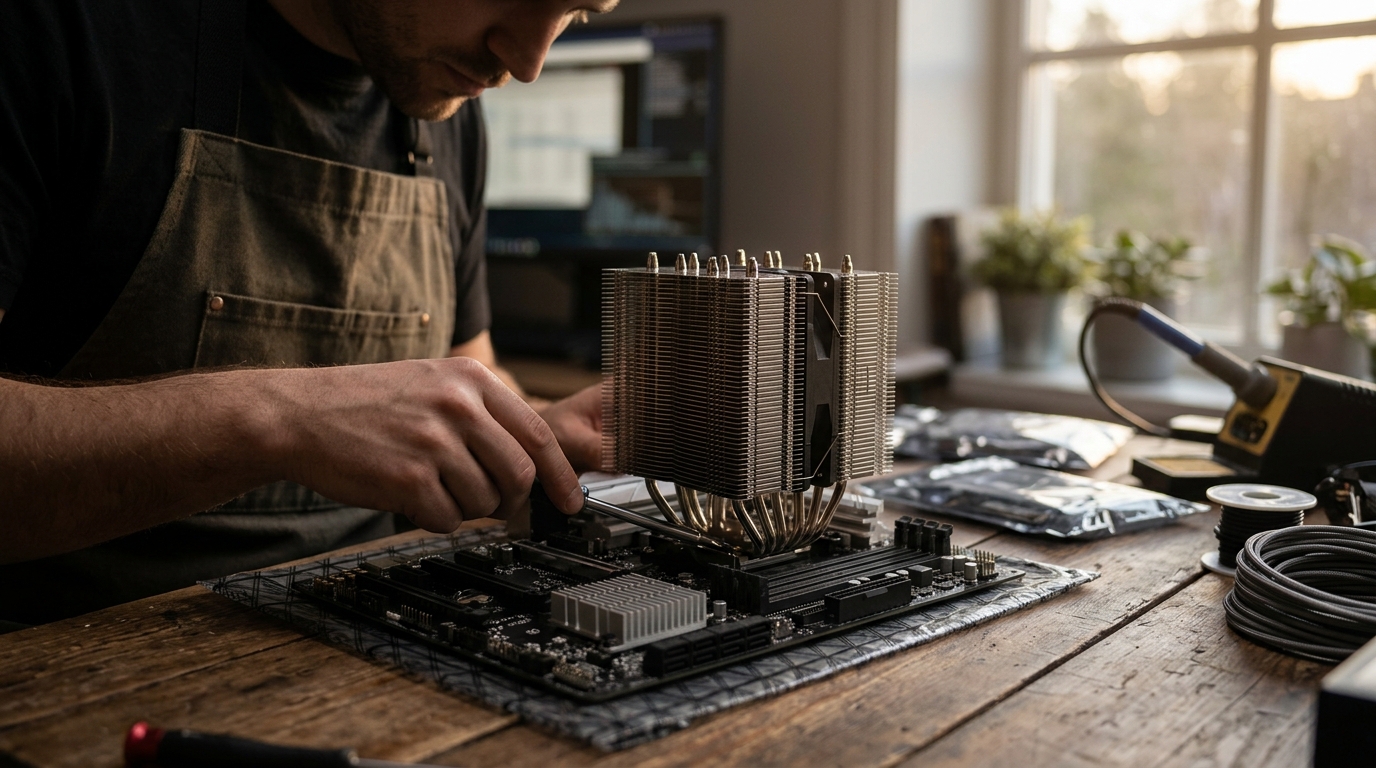
Modern computing relies on precise thermal management to maintain stability and performance. While many enthusiasts focus heavily on the central processing unit, the motherboard chipset plays an equally critical role in system longevity. Understanding the thermal dynamics of both components is essential for building a reliable PC. According to recent industry data, effective cooling solutions can extend hardware lifespan by up to 30 percent, reducing the risk of thermal throttling and component failure. (Computer Accessories amp PC)
What Is a CPU Cooler?
A CPU cooler is a dedicated thermal management device designed specifically to dissipate heat generated by the central processing unit. The CPU is often referred to as the brain of the computer, and it generates significant heat during intensive tasks such as gaming, video editing, or 3D rendering. CPU cooler is a broad term that encompasses both air coolers and liquid cooling systems.
Air coolers typically consist of a large aluminum or copper heatsink and one or more fans. The heatsink draws heat away from the CPU via heat pipes, while the fans push ambient air through the fins to cool the metal. Liquid coolers, or AIOs (All-In-One) systems, use a pump to circulate coolant through a block mounted on the CPU and then to a radiator where fans dissipate the heat.
At AAAwave, we offer a wide range of CPU cooling solutions, including high-performance air coolers and advanced liquid cooling options. These components are critical for maintaining optimal clock speeds and preventing thermal throttling, which occurs when the CPU reduces its performance to avoid overheating.
What Is a Chipset Cooler?
A chipset cooler is a smaller, often passive or low-profile active cooling device mounted directly on the motherboard's chipset. The chipset, also known as the PCH (Platform Controller Hub) in Intel systems or the FCH (Fusion Controller Hub) in AMD systems, manages data flow between the CPU, memory, and peripherals. Unlike the CPU, the chipset does not perform complex calculations, but it still generates heat, especially in high-end motherboards with extensive connectivity options.
Chipset coolers are typically smaller than CPU coolers and may use a single small fan or rely entirely on passive heatsink fins. In many cases, motherboard manufacturers include a large metal heatsink that covers both the chipset and nearby VRMs (Voltage Regulator Modules). However, in high-performance builds, a dedicated chipset cooler is often added to ensure stable operation under heavy load.
For those looking to upgrade their motherboard cooling, AAAwave provides specialized chipset coolers designed to fit various motherboard form factors. These coolers help maintain consistent data transfer rates and prevent potential instability caused by excessive heat buildup in the chipset area.
Key Differences in Design and Function
While both CPU coolers and chipset coolers serve the same fundamental purpose of heat dissipation, their design, scale, and impact on system performance differ significantly.
Size and Form Factor
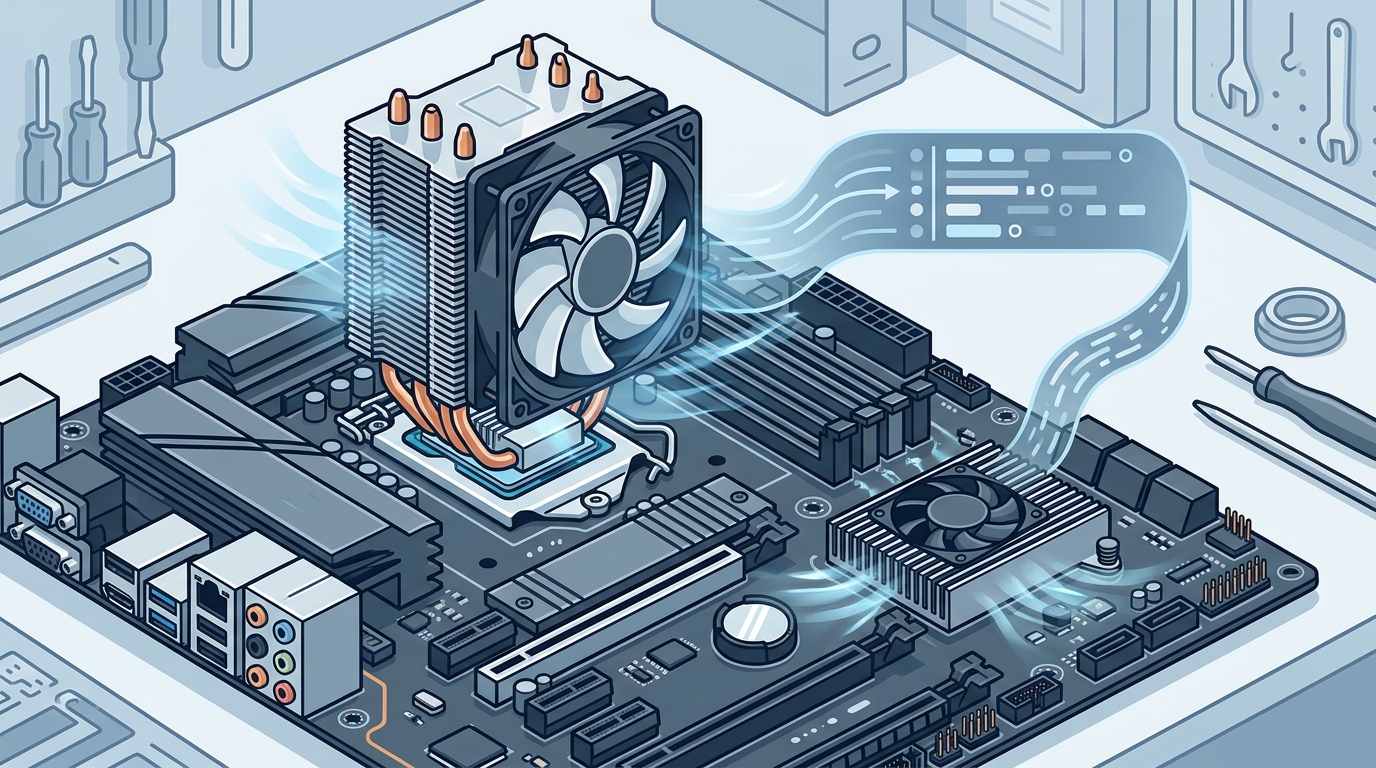
CPU coolers are large and bulky, often spanning several inches in height and width to accommodate the large surface area of the CPU socket. They must clear surrounding RAM sticks and other components on the motherboard. Chipset coolers, by contrast, are compact and designed to fit within the limited space around the chipset, which is typically located near the PCIe slots.
Thermal Load
The CPU generates significantly more heat than the chipset. A high-end gaming CPU can produce over 250 watts of thermal design power (TDP), requiring robust cooling solutions. The chipset, however, typically generates less than 20 watts of heat. This lower thermal load allows for smaller, less aggressive cooling solutions.
Impact on Performance
Inadequate CPU cooling leads to immediate performance degradation through thermal throttling. If the CPU overheats, it slows down to protect itself, resulting in lag and reduced frame rates in games. Chipset overheating, while less immediately noticeable, can cause system instability, data transfer errors, and in severe cases, system crashes. Proper chipset cooling ensures reliable connectivity for storage devices, network interfaces, and USB ports.
Comparison Table
The following table summarizes the primary differences between CPU coolers and chipset coolers.
| Feature | CPU Cooler | Chipset Cooler |
|---|---|---|
| Primary Function | Dissipate heat from the central processing unit | Dissipate heat from the motherboard chipset |
| Typical Size | Large, bulky, multi-fan designs | Small, compact, single-fan or passive |
| Thermal Load | High (up to 250W+ TDP) | Low (typically under 20W) |
| Performance Impact | Directly affects CPU speed and stability | Affects data transfer and system stability |
| Installation Complexity | Complex, requires careful mounting | Simple, often snap-on or screw-mounted |
| Common Types | Air coolers, AIO liquid coolers | Passive heatsinks, small active fans |
Key Takeaways
- CPU Coolers are Essential: The CPU generates the most heat in a PC, making robust cooling critical for performance.
- Chipset Coolers Prevent Instability: While less powerful, chipset heat can cause data errors and system crashes if not managed.
- Size Matters: CPU coolers are large and complex, while chipset coolers are compact and easy to install.
- Thermal Design Power (TDP) Differs: CPUs have high TDP requirements, whereas chipsets have low TDP, allowing for simpler cooling solutions.
- AAAwave Offers Both: AAAwave provides a comprehensive selection of cooling solutions for both components.
- Passive vs. Active: Chipset coolers often use passive heatsinks, while CPU coolers typically require active fans or liquid loops.
- System Longevity: Proper cooling of both components extends the lifespan of your PC hardware.
Frequently Asked Questions
Do I need a separate chipset cooler?
Many motherboards come with built-in heatsinks for the chipset. However, in high-performance builds or overclocked systems, a dedicated chipset cooler can provide additional thermal headroom and improve overall system stability.
Can I use a CPU cooler for the chipset?
No, CPU coolers are designed specifically for the CPU socket and are too large to fit on the chipset. Chipset coolers are compact and designed to mount directly onto the chipset heatsink.
What happens if the chipset overheats?
Chipset overheating can lead to data transfer errors, USB device disconnections, and system instability. In extreme cases, it can cause the system to crash or shut down to protect the hardware.
Are liquid coolers necessary for the chipset?
No, liquid coolers are not necessary for the chipset. Due to the low thermal load of the chipset, air cooling or passive heatsinks are sufficient for most use cases.
How do I know if my chipset is overheating?
You can monitor chipset temperatures using software tools like HWMonitor or MSI Afterburner. If temperatures consistently exceed 70-80 degrees Celsius under load, consider adding a dedicated chipset cooler.
Does a chipset cooler improve gaming performance?
While a chipset cooler does not directly increase gaming FPS, it ensures stable data transfer between the CPU, GPU, and storage devices, which can prevent stuttering and lag in demanding games.
Where can I buy a chipset cooler?
You can find a variety of chipset coolers at AAAwave, which specializes in high-quality PC components and electronics.
Conclusion
Understanding the difference between a CPU cooler and a chipset cooler is vital for building a balanced and reliable PC. While the CPU cooler handles the bulk of the thermal load, the chipset cooler ensures the motherboard operates within safe temperature ranges. Both components play crucial roles in maintaining system stability and performance.
If you are looking to upgrade your cooling solution, AAAwave offers a wide range of CPU coolers, chipset coolers, and other PC components to meet your needs. Visit our collections page to explore our inventory and find the perfect cooling solution for your build.